Disclosure: This website uses affiliate links; I may earn commissions at no extra cost to you. Learn more.
I usually build sites from scratch. I buy server space. I install software.
That takes time.
So this time, I wanted to see what happens when you let someone else do the heavy lifting.
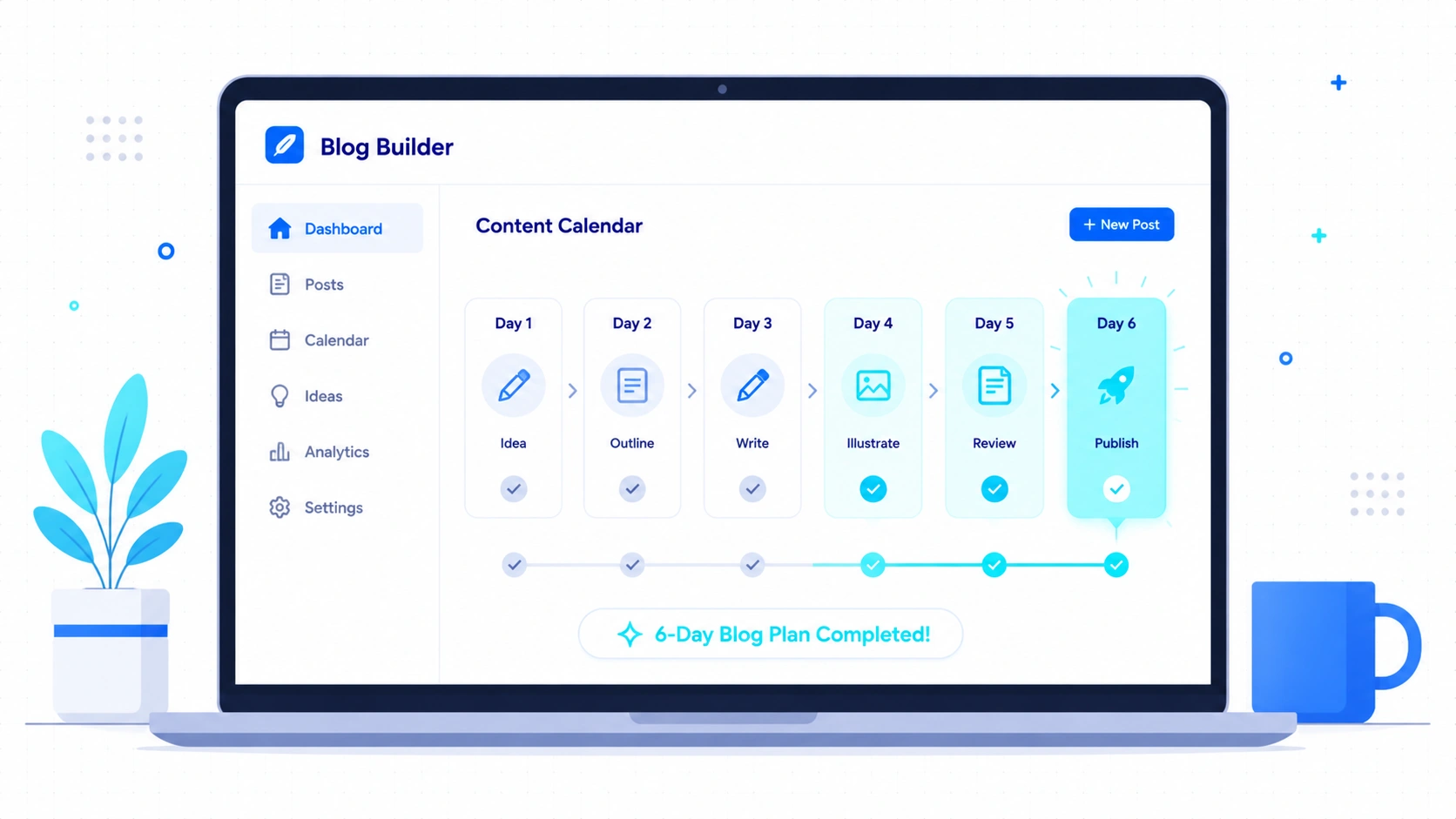
I signed up for WordPress.com and spent six days trying to build a real blog without touching any code.
Here is exactly what I found.
Day 1: The Setup and The Managed Tradeoff
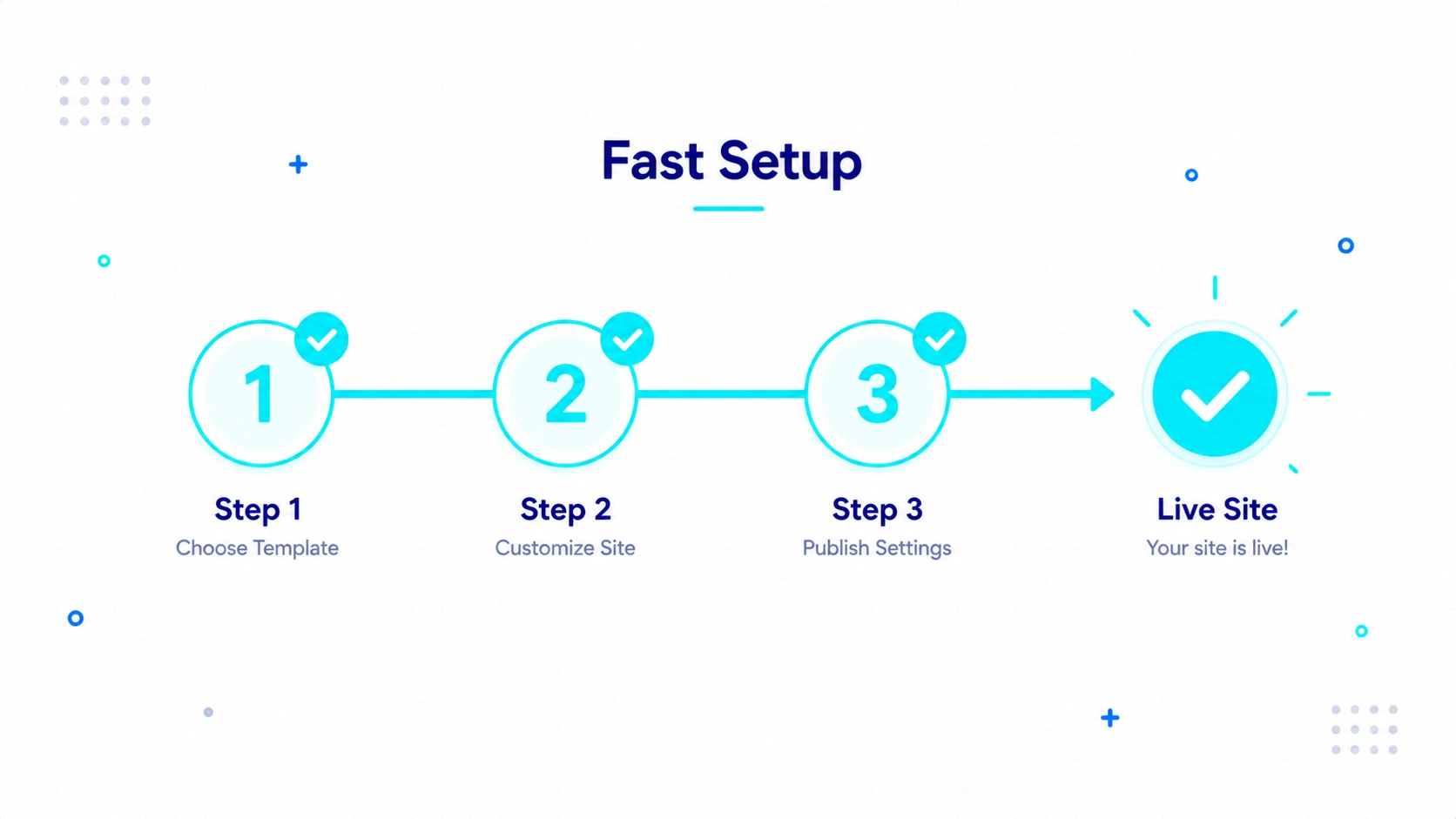
My initial setup took exactly 14 minutes. I bypassed the manual server configuration completely.
Creator Goal: I wanted a live URL and a clean design in under ten minutes.
Task: Picking a free theme and bypassing the upsell screens.
Obstacle: Hidden free options and aggressive upgrade prompts.
Outcome: I launched a basic site. I had to dodge four different payment screens to do it.
I hit a wall of pricing tiers immediately. They really want your credit card.
I understand why they do it. You are trading server costs for platform stability.
I did not have to configure an SSL certificate. I did not have to create a database.
The free themes felt restrictive. I usually start with a blank Divi canvas.
Here, I had to accept predefined layouts.
Finding a design I liked took real effort.
Once I found one, the installation was instant.
Expected vs. Actual Ledger (The Setup)
- Assumption: Setup would take hours.
- Actual Reality: Setup took 14 minutes. (Positive Surprise).
- Assumption: Free themes would fit my exact style.
- Actual Reality: Free themes required compromise. They prioritize stability over total control. (Neutral Truth).
- Assumption: The dashboard would be empty.
- Actual Reality: The dashboard pushes paid plans heavily. (Hard Frustration).
Day 2: Writing My First Post
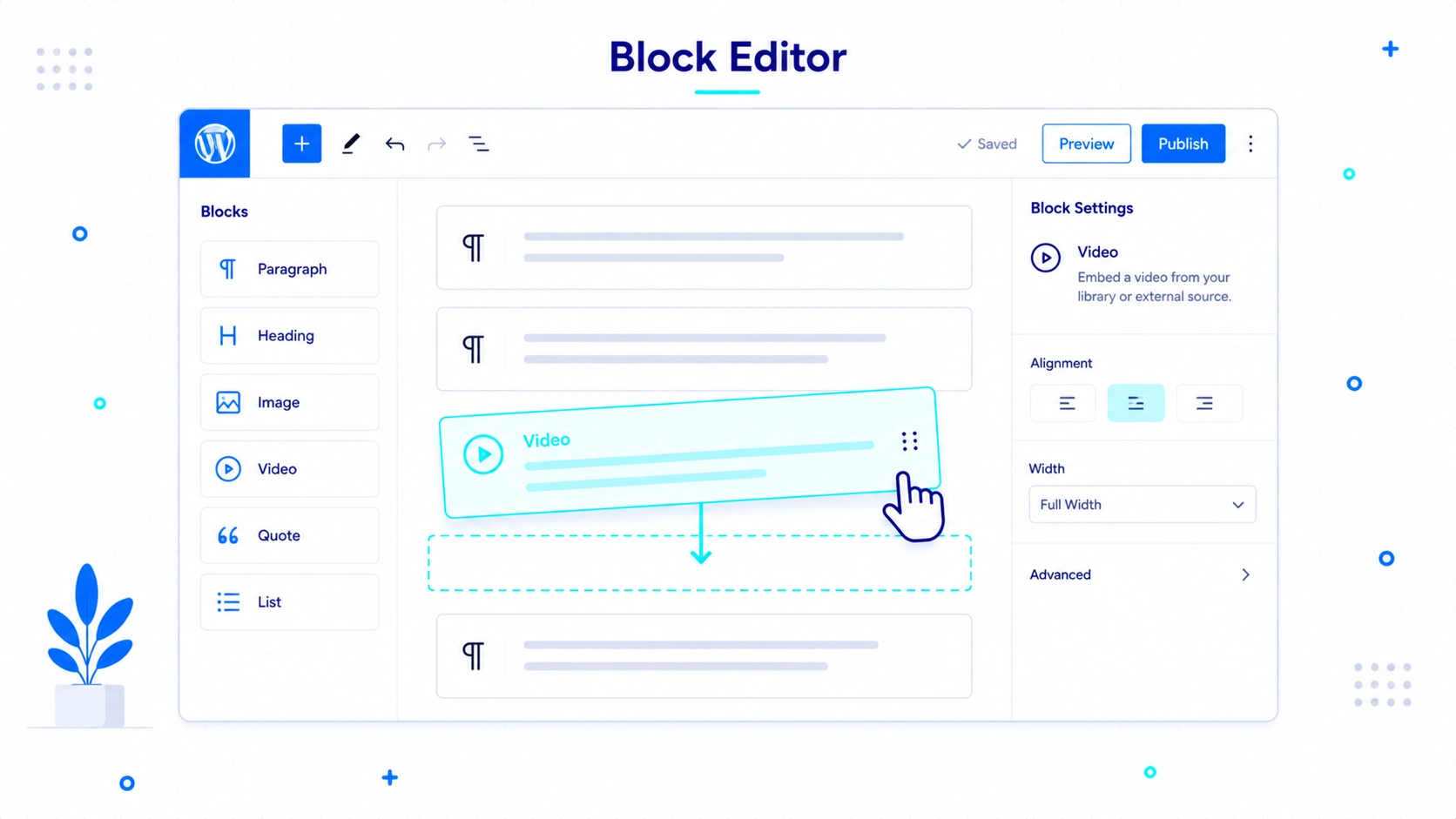
Writing here feels focused but enclosed. You have basic tools but lack total freedom.
Creator Goal: I wanted to write a 1,000-word post without leaving the editor.
Task: Formatting text and embedding videos using the default block editor.
Obstacle: Adapting to the default block controls without my usual page builder plugins.
Outcome: I finished the draft. I had to change my formatting habits to fit their system.
The editor loads incredibly fast. I never worried about losing my work.
On my self-hosted sites, editor lag is a real problem. Heavy plugins slow everything down.
Here, the auto-save function worked perfectly. Adding a video was easy.
I just pasted the link. The block editor converted it automatically.
Formatting text took some adjustment. Finding the exact block setting required a few extra clicks.
I kept looking for my advanced styling panels. I felt a bit handcuffed at first.
But the forced simplicity actually kept me writing. I stopped tweaking fonts and just typed.
The Content Friction Scorecard: Drafting
- Editor Speed: 9/10. It never lagged.
- Auto-Save Reliability: 10/10. I tested closing the tab. My work survived.
- Formatting Ease: 6/10. Moving blocks around felt stiff at first.
- Distraction Level: 8/10. The sidebar menus take getting used to.
Day 3: Pushing the Media Limits
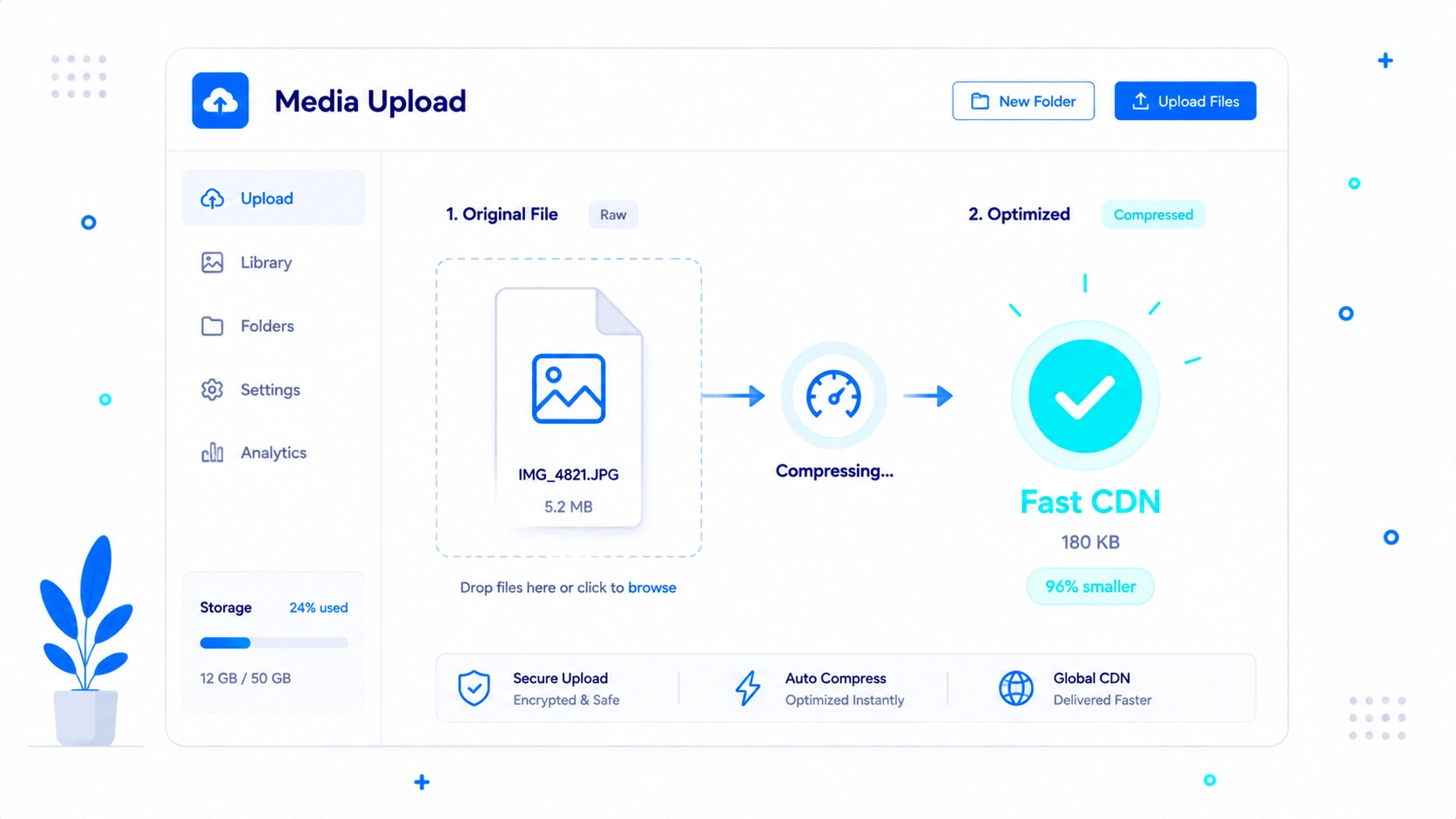
The media infrastructure handles heavy files automatically. It compresses images without needing extra tools.
Creator Goal: I wanted to publish image-heavy content without worrying about optimization plugins.
Task: Uploading a massive 5MB raw image file and creating a gallery.
Obstacle: Potential storage limits or broken auto-compression.
Outcome: The platform compressed my massive file instantly. The site stayed fast.
This actually worked really well. I simply dragged a heavy file into the browser to upload the file.
On a self-hosted server, this is a chore. I usually have to install a third-party compression tool.
If those tools break, my site speed tanks. Here, it just worked in the background.
The gallery block did present some friction. Aligning images perfectly was frustrating.
I had to settle for a standard grid layout. I realized this is the tradeoff for managed hosting.
You get stability. You lose pixel-perfect design control.
Day 4: Batching and Organizing Content
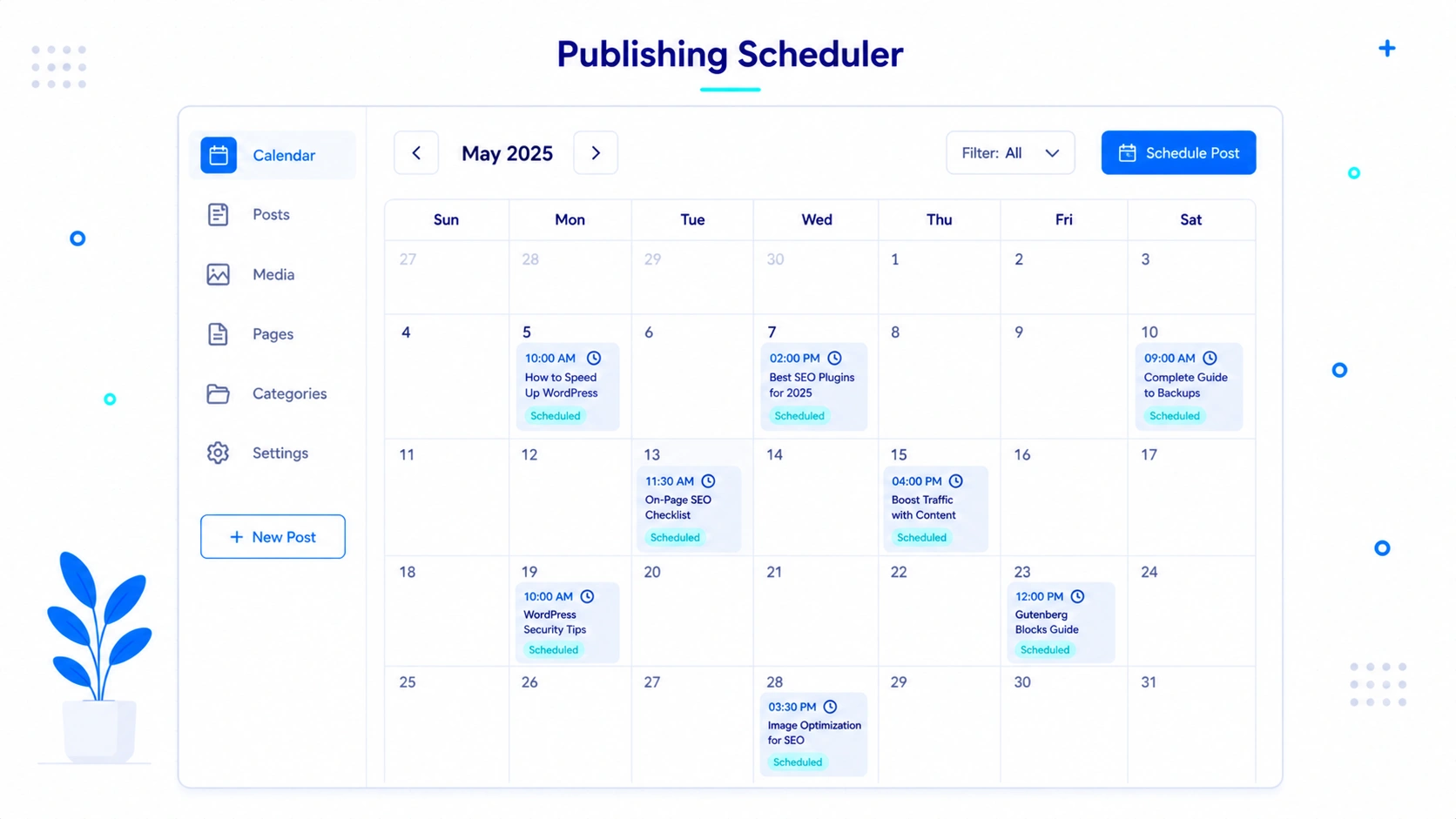
Organizing content works perfectly once you find the right menus. The scheduling tool is flawless.
Creator Goal: I wanted to batch a week of content and forget about publishing.
Task: Creating category silos and scheduling three posts for future dates.
Obstacle: Locating taxonomy menus and trusting the timezone settings.
Outcome: I scheduled the posts successfully. Finding the category menu took a minute.
Setting categories felt weirdly hidden at first. You have to dig into a sidebar panel to create a parent category.
Once I found it, the tagging system made sense. The actual calendar worked perfectly.
I scheduled three dummy posts. They all went live at the exact minute I chose.
I have dealt with broken cron jobs on self-hosted servers before. Missed publishing dates are a nightmare.
Not worrying about server-side cron jobs was a huge relief.
The Content Friction Scorecard: Organization
- Media Uploading: 9/10. Drag and drop is flawless.
- Gallery Formatting: 5/10. The block controls are rigid.
- Category Creation: 6/10. Too many clicks required initially.
- Scheduling Reliability: 10/10. Timezones were perfectly accurate.
Day 5: Tracking Readers and Managing Spam
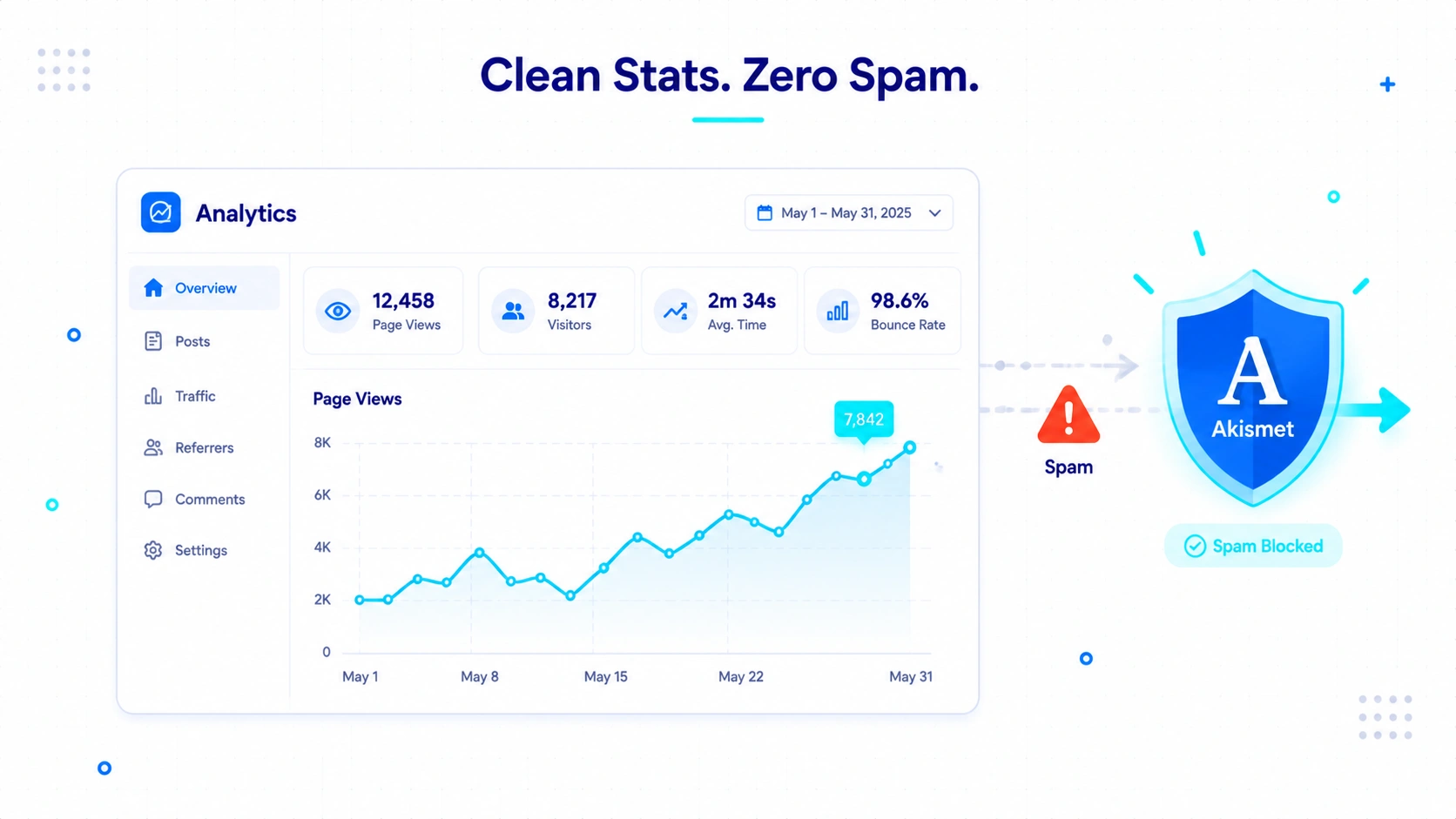
The built-in tools handle spam perfectly. The analytics provide a great high-level overview.
Creator Goal: I wanted to see if real people were reading and interacting.
Task: Checking the built-in analytics and moderating test comments.
Obstacle: Assessing data depth and testing the spam filters.
Outcome: The spam filter caught my dummy comments instantly. The analytics gave me basic traffic data.
The Jetpack stats dashboard looks great. It shows daily views clearly.
I could easily see daily page views. The dashboard also showed visitor country and basic outbound clicks.
A casual blogger will love this simple setup. You get instant dopamine seeing the numbers go up.
You do not need a degree in data science to read the charts.
But an SEO nerd will hit a wall fast. I could not track specific keyword queries.
The referrer data just grouped everything into broad buckets. I had no idea if traffic came from a specific Google search.
Bounce rate tracking was virtually nonexistent out of the box. Time-on-page metrics were missing entirely.
If you want to rank highly in search engines, you still need external tools. You have to connect Google Search Console and Analytics eventually.
The comment moderation was a positive surprise. The built-in Akismet filter is strict.
It caught every single piece of test spam I threw at it. I spend hours managing spam on my self-hosted sites.
Having this handled automatically saves a massive amount of time.
What Felt Different From Self-Hosted WordPress\
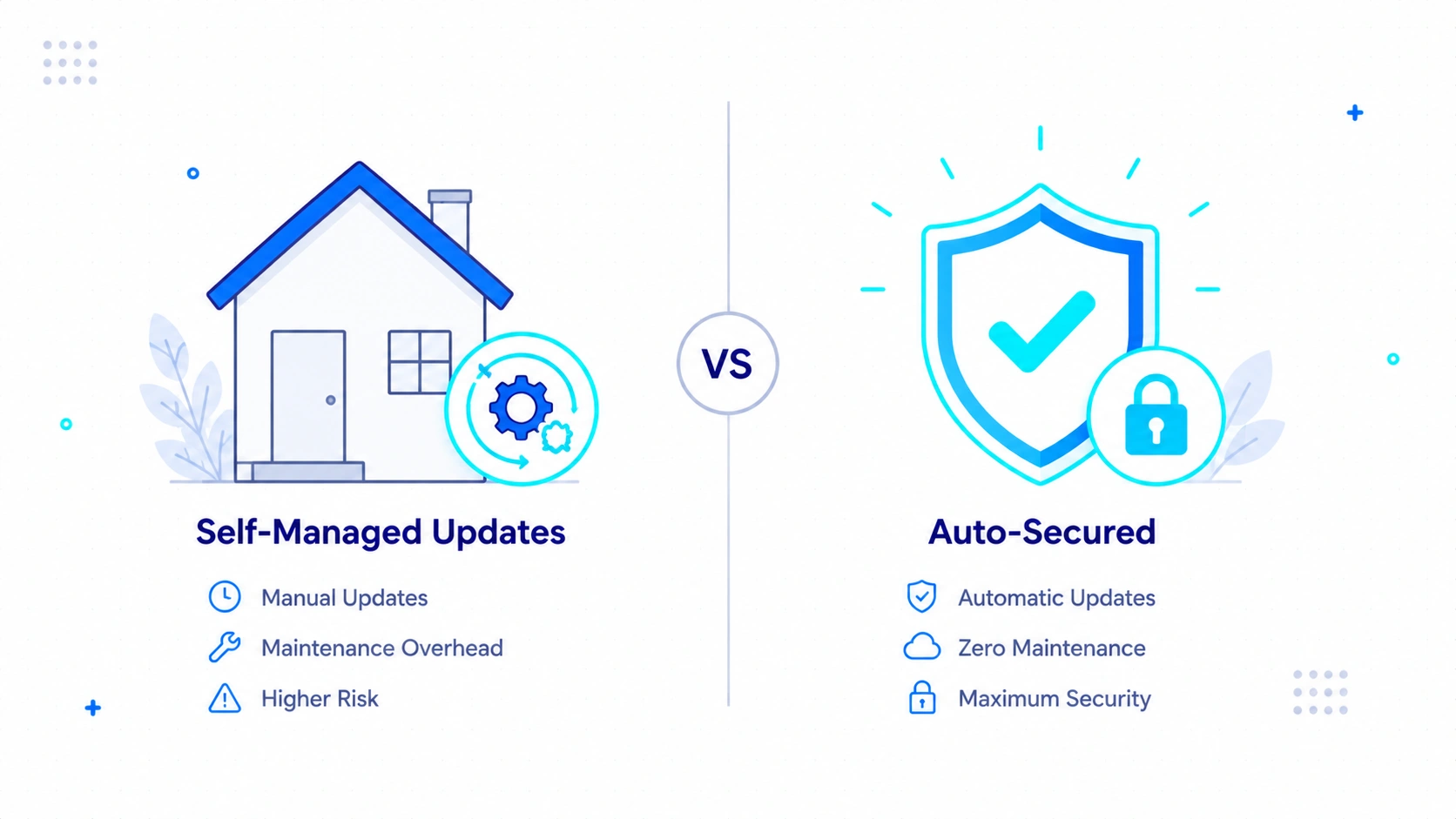
The biggest shift was the total absence of server maintenance. I never had to click an update button.
On my usual setups, I log in and see red notification badges everywhere. Themes need updating.
Plugins need patching. PHP versions need upgrading.
It is exhausting. Here, all of that happens silently in the background.
I never worried about a rogue plugin update crashing my entire site. The platform controls the environment tightly.
Security is another huge difference. I normally install heavy firewall plugins to stop login attacks.
WordPress.com handles brute force protection natively. I did not have to configure a single security setting.
Backups are also completely hands-off. They run automatically.
If I break a page, I do not have to dig into my cPanel to restore a database. The peace of mind is real.
But the tradeoff is total loss of control. I felt like a tenant renting an apartment.
I could paint the walls, but I could not knock down a wall. If I wanted to edit the core PHP files, I was locked out.
If a specific tool is not allowed on their network, you are out of luck. You trade server-level freedom for pure publishing convenience.
Who WordPress.com Is For (And Who Will Hate It)
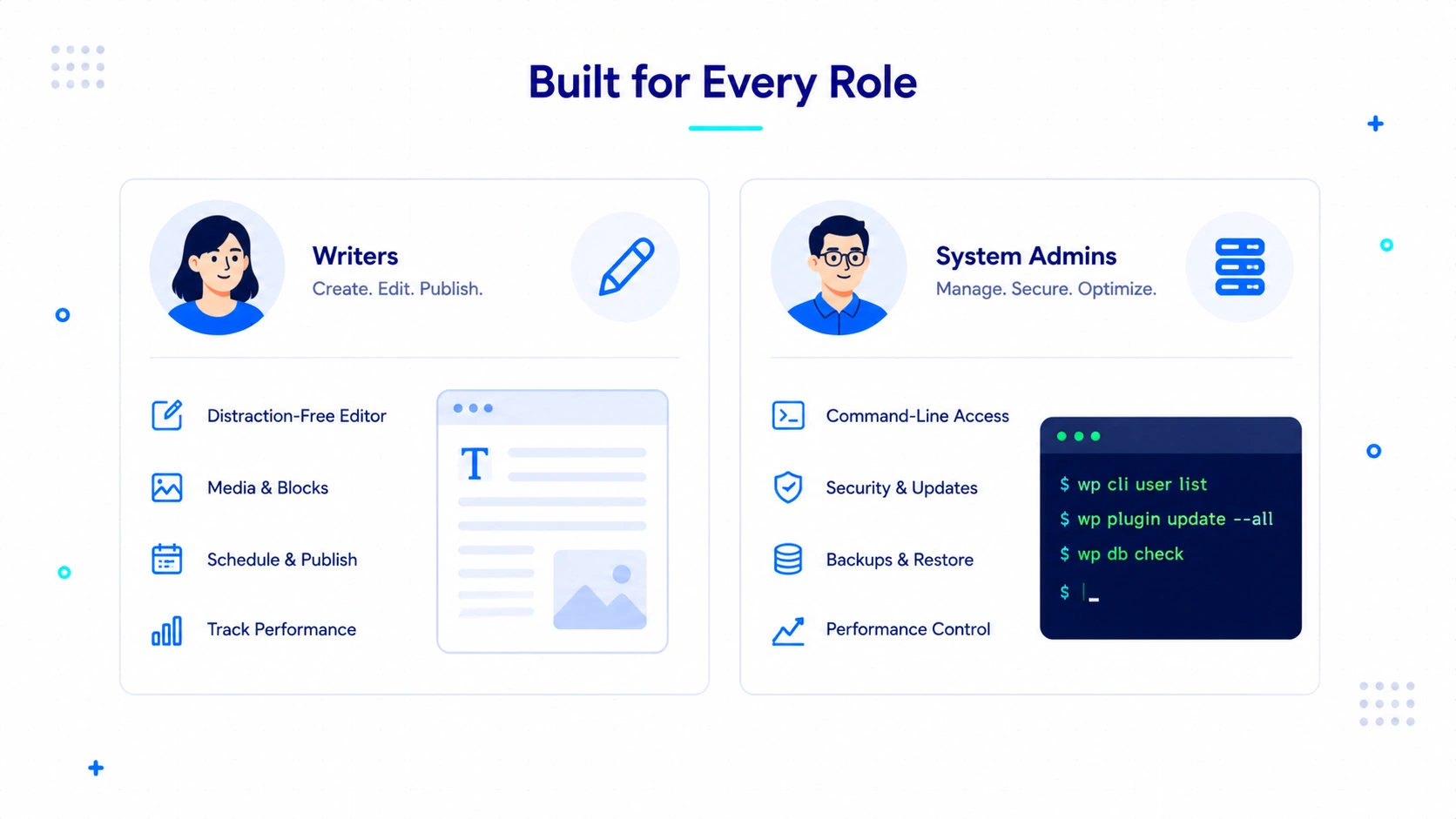
This platform serves specific creators while alienating others. I looked closely at the practical fit for different types of builders.
Hobby bloggers and casual writers will love the free tier. You just type and hit publish.
You never have to update a database. The platform handles all the maintenance in the background.
Small business owners and active creators will need a paid plan. The free version restricts third-party plugins and real monetization.
If you want to sell products or run advanced SEO tools, you must upgrade. All paid plans now include plugin access, which is a big change from past years.
Developers and agencies will likely hate this environment. You lack raw server access.
Power users who live in custom PHP snippets will feel trapped. You cannot easily break things.
That means you cannot fully control them either.
Day 6: The Day-to-Day Verdict
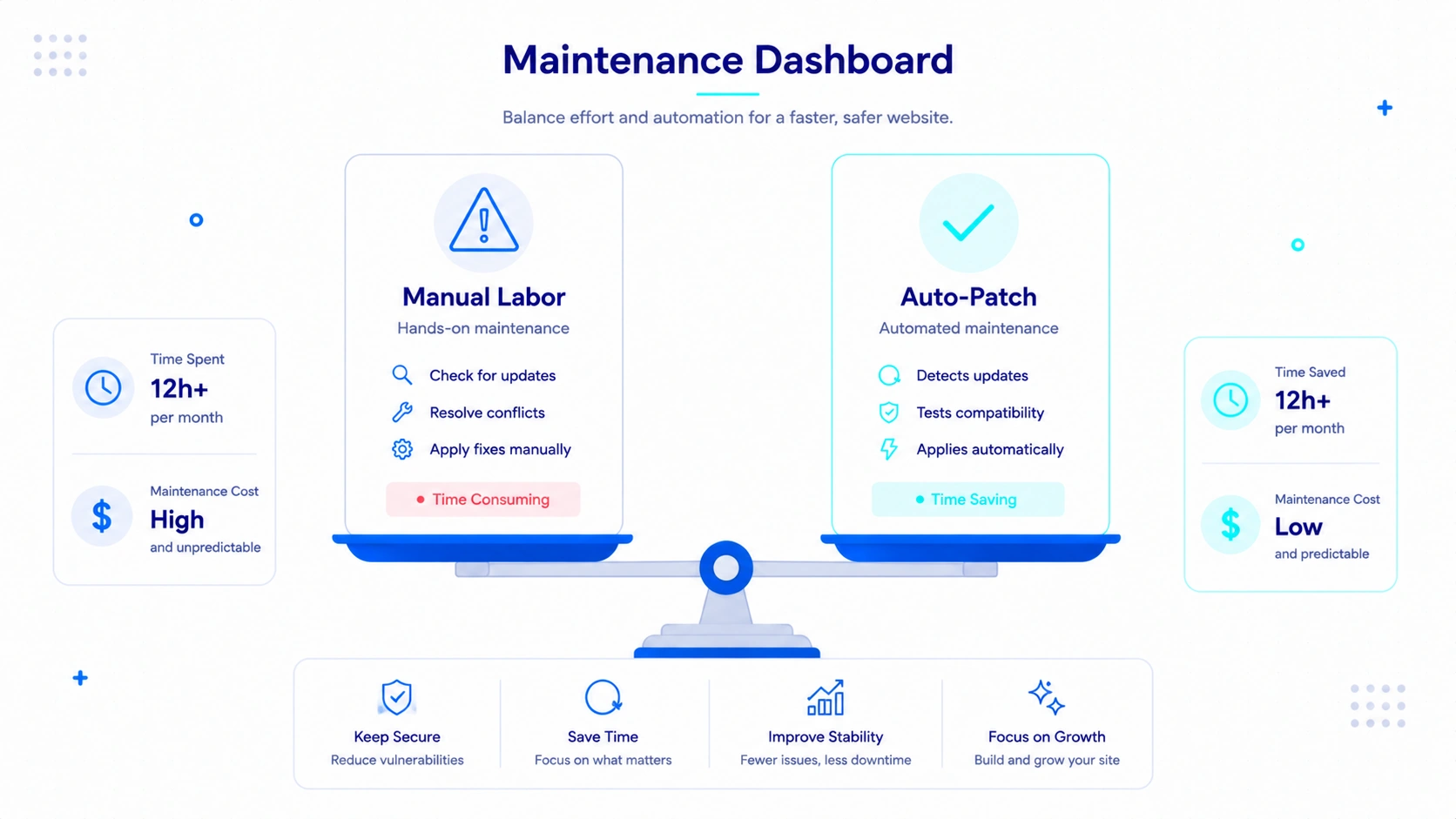
I spent six days living in this enclosed setup. It completely changed my perspective on managed blogging.
I missed my custom Divi setups. I missed having FTP access to tweak code.
I tried pasting my favorite custom PHP snippet for a table of contents. The platform blocked it.
But I also realized something important about my own workflow. I spend too much time fixing broken updates on my self-hosted sites.
WordPress.com handles all the security patches. They run the backups automatically.
I never had to worry about a plugin conflict crashing my site. That peace of mind has real value.
This platform is built for writers who want to write. It is not for people who want to play server admin.
WordPress.com Pricing at a Glance
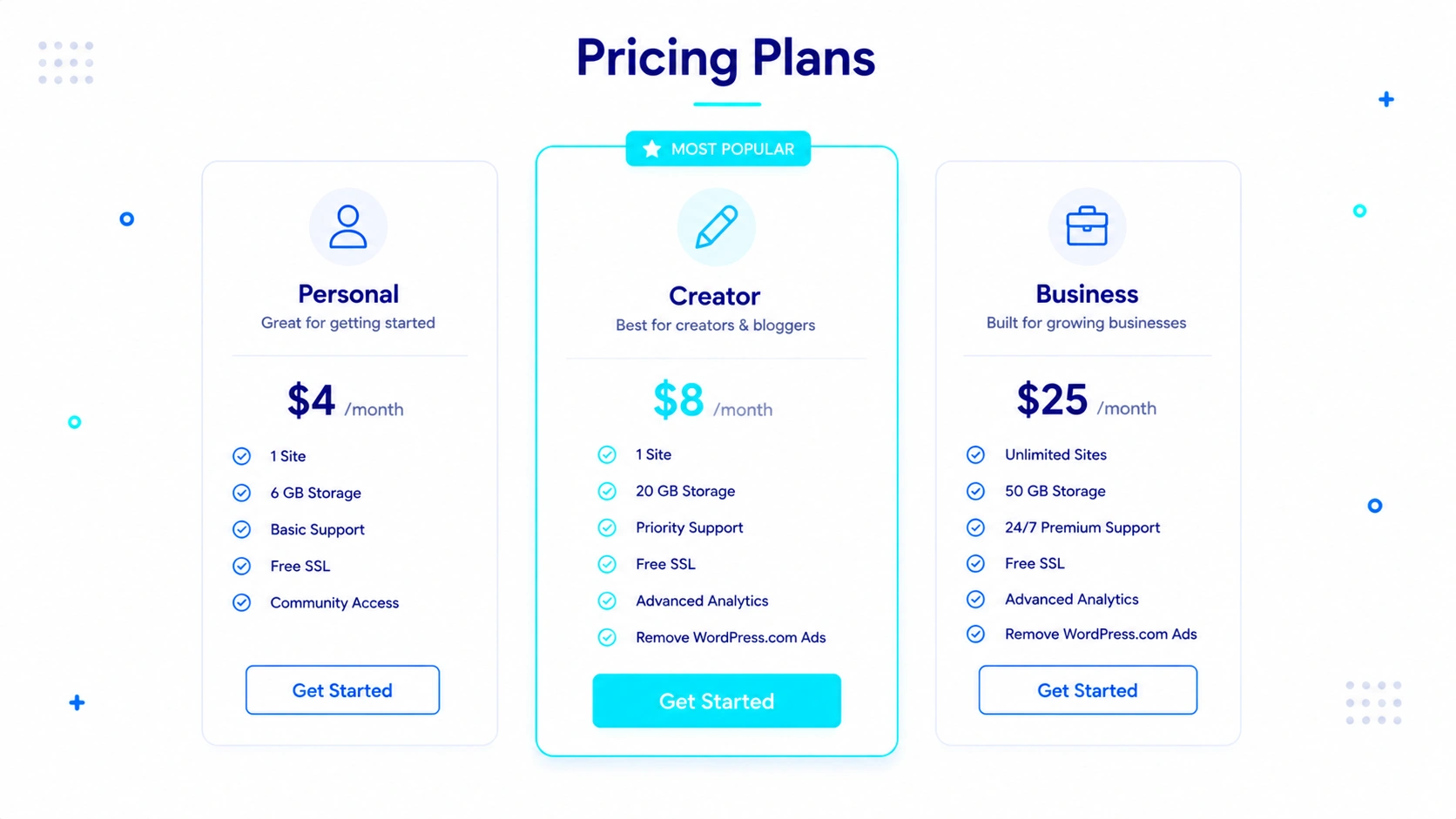
Note: Please make sure to check the official pricing page here for always up to date pricing.
| Plan | Monthly Billing | Annual Billing |
| Personal | $9/mo | $4/mo |
| Premium | $18/mo | $8/mo |
| Business | $25/mo | $25/mo |
| Commerce | $45/mo | $45/mo |
Most casual bloggers can start free. Serious creators should evaluate paid plans based on their monetization and customization needs.
The real question is not the monthly cost. It is whether the convenience of managed hosting is worth giving up some control.
The Keep, Leave, or Upgrade Framework
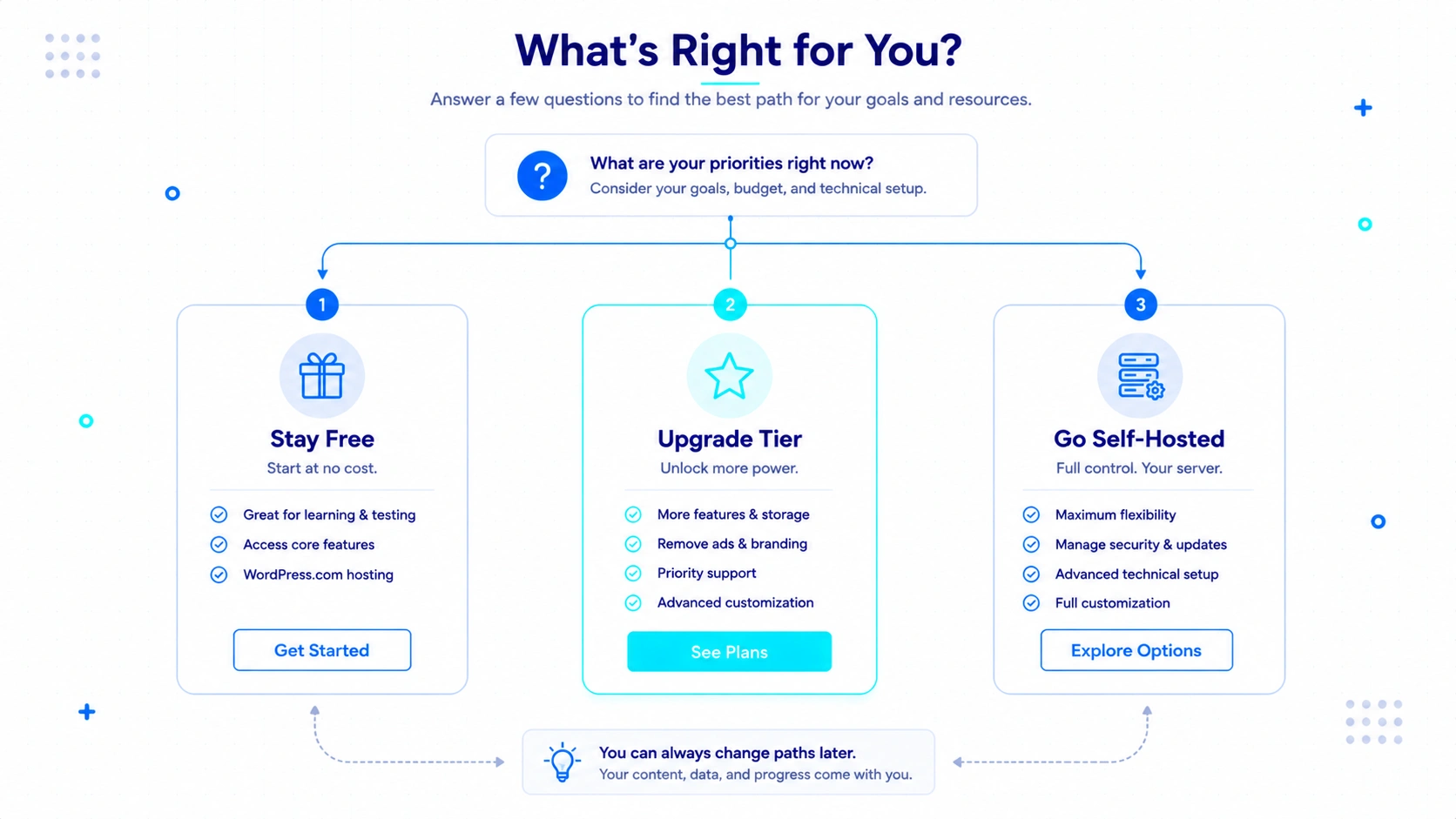
Use this framework to decide if this platform fits your specific needs.
- Stay on WordPress.com Free: Do this if you are a hobbyist. You have zero technical skills. You just want a reliable place to write without server maintenance.
- Upgrade to a Paid Plan: Do this if you are a serious writer or creator. You need custom plugins. You are willing to pay for total server convenience and automatic security.
- Leave for Self-Hosted WordPress: Do this if you are a tinkerer or an agency. You need high customization. You want strict control over your budget and hosting environment.
I am actually keeping this test blog. I will use it for a lean micro-site project or testing purposes.
If you want a site where you can just publish text and ignore design. This fits perfectly.
I would avoid using it for my main agency hub. That requires complex custom funnels and deep code access.
The biggest surprise was the sheer speed of the editor. Writing felt light and fast.
The biggest frustration was the rigid design control. I had to learn to let go of perfection.
If you value your writing time more than your design control, this is a very smart place to build.
Frequently Asked Questions
Now let’s a quick look at some of the question that people often ask about it. I hope this helps.
Do I need a credit card to start a WordPress.com blog?
No. You can start a completely free site. You just have to carefully bypass the upgrade prompts during setup.
Can I install plugins on the free plan?
No. Custom third-party plugins are locked behind specific paid tiers. You usually have to upgrade to a higher-level premium plan to access the full plugin directory.
Does WordPress.com handle image compression?
Yes. I dragged a 5MB image into the editor. The platform automatically compressed it for web viewing.
Is the block editor faster than a self-hosted page builder?
I found it incredibly fast. Because there are no heavy third-party plugins running, the editor never lagged.
Can I monetize a free WordPress.com site?
Your options are very restricted on the free tier. The platform generally places its own ads on free sites. You typically need an eligible paid plan to control your own advertising revenue or run complex e-commerce setups.

About The Author
Bishnu Mahali is a blogger, content creator, and digital marketer with over seven years of experience building WordPress websites, publishing content, and testing online business tools for himself and clients. He regularly evaluates WordPress themes, plugins, hosting platforms, SEO software, and marketing solutions through hands-on projects, sharing practical insights based on real-world experience rather than theory.