Disclosure: This website uses affiliate links; I may earn commissions at no extra cost to you. Learn more.
If you asked me three years ago where a freelance WordPress Developer should host a highly custom client build, I would have given you a very rigid, predictable answer.
I used to tell agency owners and freelancers to rent unmanaged server space, handle the database management themselves, and avoid hosted platforms entirely.
For a long time, the prevailing wisdom in the WordPress community was that managed, hosted platforms were strictly for DIY bloggers, not serious engineers executing complex WordPress development.
The main argument was always about absolute control over the Content Management System.
We believed that if you wanted to build highly custom client sites, you needed root access to the server and the freedom to install whatever custom theme/plugin development tools you wanted.
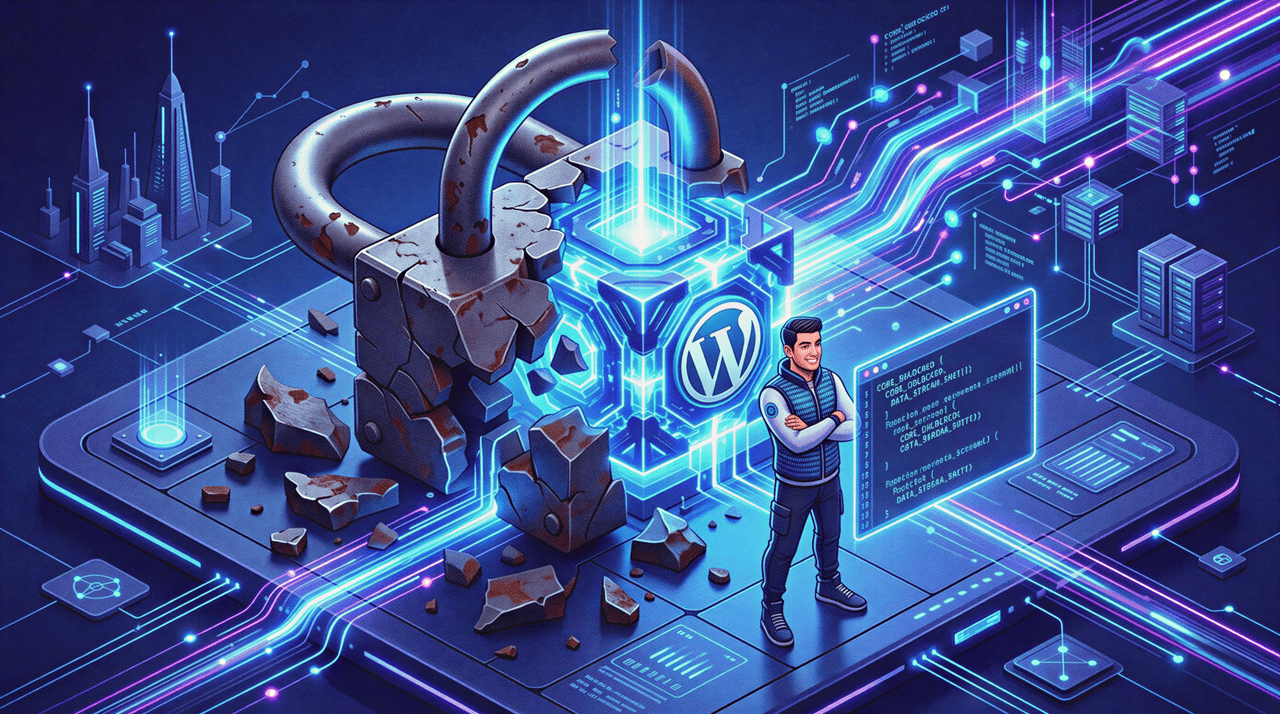
We assumed that building on a hosted ecosystem meant hitting a brick wall the moment a client asked for a bespoke feature.
That assumption is now completely obsolete now.
Automattic (team behind WordPress.com) recently executed a massive policy change regarding their pricing and feature availability that fundamentally alters the economics of running a freelance business.
They removed the artificial barriers.
Today, every single paid plan includes full, unrestricted access to the WordPress ecosystem, including third-party WordPress themes, raw code editing, and the massive repository of WordPress Plugins.
I test software and infrastructure for a living, and this update forced me to rethink my entire technical stack.
I had to ask myself a serious question: With the old restrictions gone, is WordPress.com for developers actually the smartest operational choice in 2026?
After looking into the newly opened platform and testing it against strict accessibility standards and modern development workflows, the answer is a resounding yes.
Here is exactly why the math has changed, and why WordPress experts should be migrating their client workflows to this managed infrastructure immediately.
The Flawed Economics of Unmanaged Hosting

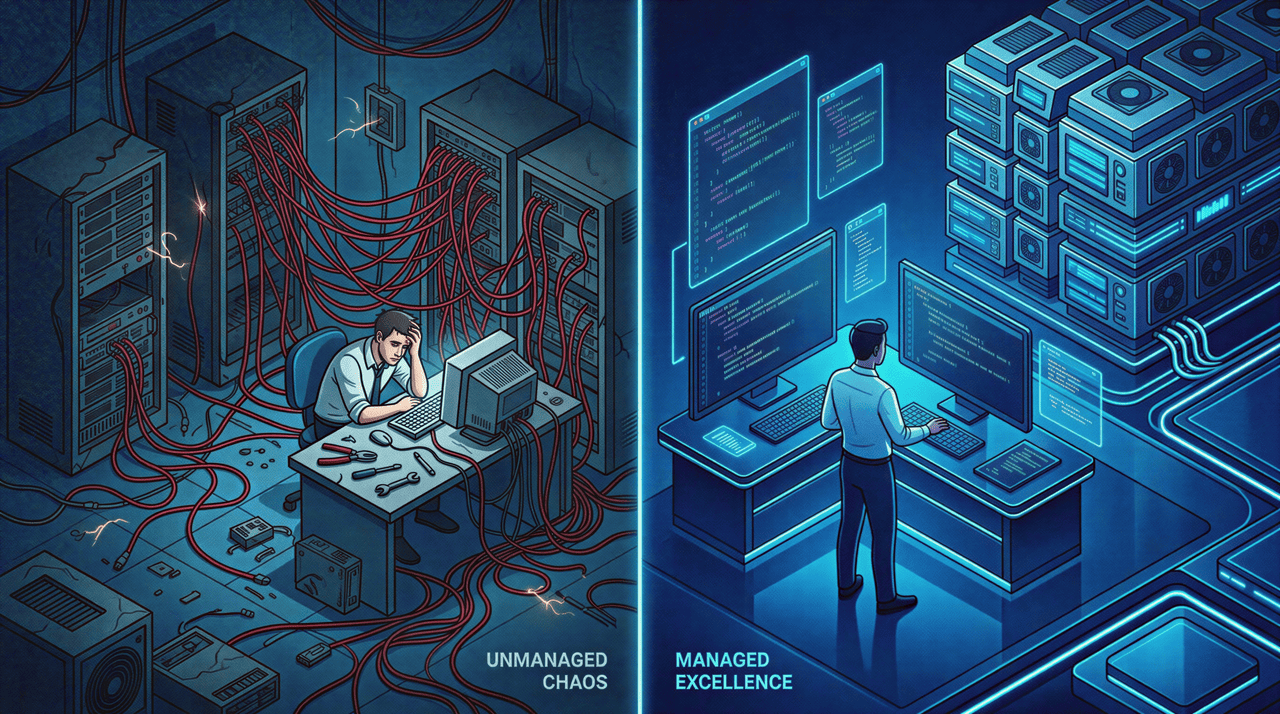
Unmanaged hosting destroys your profit margins because you become an unpaid server admin whenever a client’s site crashes.
The fastest way to destroy your profit margins on a web design project is to become your client’s unpaid server administrator.
In the old model, you would send cost estimates to a client for a $3,500 flat fee. You would put them on $5-a-month unmanaged hosting to save them twenty bucks.
But then, the hidden costs of customer service emerge.
Three months after launch, a plugin update conflicts with their PHP version, and the WordPress site goes down.
Who does the client call? They call you, usually in a panic on a Sunday morning.
You spend three unbillable hours digging through error logs. You restore backups. You patch security vulnerabilities.
I don’t think anyone wants to be in that position including you, so let’s fix that in 2026.
Trading DevOps for Design

Developers love to write bug-free code. They generally hate DevOps.
Managing server environments is a specialized job.
Configuring firewalls and monitoring uptime just drains your creative energy.
It steals time from acquiring new clients or building your personal brand.
When you evaluate whether a platform makes sense for your agency, you cannot just look at the code editor or the project management tools you use.
You have to look at the total cost of ownership.
The historical friction of the locked-down myth blinded developers to the massive financial advantage of offloading server maintenance to a massive, enterprise-grade team.
By eliminating the need to constantly monitor server health, you dramatically improve client communication because you are talking to them about growth, not outages.
Unlocking the Content Management System

Every paid plan now allows direct installation of any third-party plugin or custom PHP script.
The resistance from Freelance tech communities was always based on the inability to use third-party tools.
If a client needed an advanced setup or a highly specific API integration, you could not execute it on a standard hosted plan.
That is the exact rule Automattic just destroyed.
The Opened Ecosystem and Plugin Development
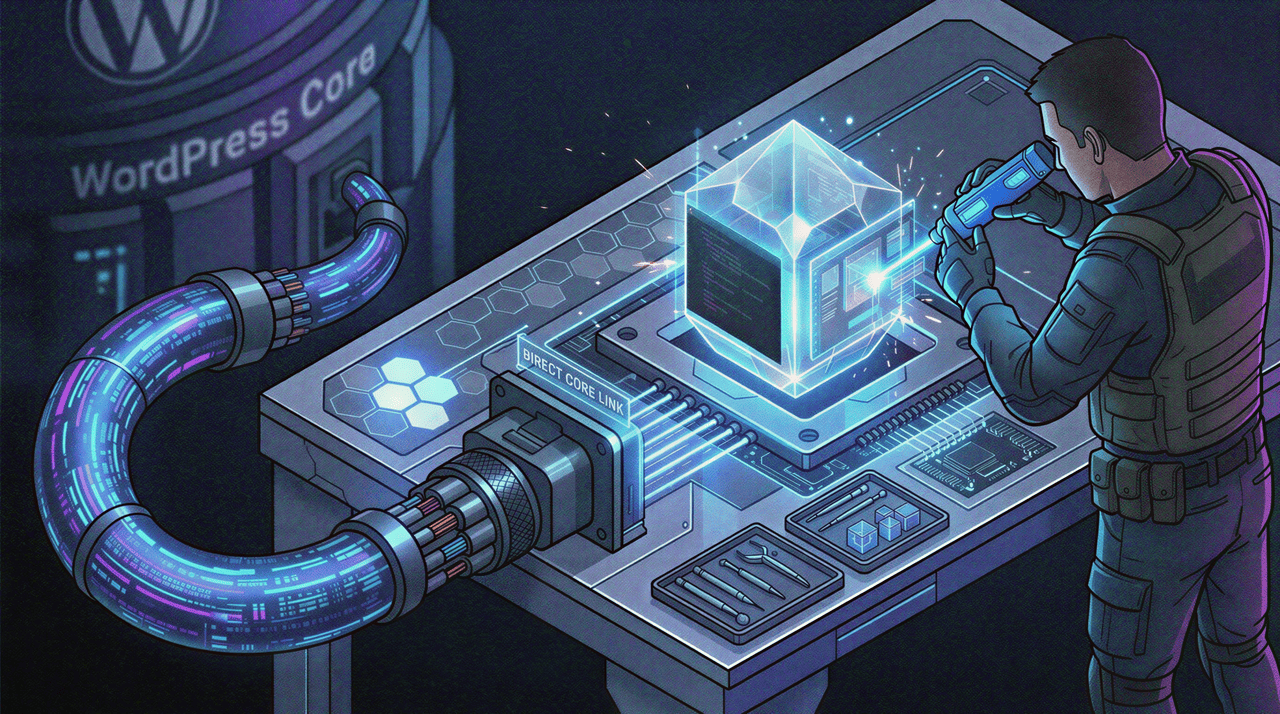
The new reality is that the moment you activate any paid plan, the gates open.
You have immediate access to the global repository of over 50,000 open-source plugins, paving the way for advanced plugins and custom plugin development directly on the platform.
Whether I am building a simple Landing Page for a local bakery called donut times, an expansive directory for the West Virginia Explorer, or a corporate portal for Smatron Web Services, I can install the exact tools I need.
If I want to utilize tools from powerhouse developers like Brainstorm Force or WPMU DEV, I just install them.
You are getting the exact same unbridled open-source freedom that you get on a self-hosted server, but without the server management overhead.
The Freedom of Third-Party Architecture
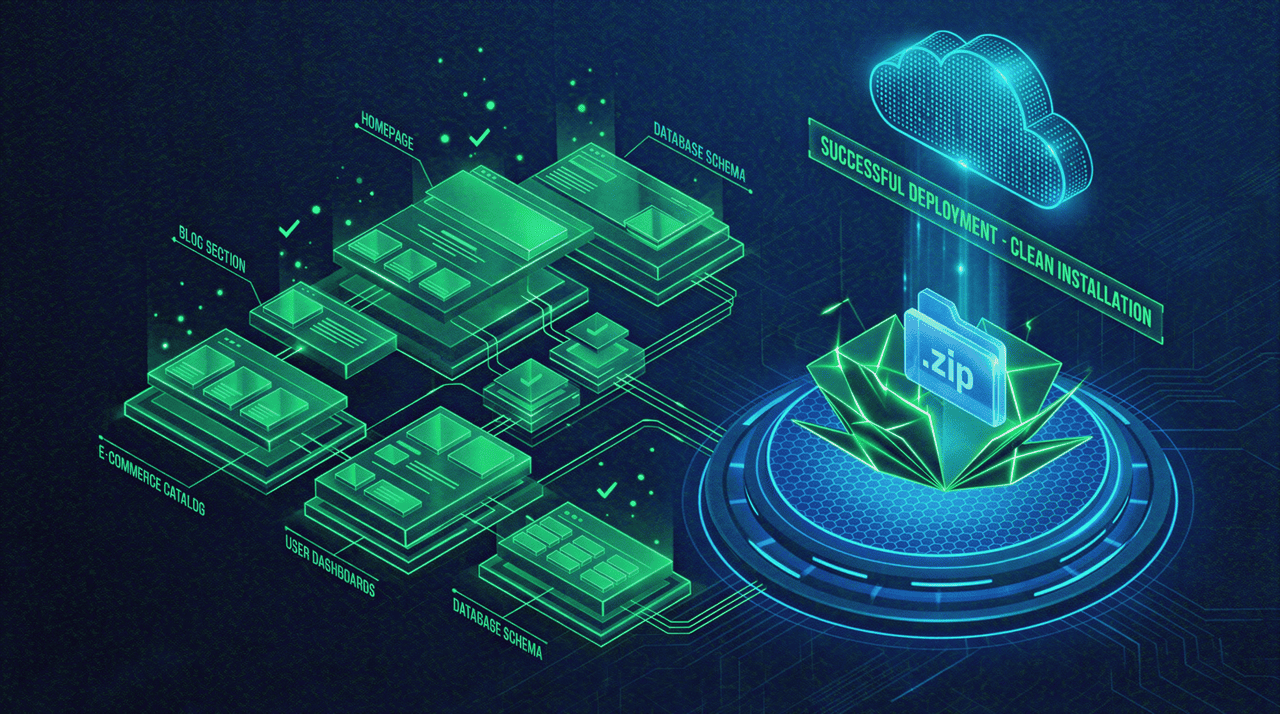
Freelance web designers are no longer forced to use a curated list of generic layouts.
You can purchase premium, developer-focused frameworks and upload the files directly into the dashboard.
If you prefer to build bespoke sites from absolute scratch, you can upload your own custom starter themes to begin your theme customization.
You can build out your JSON files, establish your own block patterns, and deploy a completely unique digital product.
The platform does not care where the code comes from. It just serves it with lightning speed.
Absolute Design Control: Block Editor and CSS Animations
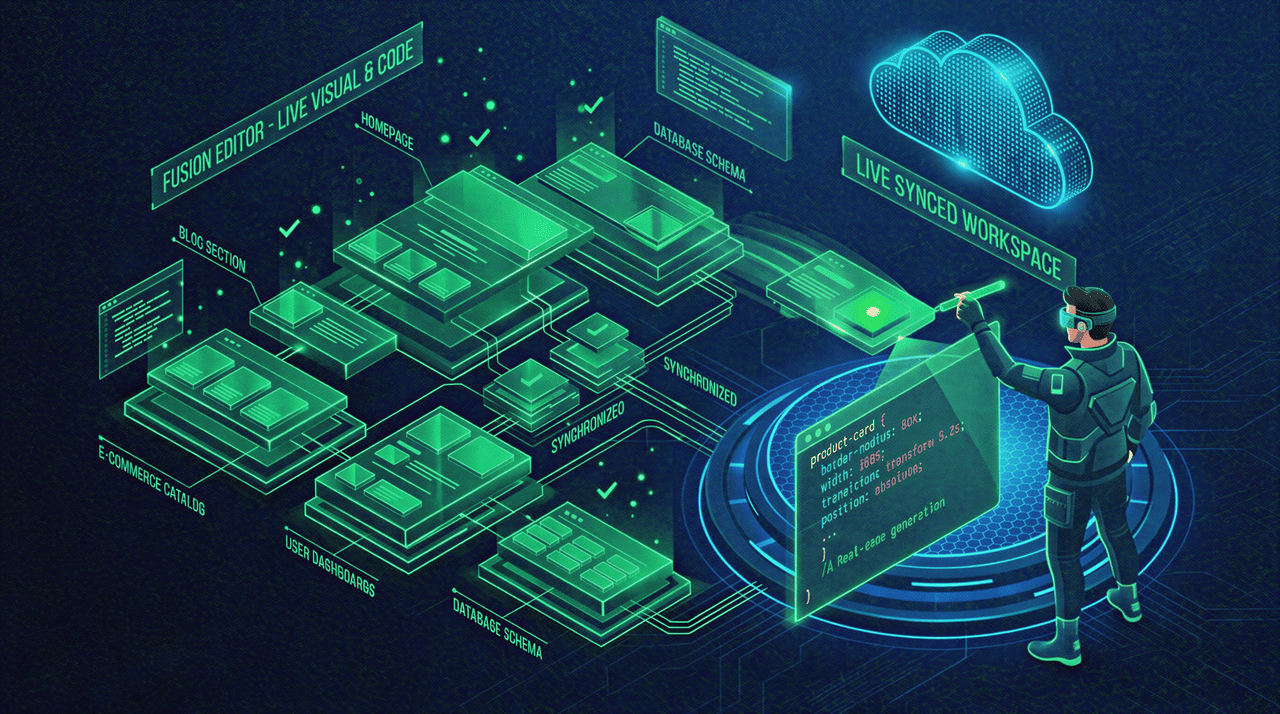
A major complaint developers had with legacy visual website builders.
Think of the older versions of Divi or early page builders.
It was the generation of bloated, inefficient code that ruined performance optimization.
Pushing the Native Capabilities
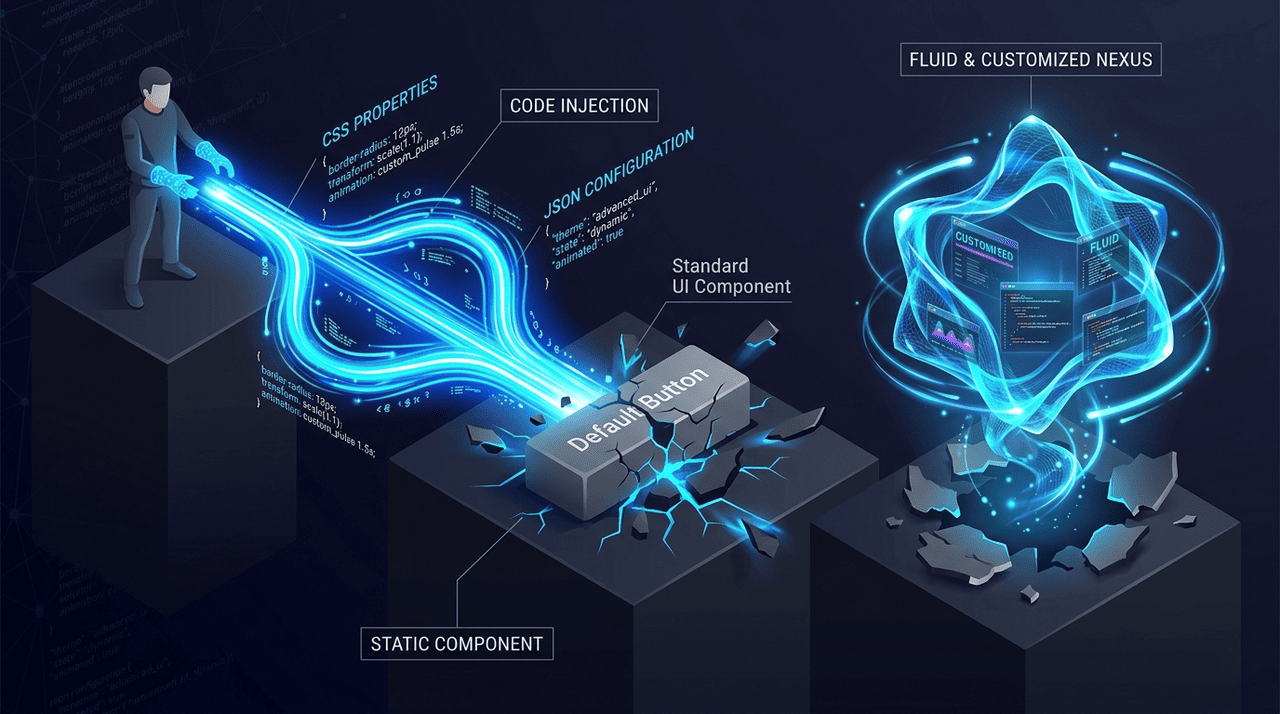
Today, the native block editor has matured into an incredibly powerful tool.
You can use it to rapidly assemble the broad strokes of a layout, saving you hours of typing boilerplate HTML.
Then you can use the CSS editor to perfect the granular details.
You can even build custom blocks tailored entirely to your client’s internal workflow.
If a client wants complex CSS animations triggered on scroll, a unique grid layout for their portfolio, or a custom media query to fix a weird mobile breakpoint for an agency, you just write the code.
You are never trapped by the limitations of the user interface.
Advanced Integrations: APIs, Crypto, and AI
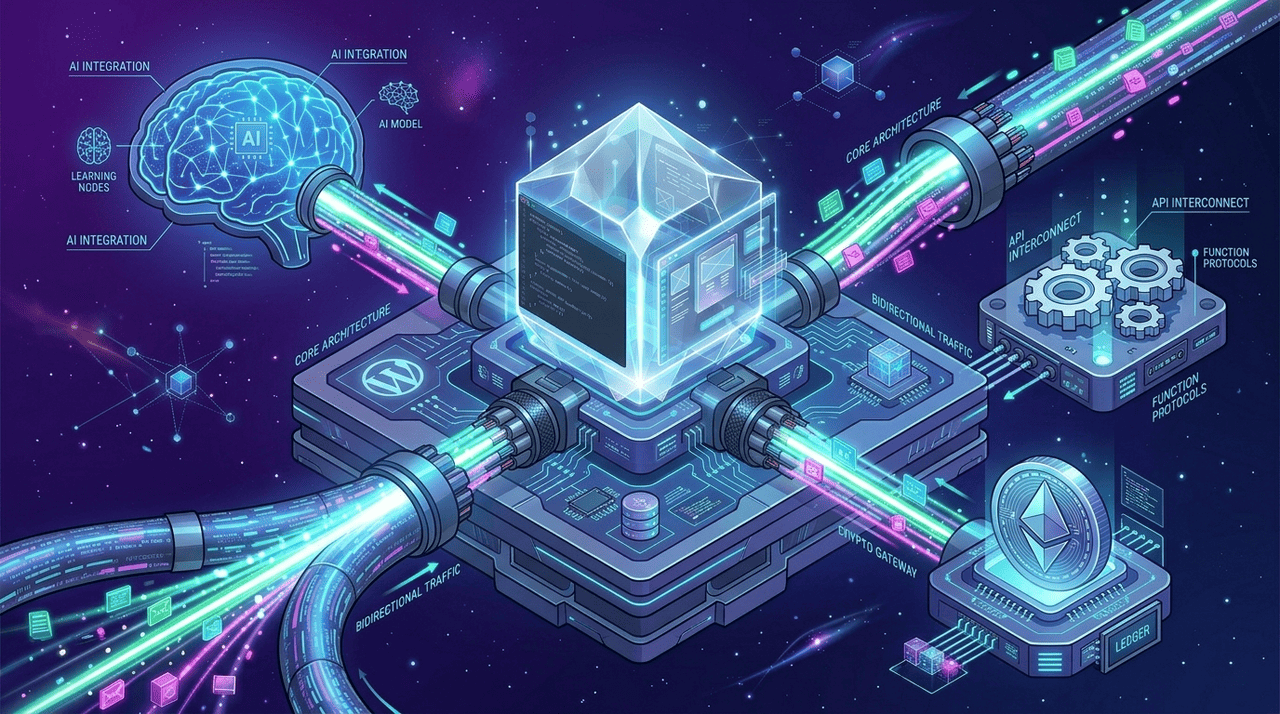
The modern web is highly connected, and client requests are becoming incredibly complex.
You cannot survive as a freelancer if your platform restricts external data connections.
Expanding E-commerce and Lead Generation
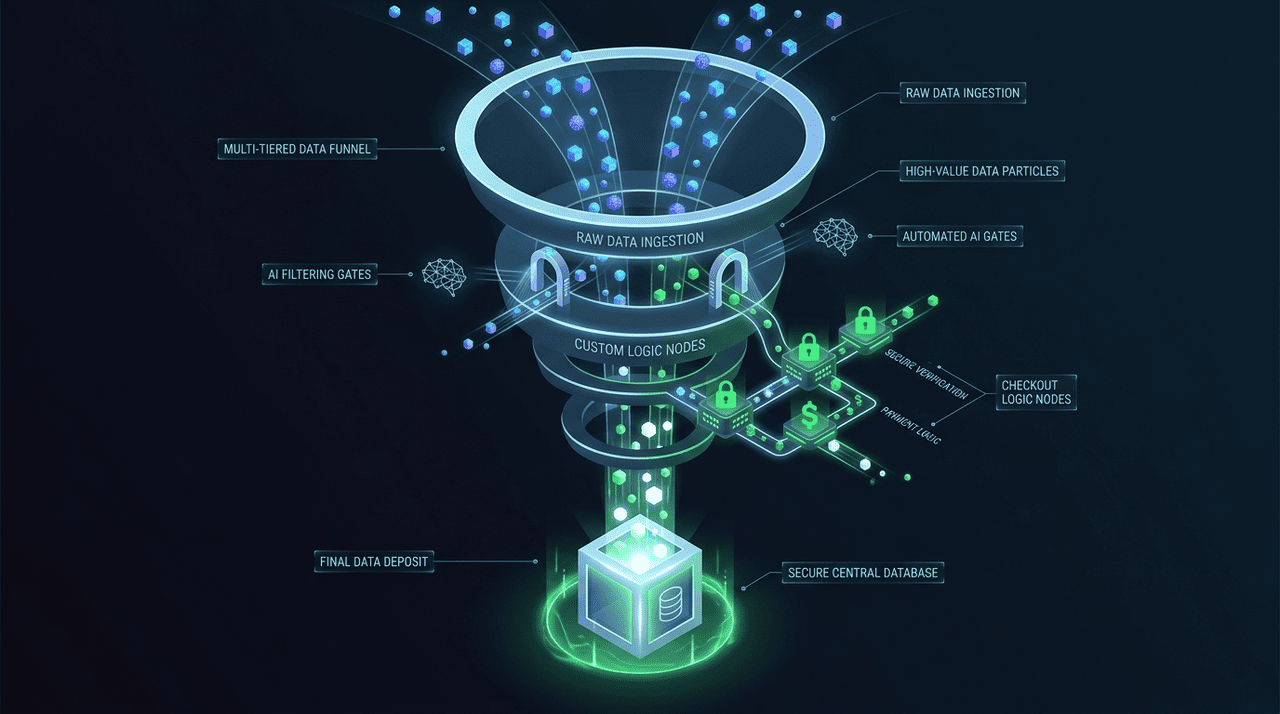
Because the ecosystem is open, you can push the boundaries of what a standard site can do.
If a client requests AI-Driven WooCommerce Store Creation, you can install the necessary machine learning extensions to personalize their product recommendations.
If you are building a secure financial portal and need to process Crypto Payments, you can integrate a Cryptocurrency Payment Gateway without the platform blocking the transaction scripts.
I recently hooked up an AI Lead Qualification tool via a custom API key for a B2B client. It took me twelve minutes instead of three hours.
The integration worked perfectly on the first attempt.
For law firms or consulting agencies, you can even build a secure Case Management System directly into the WordPress backend, utilizing custom post types and restricted user roles.
If you are dealing with sensitive client portals, you can integrate tools for Private Key Recovery securely.
And much more… The possibilities are endless.
Speed and Security Optimizations: The Enterprise Advantage
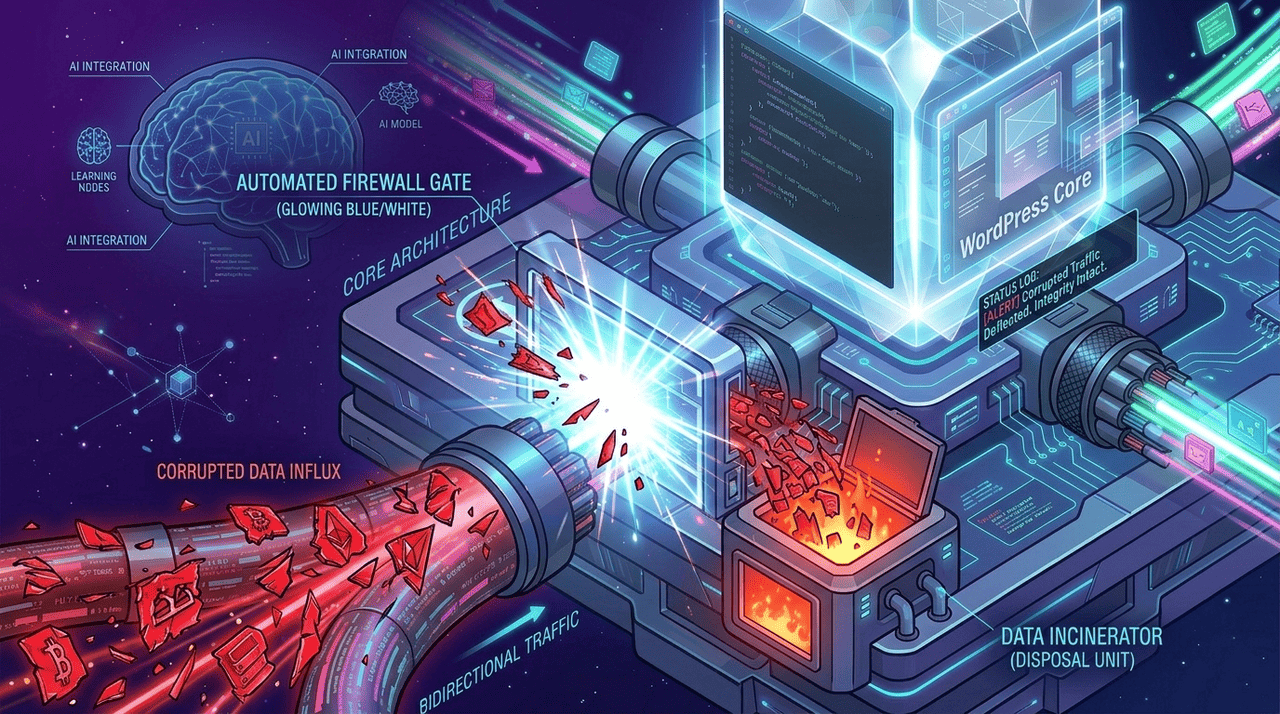
Once you accept that you have full access to the code and the plugins, the conversation shifts to WordPress security and performance.
This is where the developer argument heavily favors the hosted ecosystem.
You cannot replicate the infrastructure of a multi-billion-dollar technology company on a twenty-dollar unmanaged server.
When you build client sites here, you are plugging directly into a global grid built explicitly for this specific software within the most secure environment.
Defending Against Online Attacks
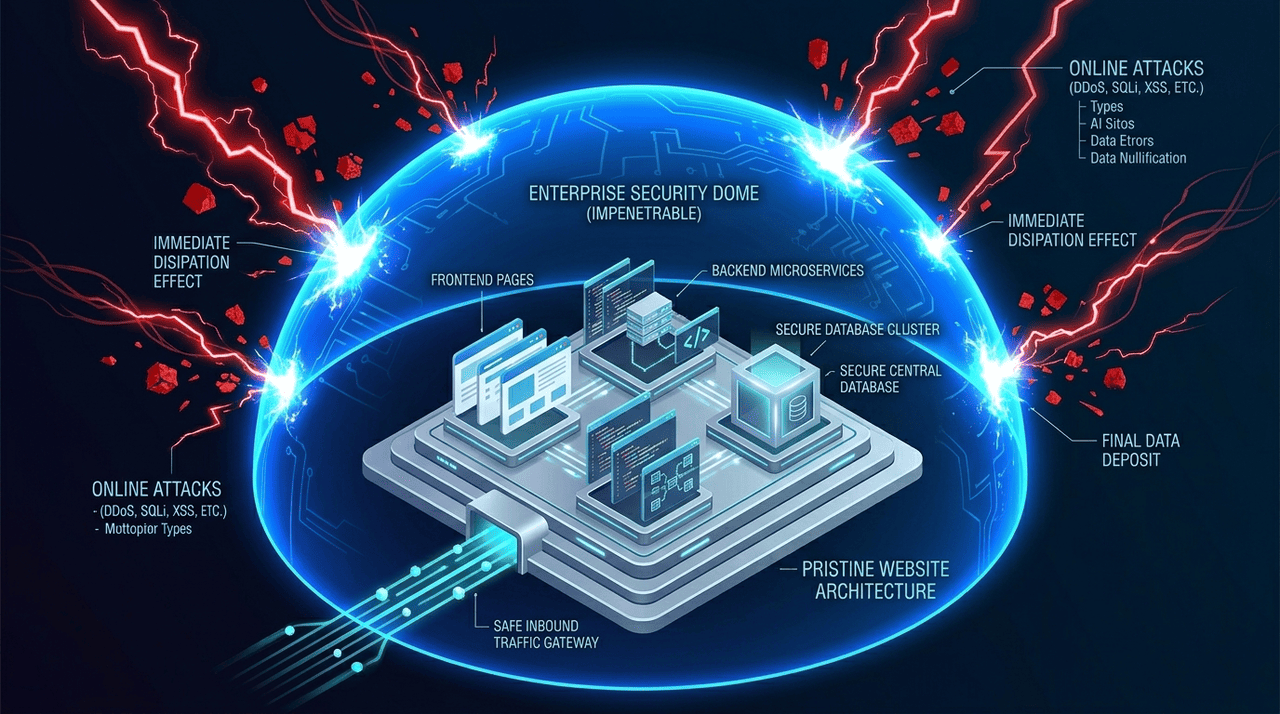
Security breaches destroy client relationships instantly, leading to miserable dispute resolution calls.
If you build a site on an unmanaged host, you are entirely responsible for the firewall.
Automattic manages this silently in the background, adhering to the strictest security practices.
They monitor global threat networks and utilize an advanced security solution to actively block malicious traffic before it hits your client’s database.
If a bot tries to inject a malicious SQL command or submit malformed data through a contact form, the server’s security service intercepts it.
If an error does occur and you need to trace a Cloudflare Ray ID to diagnose a routing issue, the support infrastructure is there to back you up.
They automatically patch core security vulnerabilities and provision SSL certificates seamlessly, acting as a massive SAFE Security net for your freelance operations.
Global Edge Caching and Performance

Site speed is a critical ranking factor for Search Engine Optimization and a baseline requirement for a good user experience.
Trying to manually configure complex caching plugins and set up content delivery networks is a frustrating process.
WordPress.com handles the heavy lifting of performance optimization automatically.
They route your client’s heavy image files and custom fonts through their global network, ensuring lightning-fast load times globally.
You get to deliver a superior final product without spending days tweaking server response times.
The Developer’s Client Handoff and Marketing Workflow
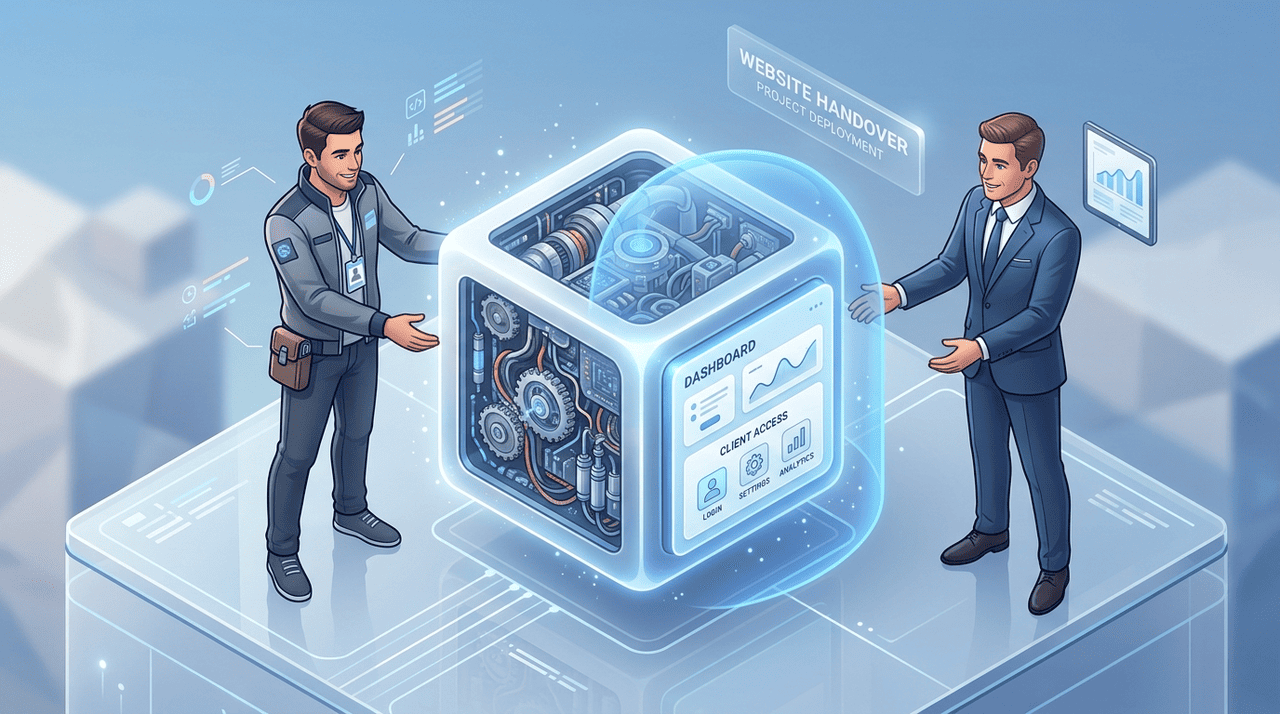
The true test of an agency platform is how it handles the transition from development to live operations, and how it supports the client’s long-term digital marketing goals.
Let’s a little discussion about that in this 2026 scenario.
Eliminating the Maintenance Retainer Guilt
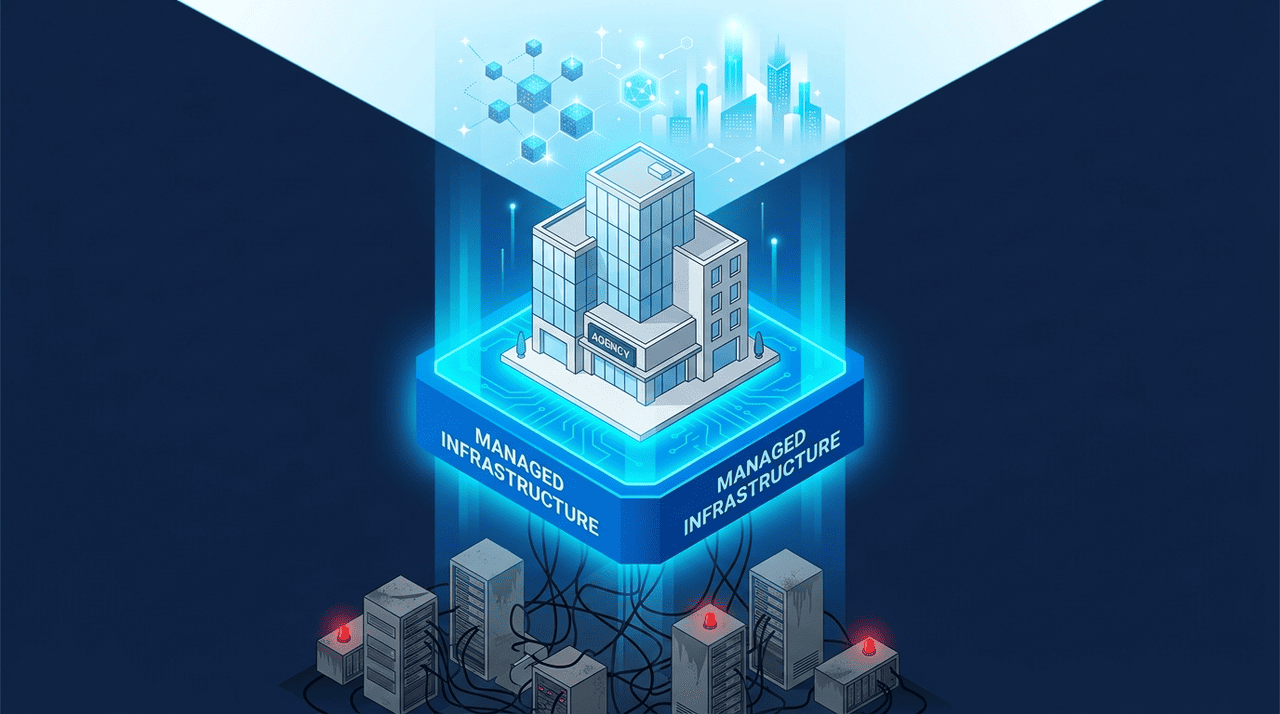
Many developers sell maintenance packages, charging clients a monthly fee just to click the update button.
While this is a common revenue stream, it is low-value work.
By building on this managed ecosystem, you can transition clients away from brittle setups.
You hand them a site where the core software updates automatically.
You can stop selling low-tier maintenance and start selling high-value retainers based on SEO optimization, content management strategy, and new feature development.
Integrating with the Marketing Stack
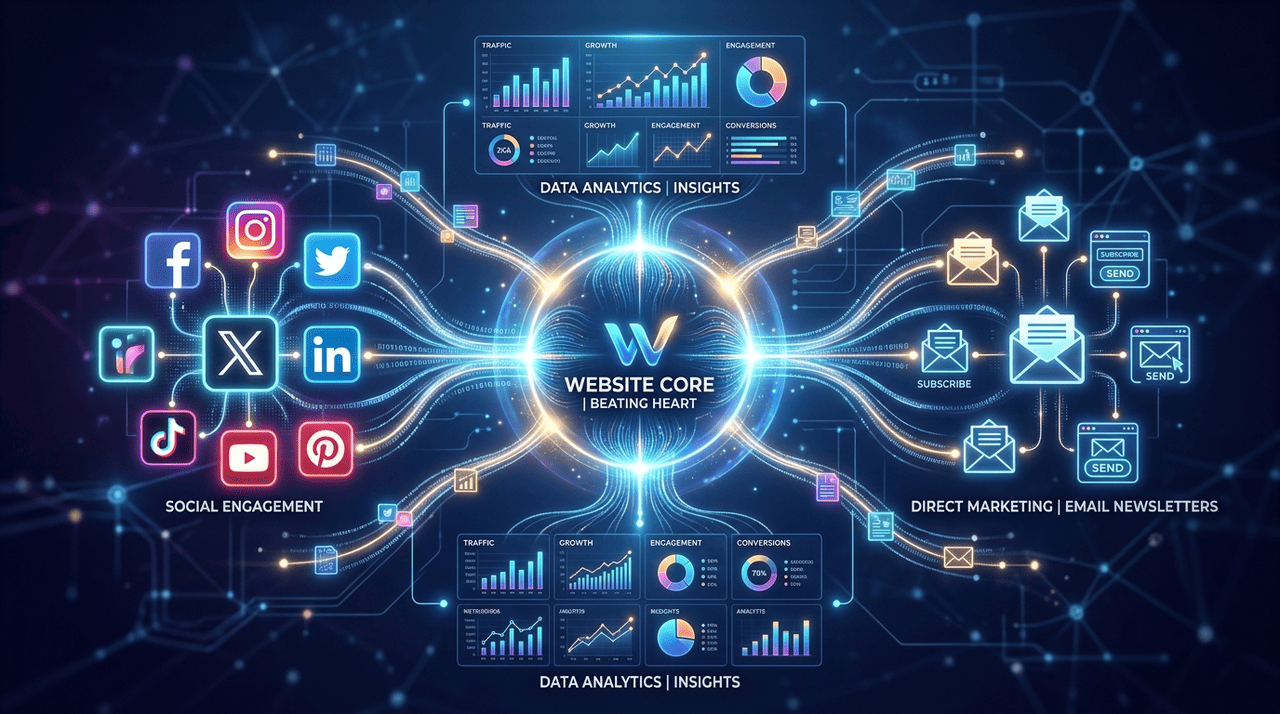
Clients ultimately want traffic and sales.
Because you have access to the full repository, you can easily connect the site to their broader marketing ecosystem.
You can install tools for the client’s social media promoter to easily syndicate blog posts.
You can connect advanced analytics to track social media conversions natively.
If a client wants to learn how to manage their own site, you don’t have to spend hours writing documentation.
You can point them to the massive library of WordPress tutorials available through the official WordPress community or videos on WordPress TV.
Plus, there’s YouTube and people like me who create a lot of tutorial content.
The Final Verdict for the Modern Agency
The narrative that serious developers must avoid managed platforms is outdated.
When you evaluate the tools objectively, the argument is crystal clear.
You have the ability to upload custom third-party themes, write raw code, and access tens of thousands of WordPress plugins.
You get all of this freedom wrapped inside an enterprise-grade managed server architecture that handles backups, security, and global caching automatically.
You reduce your unbillable maintenance hours, increase the stability of your client projects, and deliver a vastly superior final product.
Whether you are finding gigs on a freelancer platform or scaling an agency through word-of-mouth Inspiration talents, your underlying tech stack dictates your profit margins.
If you are a freelance developer tired of acting as a 24/7 server administrator, it is time to update your technical stack.
Stop fighting with unmanaged infrastructure.
Stop scrolling and upgrade to a paid plan, access the ecosystem, and start building highly profitable, highly secure websites today.