Disclosure: This website uses affiliate links; I may earn commissions at no extra cost to you. Learn more.

Is your online portfolio really showing off what you can do?
These days, your site has to be more than a gallery of past projects-it needs to speak for your brand.
Designers, developers, marketers, and freelancers all rely on a strong portfolio to attract clients, prove skills, and drive business forward.
But simply putting your work online won’t cut it anymore; you also need tools that make the experience smooth, fast, and memorable.
That’s where plugins step in.
The right add-ons can polish visuals, streamline navigation, boost SEO, and keep visitors clicking instead of bouncing away.
In this guide, I will introduce you to some of the best and game-changing WordPress plugins that will help you boost your portfolio website in 2026.
Each option works with WordPress or WooCommerce and pairs with their high power and easy setup, no deep coding knowledge required.
Read on to discover the best tools for turning a basic site into a standout showcase that leaves a killer first impression.
Top 10 Helpful Plugins To Boost Portfolio Websites
Enough of the intro and how this article is going to help you out, let’s get started with our list, starting with…
Elementor Pro – Design Without Limits

Elementor Pro is one of the most powerful page builders available, and it lets you design every corner of your site visually.
Its drag-and-drop editor means you can craft eye-catching layouts without touching any code.
For portfolio creators, that freedom matters; you shape how your work shines. Adding sliders, animations, or interactive galleries takes just a few clicks.
The tool plays nicely with dozens of other plugins, so you can extend your site however you need.
Built-in mobile settings let you tweak designs for phones and tablets, keeping your portfolio sharp on every screen.
In 2026, visitors still expect fast, stylish, and engaging sites, and Elementor helps you deliver.
From custom headers and footers to dynamic post widgets, the plugin gives pros total creative control.
If you sell digital downloads, its tight WooCommerce integration adds another layer of value to your online brand.
Envira Gallery – Showcase Your Work Beautifully
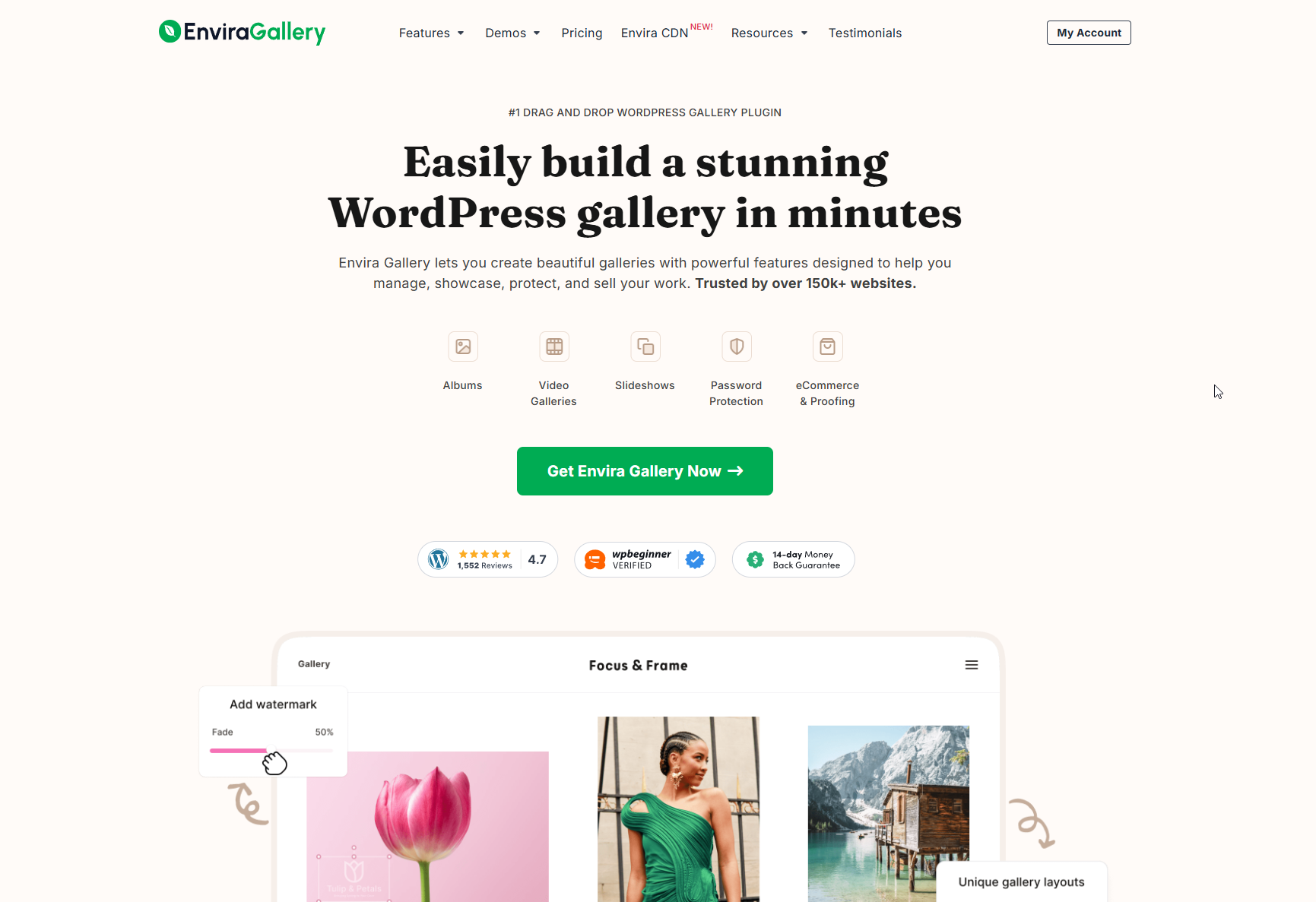
No portfolio feels complete without stunning images, and Envira Gallery makes sure your visuals take center stage.
This handy WordPress plugin lets you build galleries for photos and videos that adjust perfectly to any screen.
The biggest draw is how quickly you can set things up.
Just drag-and-drop your files, pick a layout, hit publish, and you’re done in a few minutes.
Envira also throws in lightbox popups, album sorting, and image proofing, so photographers and artists get extra tools they love.
To keep your site speedy, it adds lazy-loading, mobile tweaks, and SEO-friendly tags behind the scenes.
Plus, a watermark option and right-click lock help protect your work from casual downloaders.
Whether you design websites, illustrate stories, or sketch blueprints, this plugin gives your portfolio the polish it deserves.
In 2026‘s image-first web design era, investing in a sleek gallery setup is simply smart.
Rank Math – Optimize Your Portfolio for Search

A stunning portfolio won’t matter much if no one sees it.
That’s where Rank Math steps in, and it takes the lead in SEO tools for WordPress in 2026.
The plugin guides you through fixing every page, image, and blog post, so search engines can read them clearly.
It’s smart keyword hints, on-page score checks, and rich snippet templates let you polish content in minutes.
Built-in traffic data appears right in your WordPress dashboard, so you can watch rankings grow without jumping to another site.
For freelancers, agencies, or anyone selling services online, Rank Math plays nicely with WooCommerce and counts product pages in the same boost.
Read the detailed review for Rank Math SEO over here, or if you already know about it, then you may want to read this setup guide for perfect configuration advice for a steady ranking of your website.
I would say this is an essential plugin to boost portfolio websites or any kind of website, and you definitely shouldn’t skip this one.
WP Rocket – Speed Up Your Portfolio
Speed is everything online. Visitors judge a site in just moments, and if yours lags, they’re already gone.
WP Rocket is a top-notch caching plugin built to fix that. It stores static copies of your pages, eases strain on the database, and tidies up your files.
The tool also adds lazy loading, plays nice with CDNs, and compresses images automatically.
Because of this, your portfolio runs smoothly even on shaky Wi-Fi or older phones.
As we head into 2026, fast load times matter more than ever for both users and SEO, especially with Google’s Core Web Vitals front and center.
Fortunately, WP Rocket doesn’t come with a confusing checklist; just flip the switch and watch the speed climb, or read this guide to get the complete insights and control it the way you want.
A speedier site naturally boosts rankings, cuts bounce rates, and keeps visitors scrolling longer.
So, if you want your work to grab attention, investing in WP Rocket starts paying you back almost immediately.
Click here for a complete review if you want to learn more about it, or let’s just get going.
MonsterInsights – Track Your Portfolio’s Performance
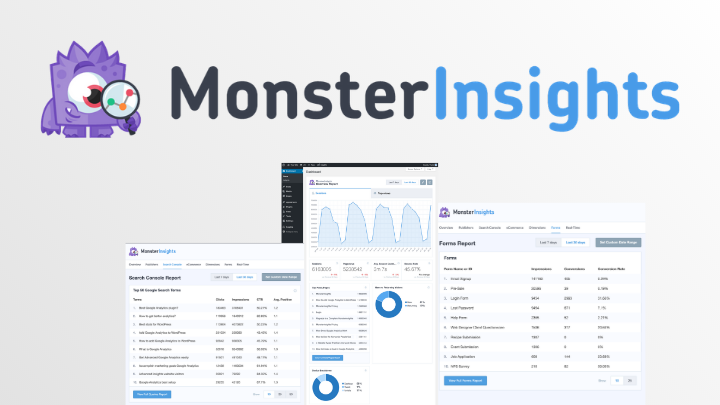
Ever wonder what people really do with your portfolio?
MonsterInsights links Google Analytics directly to your WordPress site, and it does it with barely any fuss.
Once set up, a neat dashboard pops up in your admin area and shows traffic, page views, bounce rate, and other key numbers at a glance.
For freelancers and small-business owners, that data is pure gold: you can see which projects draw clicks and where updates might pay off.
The plugin also watches downloads, form fills, and even sales if you run WooCommerce. So, whether you offer services or sell e-books, MonsterInsights tells you what’s working and what’s not.
In 2026, staying data-driven isn’t optional; it is how smart pros stay ahead.
Lucky for you, this tool is built for non-techies and still serves up plain, useful tips. Install it, read the highlights, tweak your site, and watch your results climb.
Alternatively, if you want some more options to compare, then you can check out this page.
WPForms – Get Client Inquiries Fast
Every new job starts with a simple question: How do I contact you?
By adding a great contact form, you turn that question into a real opportunity.
WPForms is the top form builder for WordPress and a perfect match for any online portfolio.
Because of the built-in drag-and-drop editor, you can build a custom form in just a few minutes.
Need a quick hello form, a project inquiry sheet, or a newsletter signup?
WPForms handles all of them without extra fuss.
It even stops spam, lets clients upload files, and links directly to payments.
Best of all, the plugin works perfectly on phones, tablets, and laptops, so you’re never out of reach.
In 2026, user convenience is still king, and WPForms makes sure visitors never struggle to connect.
It’s also smart: with conditional logic, you can show different questions based on what someone chooses.
If turning curious visitors into real leads is your goal, WPForms belongs on your WordPress site.
Here’s a complete review of it if you want to learn more about it, and the second-best option that I would recommend you would be Formidable Forms.
Anyway, let’s get going…
Optimole – Optimize Your Portfolio Images
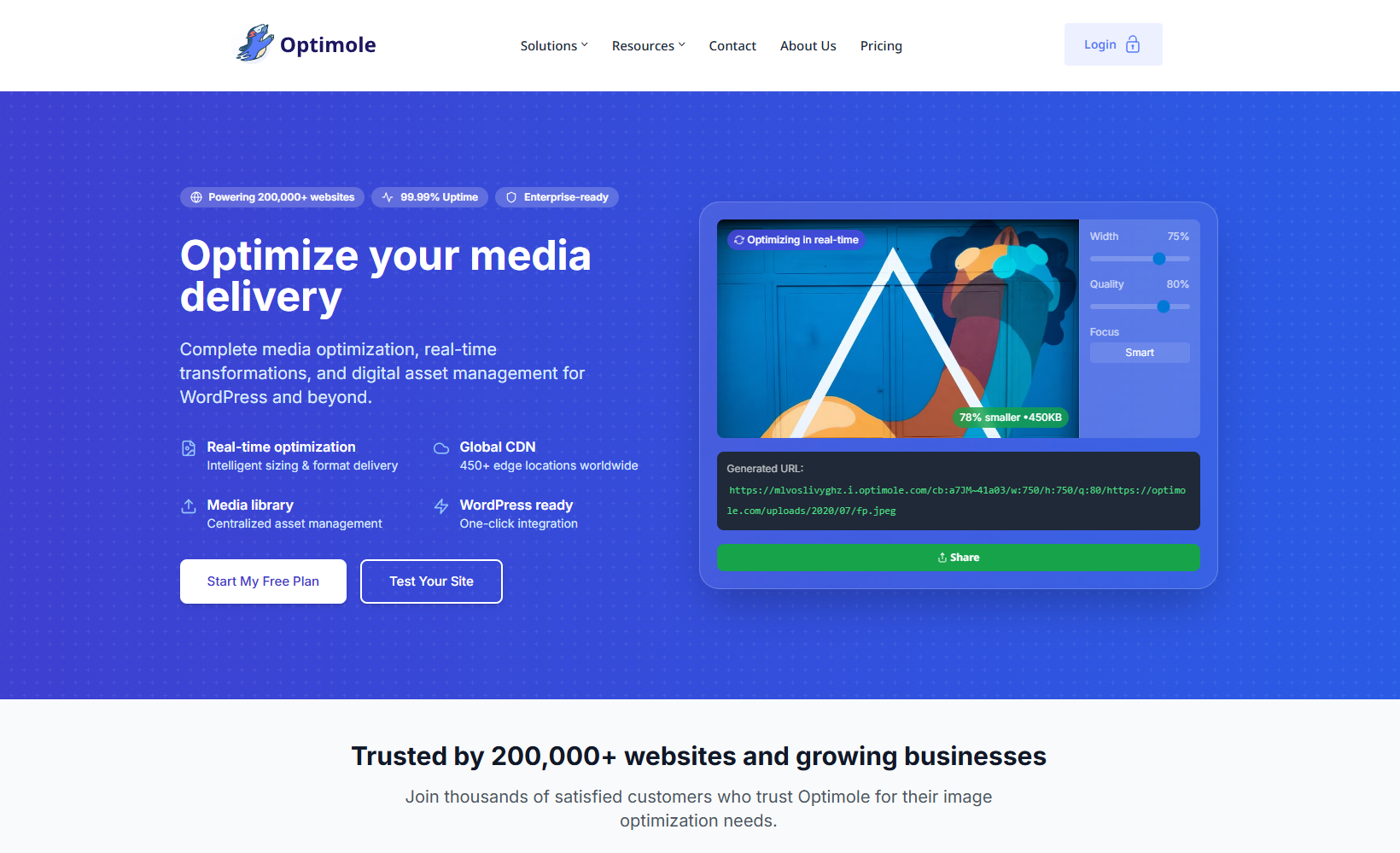
Heavy image files can drag down your portfolio, and when your work is mostly visual, that slowdown hurts.
Optimole squeezes those files without visible quality loss, so your photos still look great.
It also offers CDN, lazy loading, bulk compression, and automatic resizing straight out of the box.
With Optimole working quietly behind the scenes, your pages load faster, boosting both SEO ranks and visitor mood.
By 2026, web users will expect near-instant loads, and this tool helps you hit that mark.
Designers, artists, and photographers with big, high-res galleries will find Optimole especially handy.
Setup takes just a minute, after which the plugin runs on autopilot, leaving you free to create.
LiveChat – Connect with Clients in Real Time

Ever had a visitor bounce because they couldn’t find an answer fast?
LiveChat solves that.
It’s a free live chat tool that sticks a little chat box on your website, letting you chat with people while they scan your portfolio.
You answer questions from your phone or computer, so your support team or you are never far away.
That quick back-and-forth turns curiosity into confidence, and trust often leads to a quick hire.
In 2026, clients expect almost instant replies, and a real-time option already feels like the minimum standard for most service pros.
LiveChat goes further, showing how long someone is on each page, letting you spot warm leads before they leave, and even collecting short bits of feedback later.
The chat widget is easy to style, so it matches your logo’s colors instead of clashing with them.
Add this small feature and give your visitors the personal touch that speeds up closing deals.
Jetpack – Security, Backups, and More
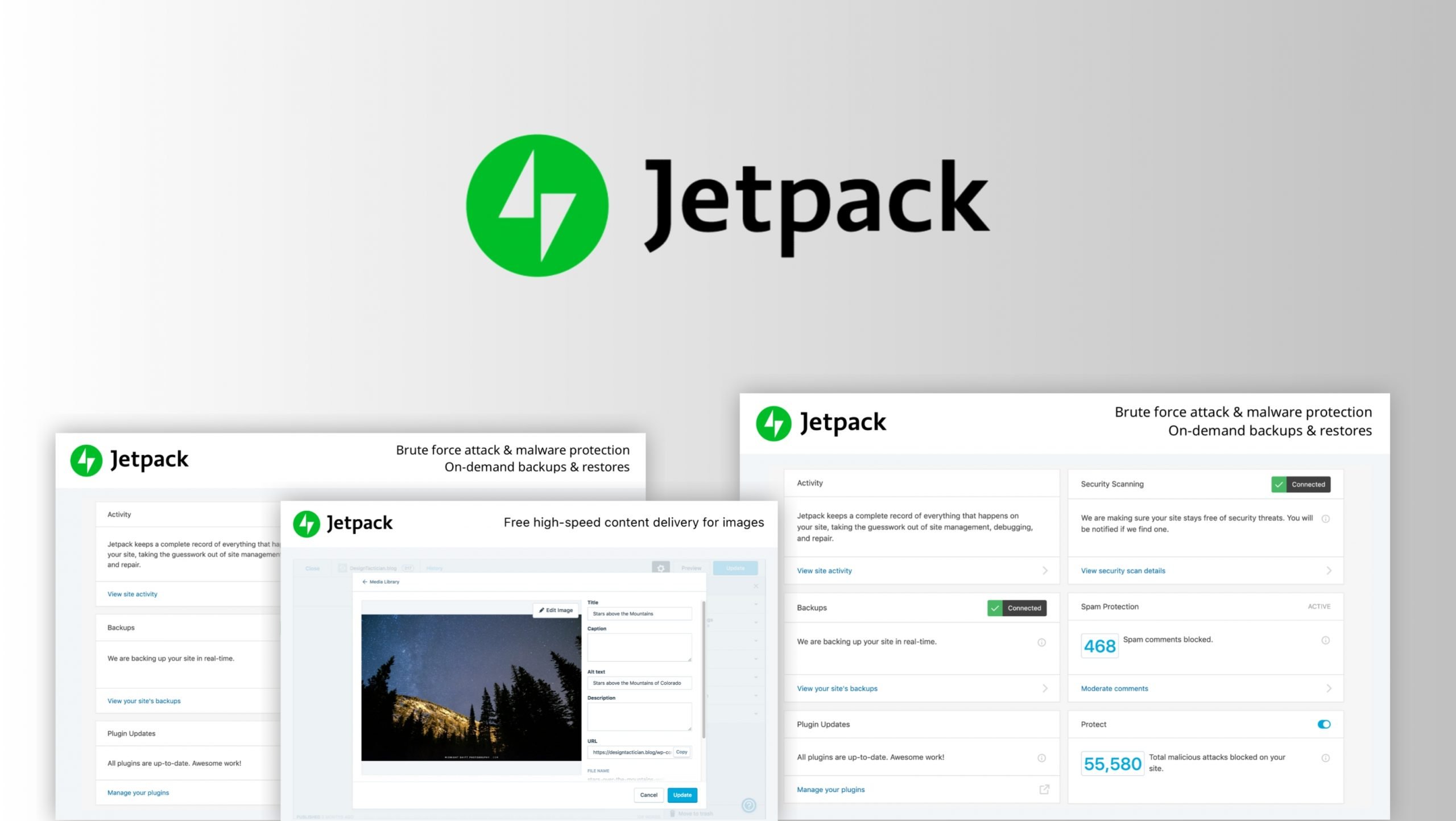
Every online portfolio deserves solid protection.
Jetpack bundles security, automatic backups, speed boosts, and even marketing extras into one user-friendly tool.
It keeps watch for downtime, blocks spam comments, and saves daily copies of your site without you lifting a finger.
On top of that, it serves images faster through a built-in CDN, shares posts on social media, and shrinks file sizes so pages load quicker.
For busy designers and freelancers, juggling separate plugins eats up precious hours.
By packing must-have features together, Jetpack clears that clutter and keeps everything tidy.
In 2026, clients expect instant, secure access, and they rarely forgive slow-loading galleries.
With Jetpack at your back, you can relax while your portfolio stays safe and fast.
TranslatePress – Make Your Portfolio Multilingual
Reaching clients everywhere starts with a portfolio they can read in their own tongue.
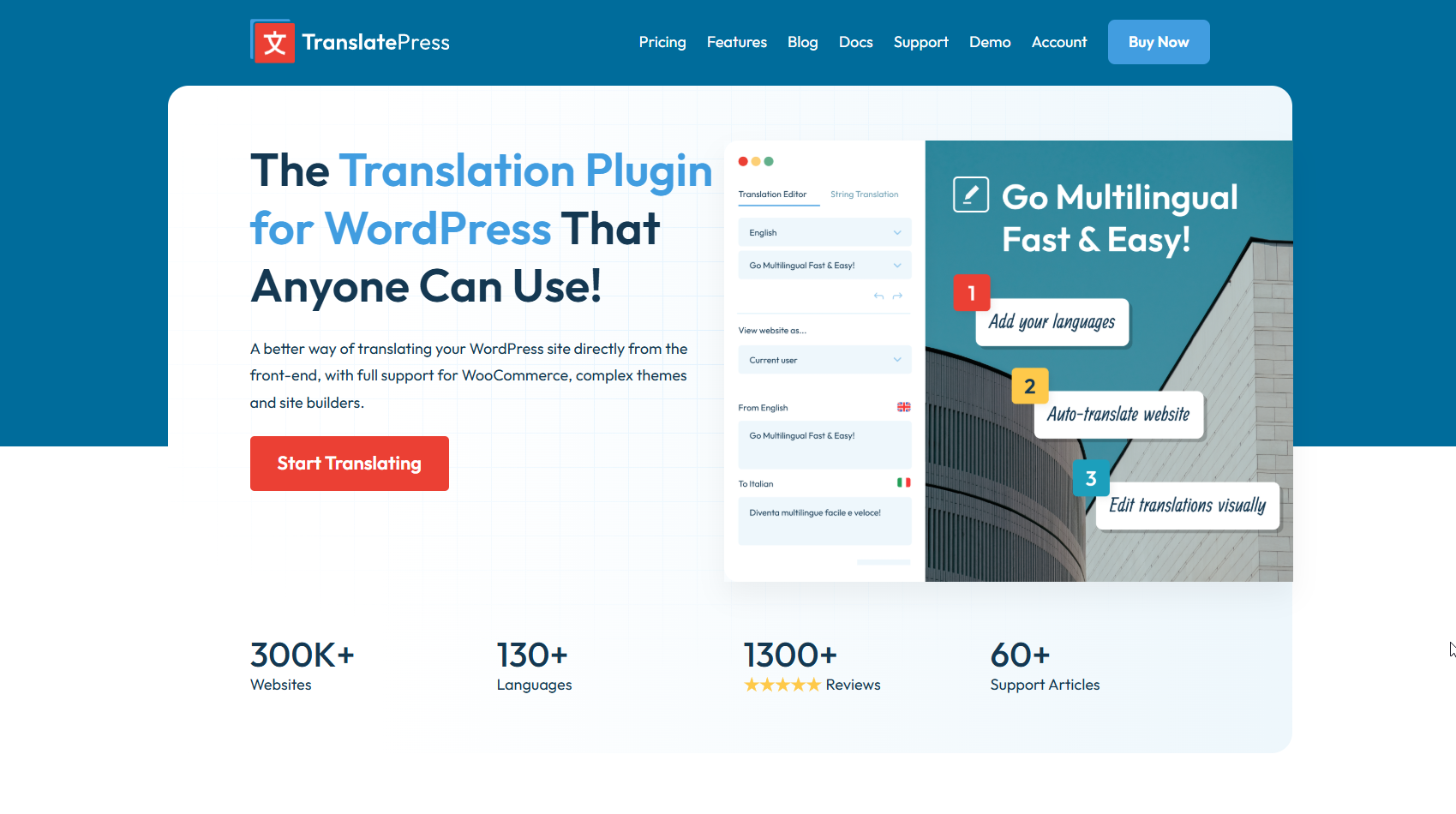
TranslatePress takes the stress out of translation by letting you edit your whole site right from the front end.
Changes show up live, so you know exactly what visitors will see.
Whether your next projects come from Europe, Asia, or the Middle East, this tool speaks their language for you.
You can type in your own words or let Google Translate and DeepL do the heavy lifting.
The plugin clicks seamlessly with page builders like Elementor and even handles RTL text with ease.
By 2026, a multilingual site will stop being a bonus and start being the norm.
Extra languages improve accessibility, build trust, and push your brand farther.
For freelancers, studios, and creatives ready to grow worldwide, TranslatePress is the stepping stone that takes a hometown portfolio global.
Conclusion
Your portfolio is more than just a website—it’s your digital handshake, your pitch, and your proof of expertise.
With the right plugins, you can turn a basic site into a dynamic, interactive, and high-performing showcase and boost any portfolio website.
From design tools like Elementor Pro to performance boosters like WP Rocket and Optimole, each plugin listed here brings unique value.
Tools like Rank Math and MonsterInsights help you grow, while features like WPForms and LiveChat drive engagement.
And if you’re selling services or digital products, the WooCommerce Popup Cart ensures a smooth shopping experience.
In 2026, standing out means more than good content—it means great functionality and user experience.
So, take the step today: upgrade your tools, polish your presentation, and let your portfolio work harder for you.