Disclosure: This website uses affiliate links; I may earn commissions at no extra cost to you. Learn more.
I have run self-hosted WordPress sites for years. The open-source software is free, so I long viewed the paid plans on WordPress.com with deep suspicion.
I decided to test my assumptions. I pulled out my credit card, bought a plan, and built a real, working site from scratch.
I wanted to see if the convenience justifies the cash.
This is my honest account of what happened when I moved from my custom setup to their managed environment.
The Short Answer: Is It Actually Worth It?
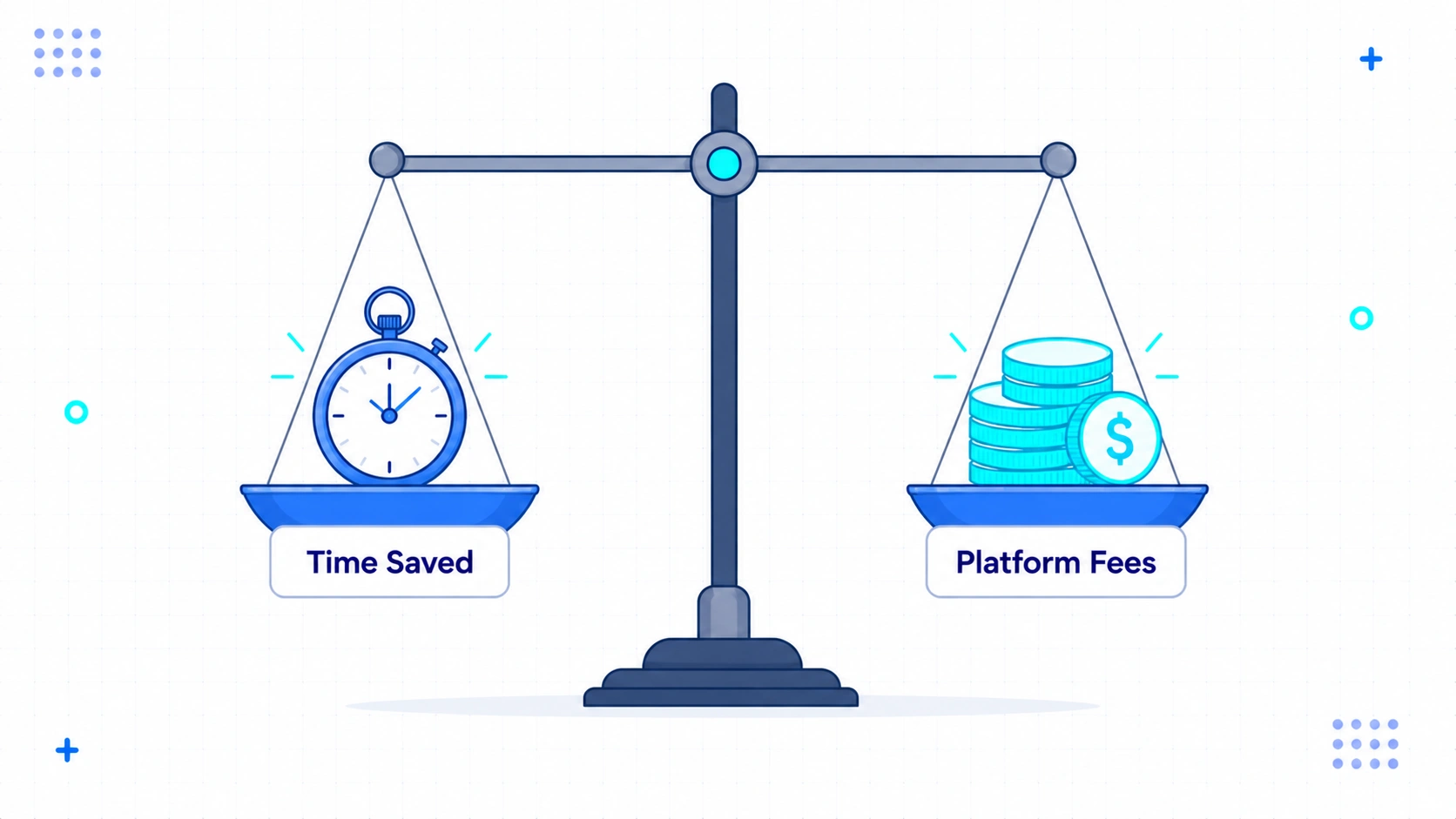
Paying for WordPress.com is worth it if you value your time more than hosting fees. It is not worth it if you enjoy tweaking servers or have almost no budget.
Here is how I see it now.
For a business or a busy creator, the platform saves hours of maintenance.
But if you are a hobbyist with unlimited free time, the free self-hosted route remains the better choice. I had to learn this through actual testing.
Let us look at what I discovered during my trial.
What I Expected Before Entering My Credit Card Details
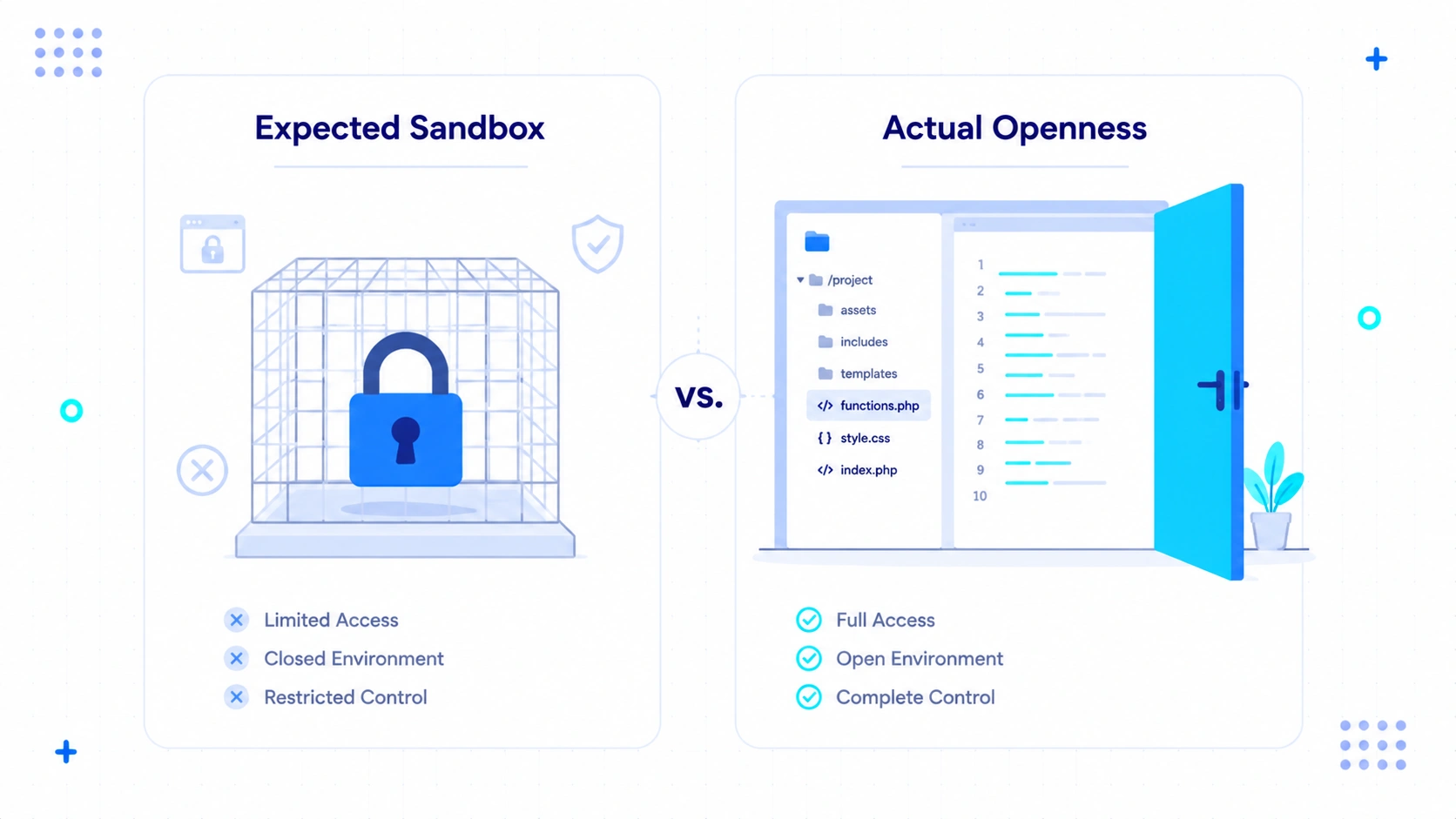
I expected to feel trapped inside a restrictive sandbox with very limited control.
I assumed my technical experience would make the interface feel basic.
My bias was strong.
I believed that hosted platforms were only for beginners who did not know how to write code.
I thought I would hit a wall within the first hour. I expected frequent upsells and blocked features.
Expected Pain with Themes and Layouts
I expected to be stuck with generic designs that I could not modify without paying extra. I thought the selection of basic themes would be extremely small.
This was my main worry. Customization is usually the first casualty on hosted platforms.
I assumed that changing a simple header or footer would require a top-tier plan. I prepared myself for frustrating limitations.
Expected Restrictions on Plugins and Third-Party Tools
I assumed that installing my favorite external plugins would be impossible. I prepared myself for a closed wall of approved tools only.
I have a specific set of tools I use on every project. I feared I would have to abandon my preferred forms, SEO tools, and social sharing options.
The thought of losing this control made me hesitate. I hated the idea of a middleman deciding what code I could run.
What Actually Changed After I Started Using It
The moment I paid, the entire building experience felt lighter and less stressful. My daily workflow became about writing articles instead of managing servers.
The speed of the setup surprised me. I did not have to buy a domain elsewhere, change DNS records, or install a database.
Everything was ready. I logged in and quickly started customizing the site layout.
The Setup Experience and Onboarding Flow
The onboarding process was direct and took less than five minutes from payment to my first draft. It eliminated the technical friction of starting a new project.
I clicked a few boxes to define my site goals. The setup suggested a clean starting layout that suited the type of site I wanted to build.
I did not have to touch an FTP client. I did not have to configure SSL certificates.
Writing and Publishing with the Block Editor
Writing in the block editor felt faster and more stable than on my budget shared hosting servers. There was no lag when typing or adding images during my trial.
I have struggled with editor lag on cheap hosting before. The cursor would stutter, and autosave would hang.
Here, the editor felt snappy. I could drag elements around without waiting for the page to catch up.
Handling Media Uploads and Asset Storage
Media uploads worked quickly during my testing without the usual file size limits. I dropped large images into the window and they loaded fast.
On my old servers, I often had to modify server configuration files to allow larger uploads. Here, the system handled it without my intervention.
I noticed that the system optimized the image sizes for me during testing. This saved me from running my files through compression tools first.
Scheduling Content Without Third-Party Plugins
In my experience, the post-scheduling feature worked reliably. I did not have to worry about missed cron jobs ruining my content calendar.
Missed schedules are a common headache in the self-hosted world. You check your site only to find a post from yesterday is still a draft.
I tested this with several posts scheduled for odd hours. Each post went live exactly when expected.
What I Stopped Paying For
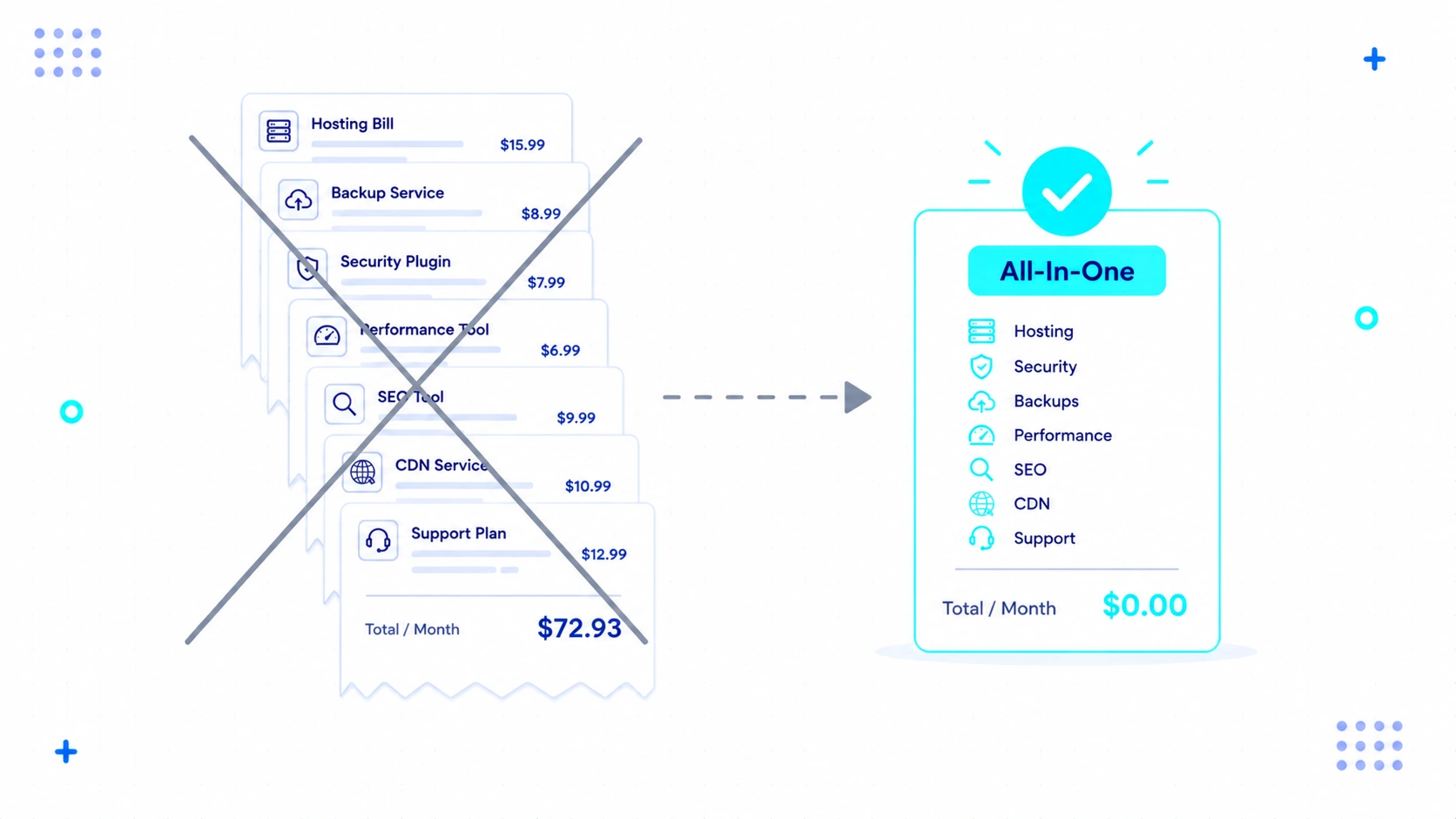
I realized I could cancel several premium subscriptions that I normally need for self-hosted sites. The platform seemed to include these features directly in the plan price.
In my daily workflow, I noticed I no longer needed to spend money on extra performance or backup tools. My monthly software expenses began to decrease.
Here are the specific expenses I managed to eliminate.
Premium Backup Plugins and Offsite Storage
I stopped paying for premium backup services because the platform appeared to manage backups without requiring extra storage setup. It kept a history of my changes without using my own server space.
I used to pay for external plugins to copy my files to third-party storage. That cost me extra money each month.
Now, I can restore my site easily. I do not have to configure storage keys or worry about backup files failing.
Security Audits and Malware Scans
I cancelled my subscription to third-party security scanners. From what I observed, the environment manages core protection without requiring extra setup.
Spam and brute-force attacks used to be a daily worry. I had to monitor login logs and configure firewall settings myself.
The environment seemed to block threats before they reached my dashboard. I no longer saw notifications about blocked login attempts.
Database Tuning and Speed Optimization Tools
I deleted my caching and speed optimization plugins. During my testing, pages loaded fast without manual tweaking.
I used to spend hours configuring cache rules, minifying files, and optimizing database tables. It was a tedious cycle of testing and breaking things.
I noticed that performance was consistently high out of the box. I did not have to install a single performance utility.
Maintenance Hours and External Tech Support
I spent far less time on regular software updates and server troubleshooting. From what I observed, core updates happened automatically behind the scenes.
I used to set aside half a day each month just to run updates. I had to test things in staging first to make sure my theme would not break.
Now, updates happen silently. I login to write, not to patch software security holes.
I also saved a chunk of time by not having to test theme updates in a staging environment. I didn’t need to manually monitor login attempts or clear database overhead on weekends.
WordPress.com Pricing at a Glance
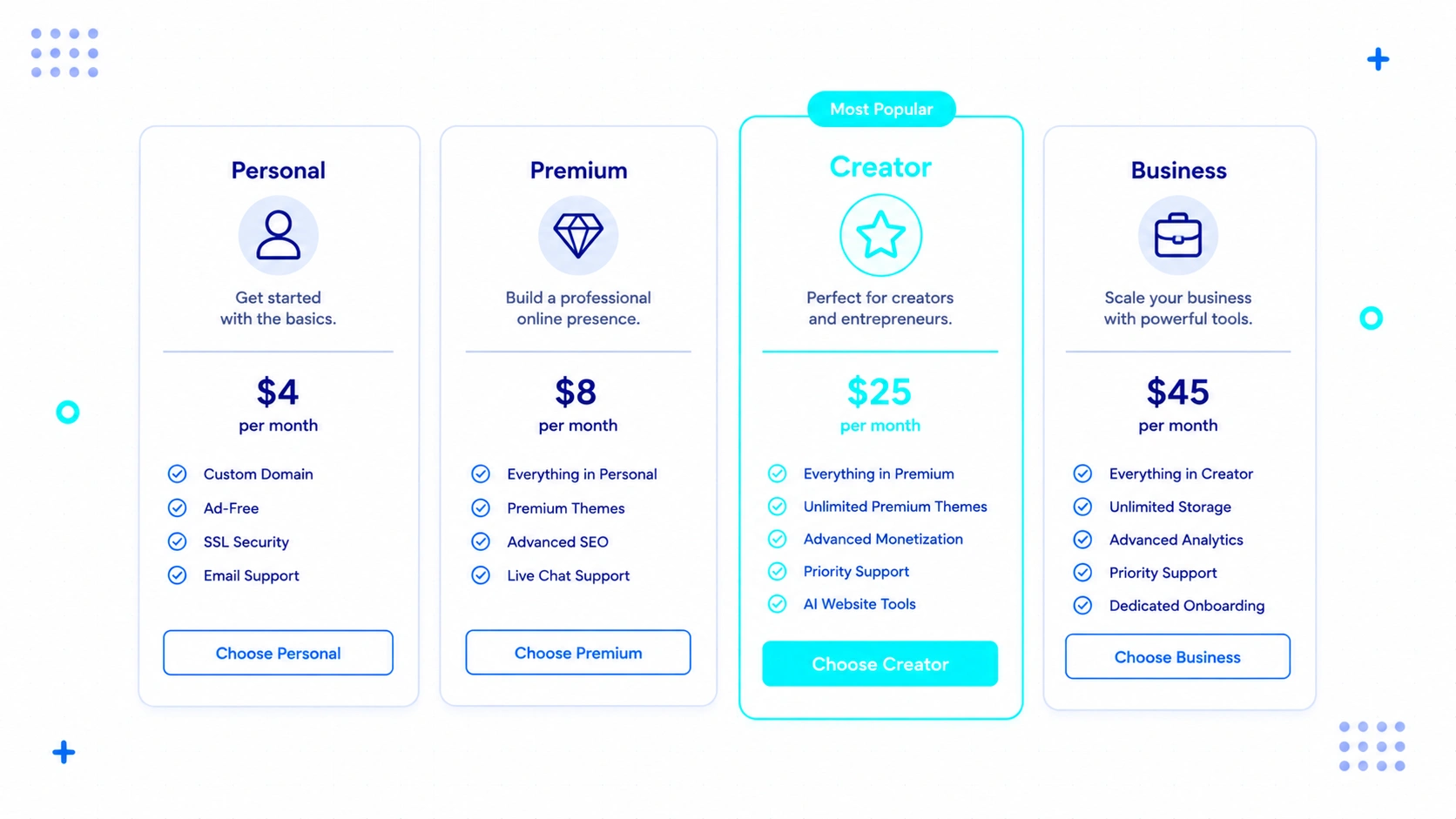
WordPress.com offers four main paid tiers ranging from affordable starter options to advanced business plans. Each tier is designed to match different levels of growth and technical needs.
The Starter plan is best for personal projects or basic blogs. It gives you a custom domain but keeps plugins locked.
The Explorer plan suits growing writers who want more design control. It lets you customize themes but still blocks custom plugins.
The Creator plan is the sweet spot for serious projects. It allows custom plugins, external themes, and advanced features.
The Entrepreneur plan targets online stores. It adds payment gateways and specialized store designs.
Which Plan Would I Personally Choose?
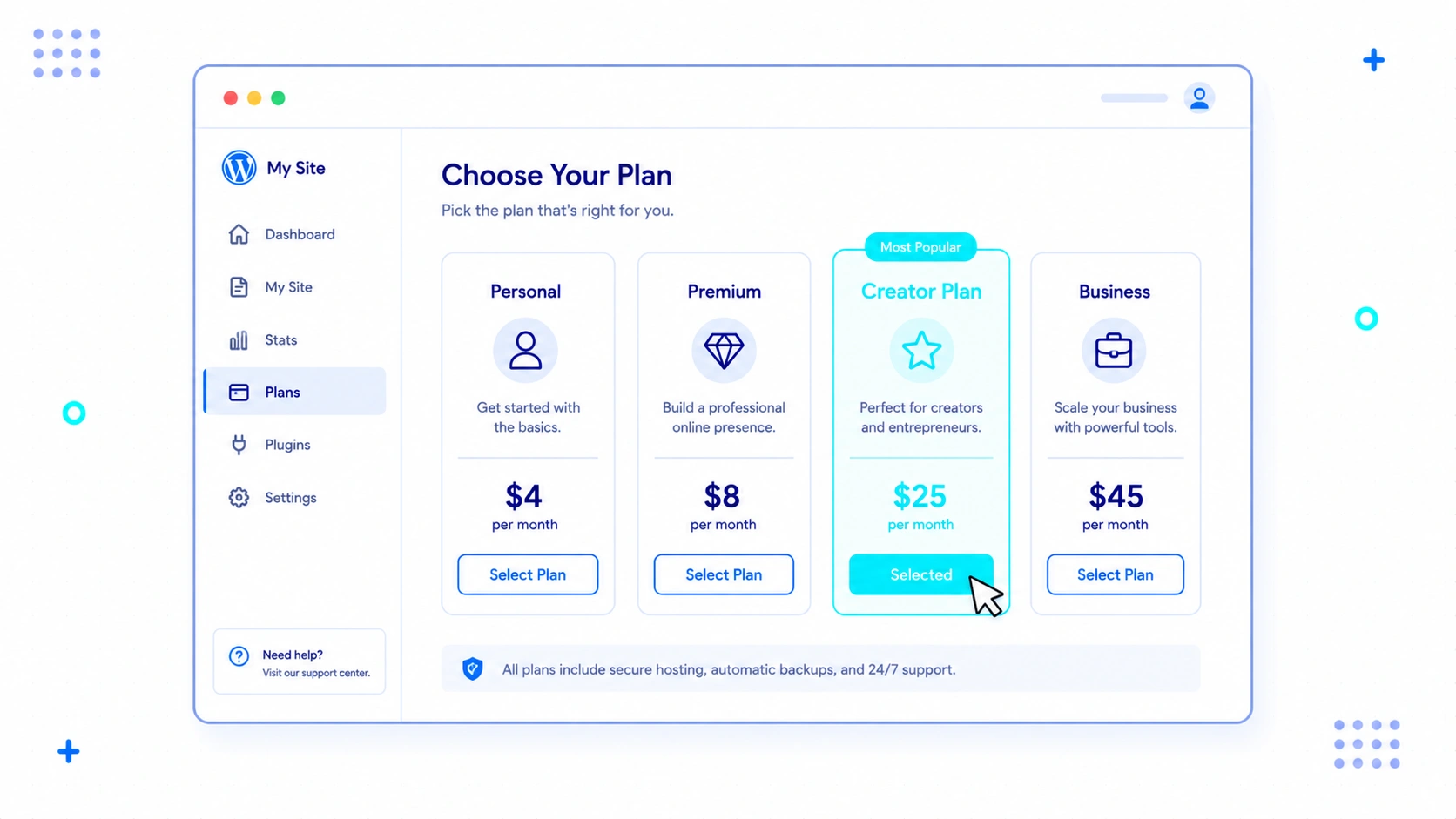
I would choose the Creator plan. This plan matches my workflow because it lets me upload my preferred plugins and custom designs.
Without the ability to run custom code, I feel too restricted. The Creator plan strikes the best balance between convenience and control.
What Still Frustrates Me
Some limitations still exist that might irritate advanced users who want total control over every file.
The platform protects you, but that protection sometimes feels restrictive.
I encountered a few friction points during my build. It is not a flawless solution.
Here is what made me grit my teeth.
File Management and Database Restrictions
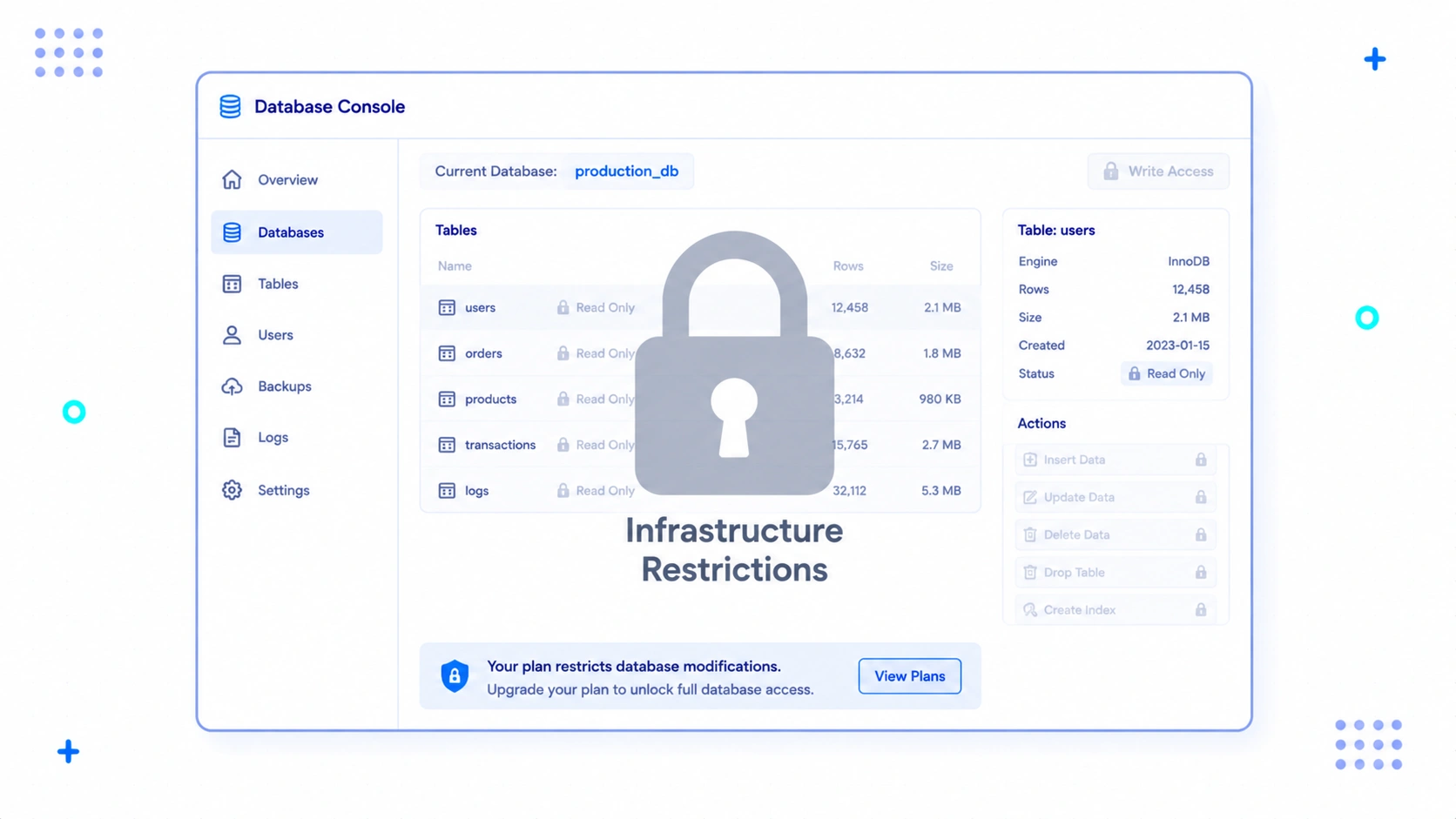
I could not access the raw database or the file system directly via traditional tools. This makes custom scripting and deep database cleanups difficult.
If you like to run custom SQL queries, you will feel restricted here. You cannot just open a terminal and run commands.
You must work within their provided dashboard. For most people, this is a safety feature, but for me, it felt limiting.
Premium Plan Paywalls on Crucial Features
The ability to upload custom plugins is locked behind higher-tier plans. This feels like a steep entry barrier for small projects that only need one specific tool.
If you are on a lower tier, you cannot install external code. You must upgrade to access the full catalog of plugins.
This pricing structure can force your hand early. It makes the transition from beginner to intermediate user quite expensive.
The Real Cost Nobody Talks About
The true cost of building a website is rarely about the hosting bill. It is about the hidden mental drain of keeping the project online.
Most comparison tables only look at raw dollars. They compare a five-dollar host to a twenty-dollar plan.
But that comparison ignores your own labor. Your time has a specific cash value.
Let us look at three frameworks I designed to help make sense of this hidden math.
Framework 1: The Ghost Maintenance Tax
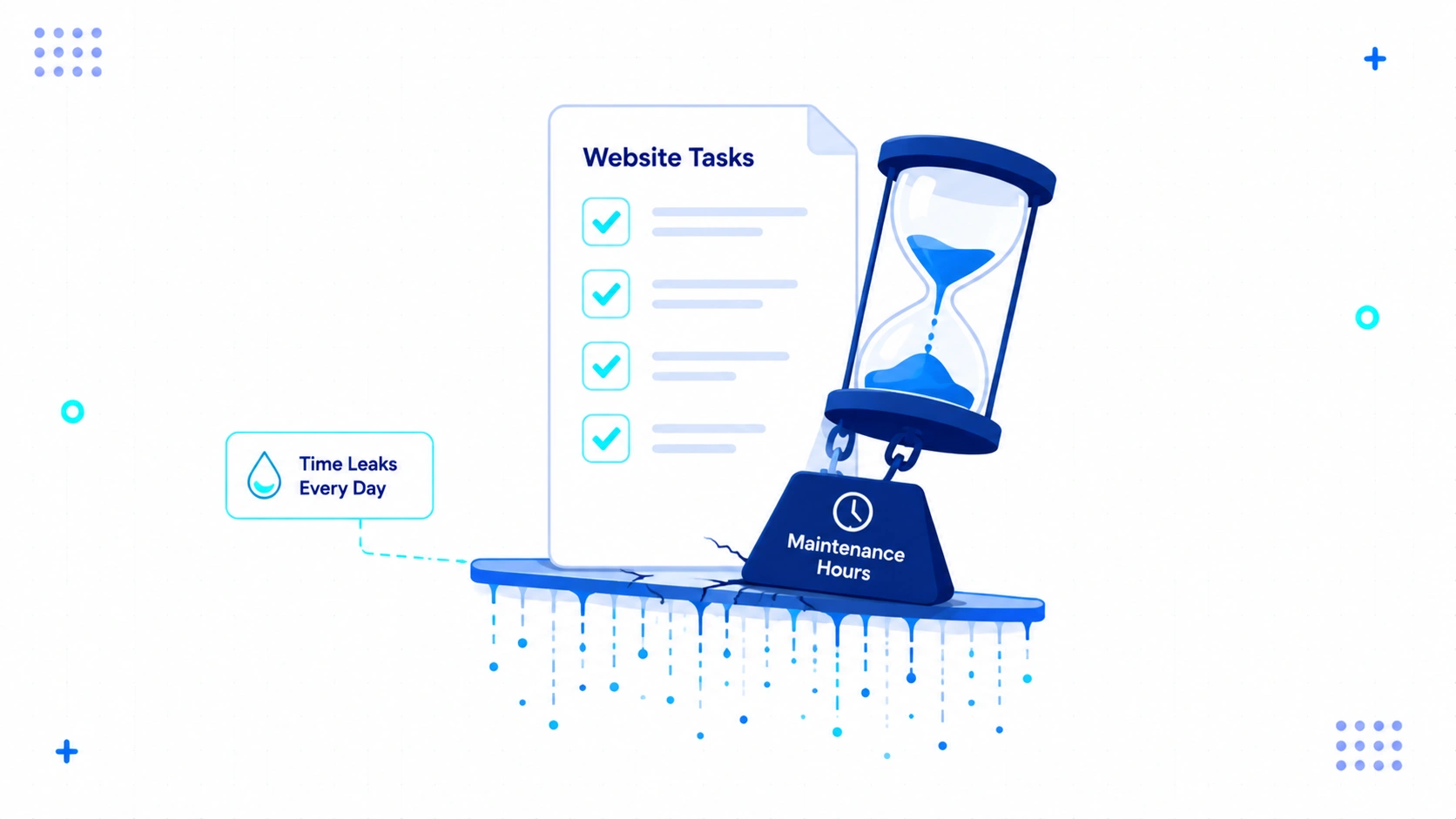
The Ghost Maintenance Tax measures the hidden hours you spend updating plugins, fixing broken layouts, and talking to hosting support. On self-hosted sites, this tax is incredibly high.
Every time an update breaks your contact form, you pay this tax. Every time your server goes down because of a traffic spike, you pay it again.
You are not paying in cash. You are paying with your time.
With a managed service, this tax drops to almost nothing. The platform absorbs the tax so you do not have to.
Framework 2: The Friction-to-Publish Index
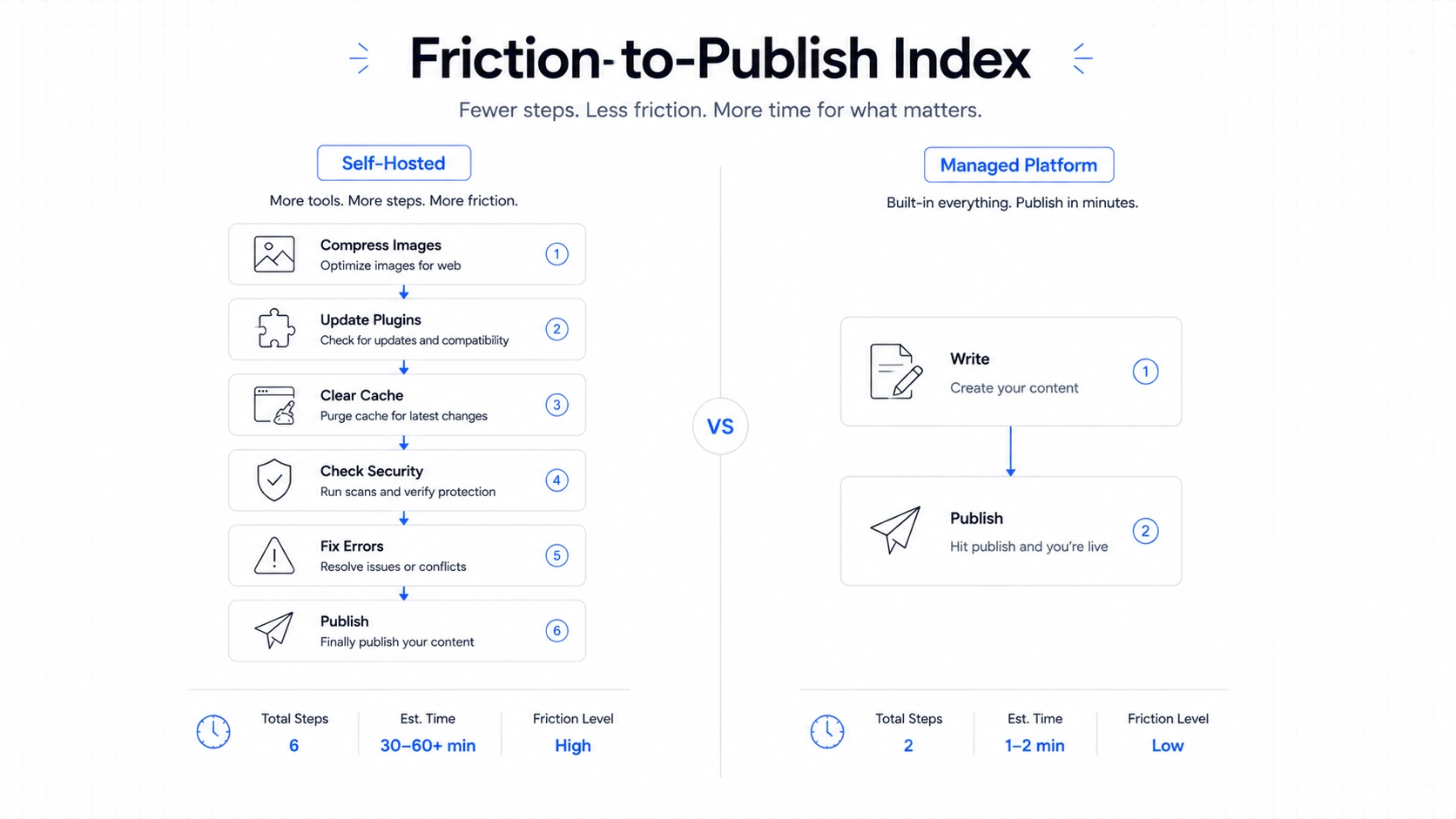
The Friction-to-Publish Index measures the number of technical steps required between finishing a draft and making it live. The higher the index, the less content you will actually produce.
On a self-hosted site, you might have to check your image compression, purge your cache, and test the layout on mobile. This creates a mental barrier to publishing.
On the managed platform, the index is incredibly low. You hit publish, and the platform’s setup handles the rest.
This low friction kept me writing more. I was not worried about the site breaking under the weight of my content.
Framework 3: The Focus Allocation Curve
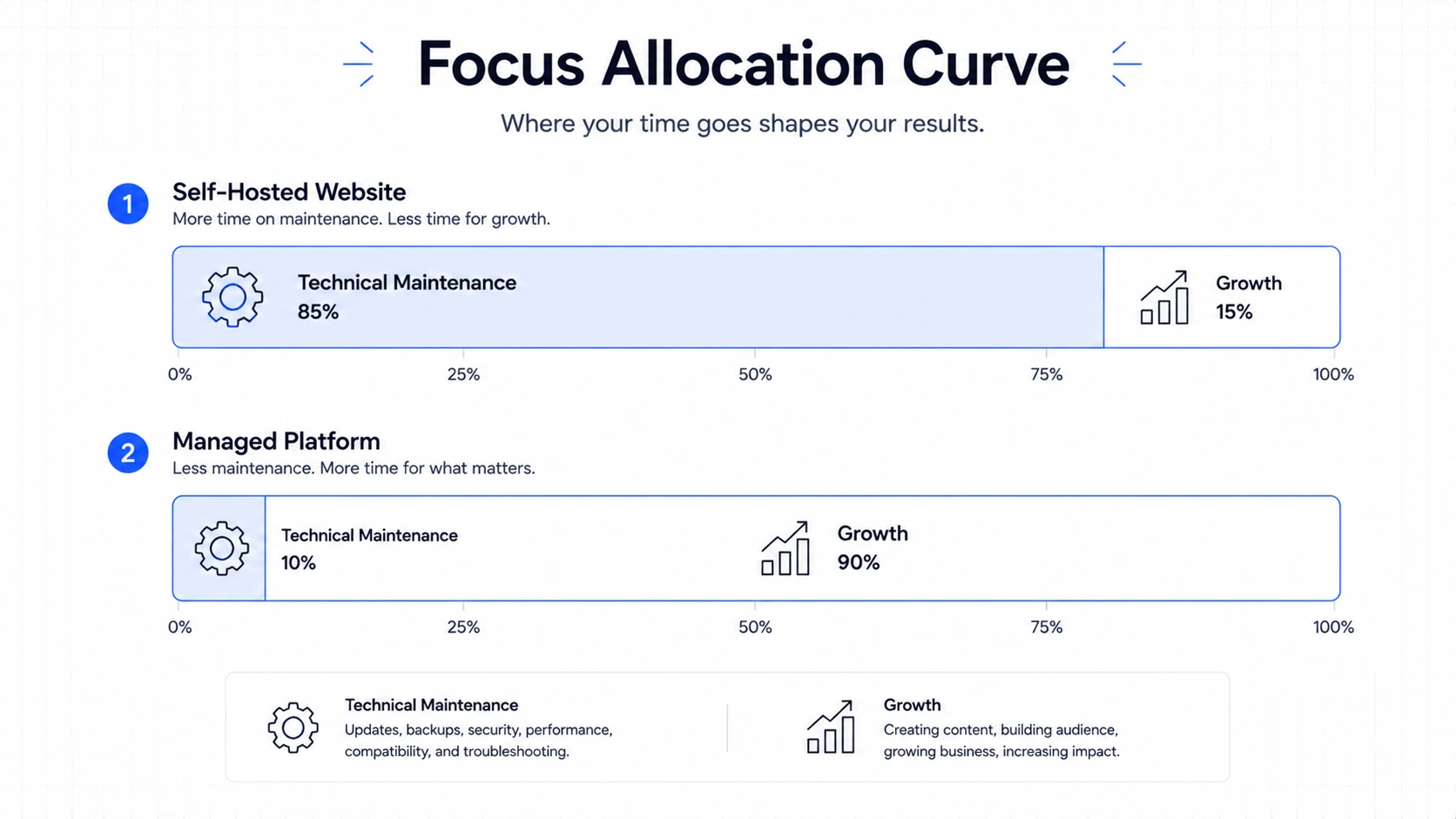
The Focus Allocation Curve shows how your daily mental energy is split between technical chores and actual business growth. Ideally, you want all your energy focused on growth.
When I ran my own servers, my curve was heavily skewed toward chores. I was a part-time systems administrator.
Now, my curve is flat on the tech side. I spend my energy on writing, marketing, and connecting with readers.
This shift in focus is where the real value lies. It is hard to put a price tag on peace of mind.
| Metric | Self-Hosted Route | Paid Managed Route |
|---|---|---|
| Monthly Cash Outlay | Low | Medium to High |
| Weekly Maintenance Time | 2 to 4 Hours | Almost Zero Hours |
| Setup Technical Friction | High | Extremely Low |
| Security Responsibility | On You | On the Host |
| Speed Configuration | Complex | Automatic |
Who Should Open Their Wallet?
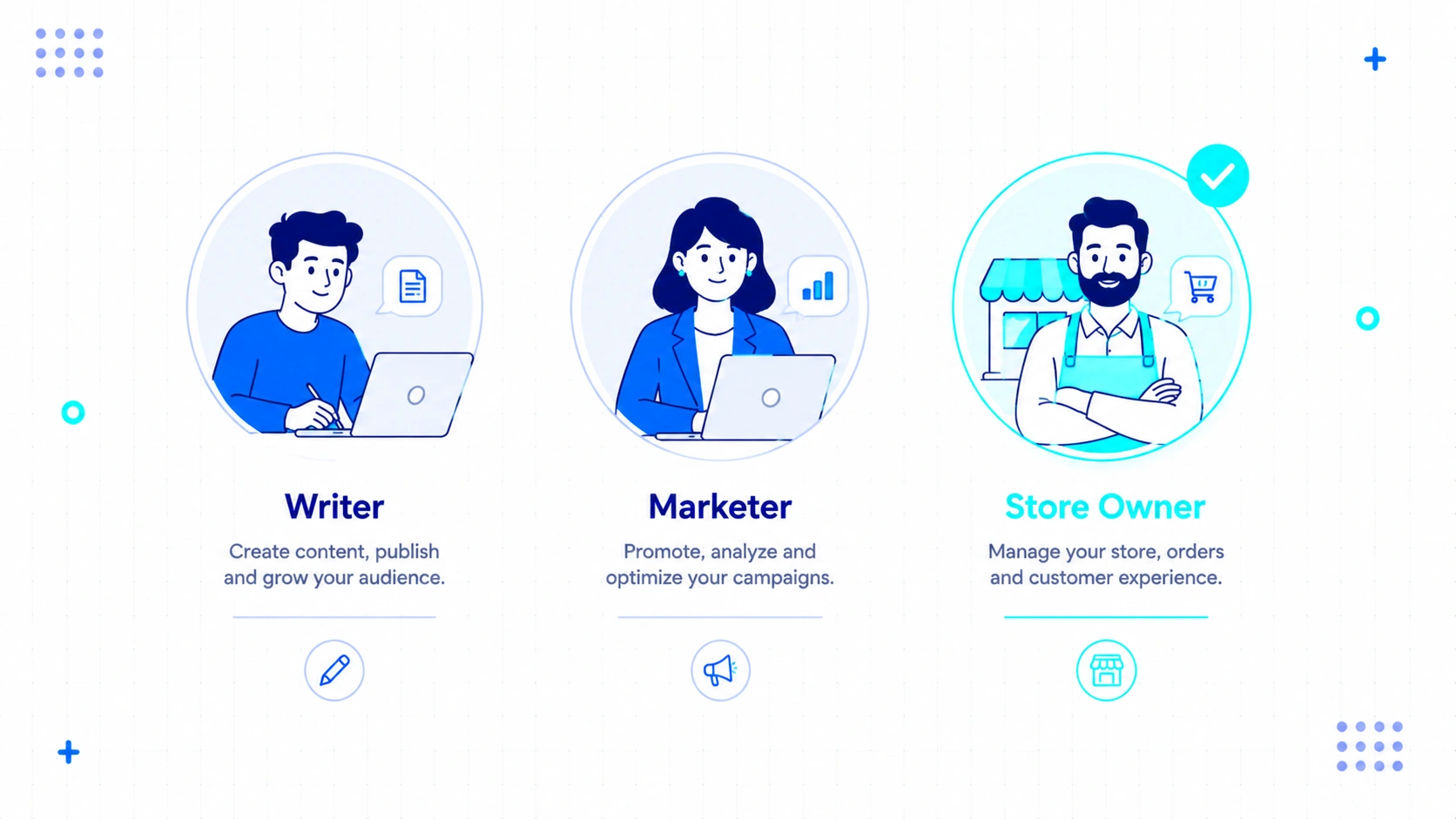
Different users will find different levels of value in paying for a plan. The investment makes sense if your goals align with growth rather than technical play.
Let us break down who gets the best return on their money.
Is It Worth It for New Bloggers?
New bloggers should pay for a basic plan to avoid getting overwhelmed by technical setup details. It keeps your focus entirely on developing a writing habit.
I have seen many beginners quit because they spent three weeks trying to install SSL certificates. They got tired before they wrote a single post.
Paying removes that entire wall of frustration. It lets you test your ideas immediately.
Is It Worth It for Content Creators?
Content creators who publish frequently will benefit from the fast editing and reliable scheduling tools. It allows you to maintain a consistent publishing pace without tech delays.
Your audience expects regular updates. A broken site means lost views and lost revenue.
The reliability of a managed system is critical here. You cannot afford to spend your creative hours debugging databases.
Is It Worth It for Affiliate Marketers?
Affiliate marketers should invest in a plan that allows plugins so they can run advanced redirect and tracking tools. Fast page speeds also help maintain high conversion rates.
Slow pages kill affiliate sales. If a link takes three seconds to load, the buyer leaves.
The built-in optimization keeps your traffic moving through your links. It is a direct boost to your bottom line.
Is It Worth It for Small Business Owners?
Small business owners should pay because it eliminates the need to hire expensive developers for basic site maintenance. It keeps your digital storefront open without active management.
Your focus should be on your customers. You should not be spending your evenings reading web hosting forums to fix a white screen of death.
The cost of a plan is far cheaper than a developer’s hourly rate. It is simple business math.
Is It Worth It for Freelancers and Agencies?
Freelancers and agencies can use these plans to hand off stable sites to clients who do not have technical skills. It reduces the number of late-night emergency support emails you receive.
If you build a self-hosted site for a client, they will call you when it breaks. They will expect you to fix it for free.
When you host them here, the platform support handles those basic questions. You can focus on building new projects instead of supporting old ones.
Is It Worth It for Hardcore Developers?
Hardcore developers will likely find the lower plans frustrating but may value the higher tiers for rapid prototyping. It allows you to deploy a working site without provisioning servers.
Sometimes you just want to test an idea fast. You do not want to configure a whole local development environment.
But for complex, highly custom applications, you will still want your own server control. It is a matter of tool selection.
Who Should Absolutely Keep Their Money?

There are clear scenarios where paying for a plan is a waste of your money. You should not buy something you do not actually need.
Here are the situations where you should keep your wallet closed.
When the Free Plan is More Than Enough
The free plan is excellent if you are writing a personal diary or just testing a hobby project. You do not need a custom domain or advanced plugins for a casual audience.
If your mother is the only reader, you do not need to pay twenty dollars a month. The free sub-domain works fine.
You can easily upgrade later if your project grows. Start small and let the audience justify the cost.
When Self-Hosting is the Better Route
Self-hosting is better if you have a tight budget but plenty of free time to learn server administration. It is also strong if you need deep database access and custom server configurations.
If you enjoy the technical challenge, do not pay for someone else to do it. The learning experience of building your own server is valuable.
Just prepare yourself for the work involved. It is a trade of time for cash.
How My View of WordPress.com Changed
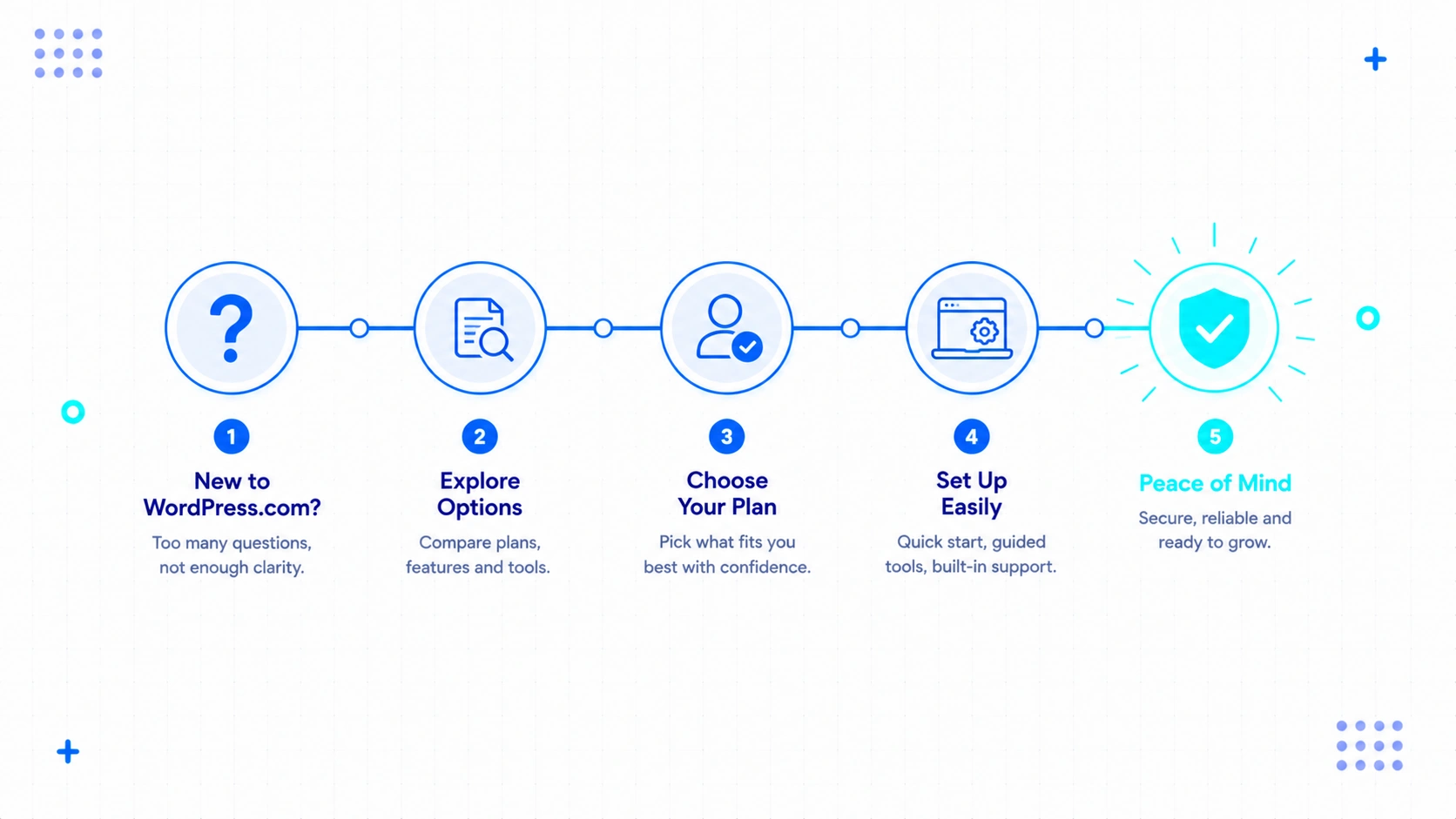
I started this test expecting to write a negative review about overpriced features. I ended up keeping my subscription active because the lack of stress won me over.
I realized that my time is worth more than the monthly fee. I no longer want to spend my weekends updating plugins and checking security logs.
The platform is not flawless. It has limitations that will annoy developers who want total control.
But for most people trying to build a business or a personal brand, it is a smart trade.
It buys you peace of mind and time to create.

About The Author
Bishnu Mahali is a blogger, content creator, and digital marketer with over seven years of experience building WordPress websites, publishing content, and testing online business tools for himself and clients. He regularly evaluates WordPress themes, plugins, hosting platforms, SEO software, and marketing solutions through hands-on projects, sharing practical insights based on real-world experience rather than theory.