Disclosure: This website uses affiliate links; I may earn commissions at no extra cost to you. Learn more.
Quick Verdict
ActiveCampaign fits creators expanding into digital sales and backend automation who need proactive intelligence to drive results. Mailchimp suits those focused on direct, recurring newsletters for a smaller audience footprint.
Your software choice is an infrastructure choice for your business growth. The wrong tool creates an invisible ceiling for your revenue.
ActiveCampaign vs Mailchimp at a Glance
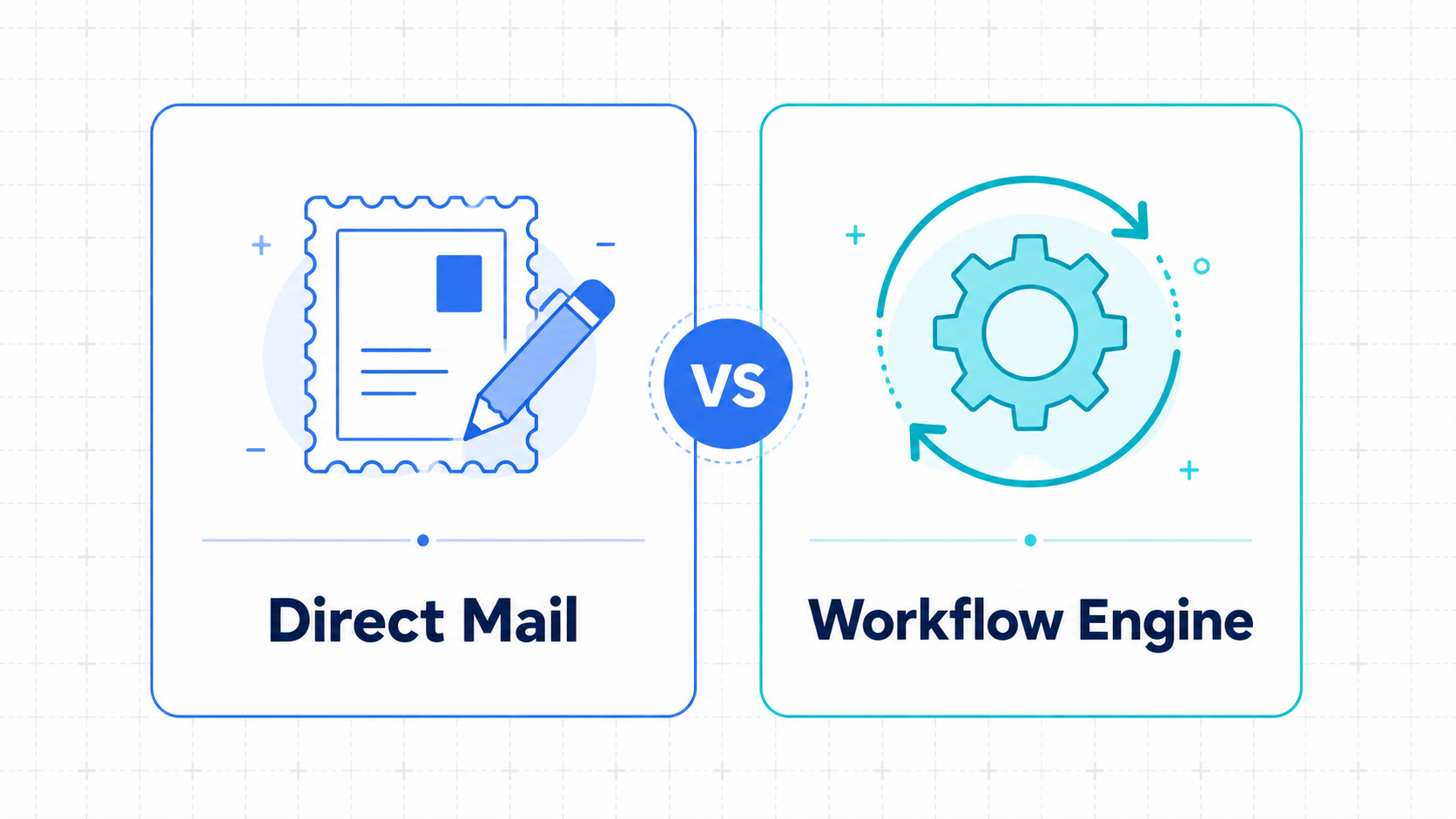
ActiveCampaign runs on a single database that uses custom labels and adaptive memory to track subscriber actions and drive engagement.
Mailchimp relies on separate lists that do not share information naturally.
Here is how the main setups compare for a content business.
| System Part | Mailchimp | ActiveCampaign |
| Core Architecture | List-based silos | Label-based unified system |
| Visual Setup | Basic branch lines | Complex conditional paths |
| Contact Cost | Charges for duplicates | Charges for unique names |
| AI Focus | Standard copy generation | Active Intelligence 3.0: Wavelength (Proactive intelligence) |
| Lead Tracking | Not built in | Native scoring included |
| Affiliate Rules | Strict compliance flags | Affiliate friendly |
Why This Comparison Matters in 2026
The right email tool acts as the core operating software for your digital business. Choosing incorrectly forces you into an expensive, messy migration down the road.
Audience ownership is no longer optional. AI-driven search models mean your distribution channels require precise organization.
Mailchimp altered its pricing tiers again recently. Free options capped at 250 names offer very little functional utility. You spend money from your early growth phases.
Why Most Creators Eventually Outgrow Basic Email Marketing Tools
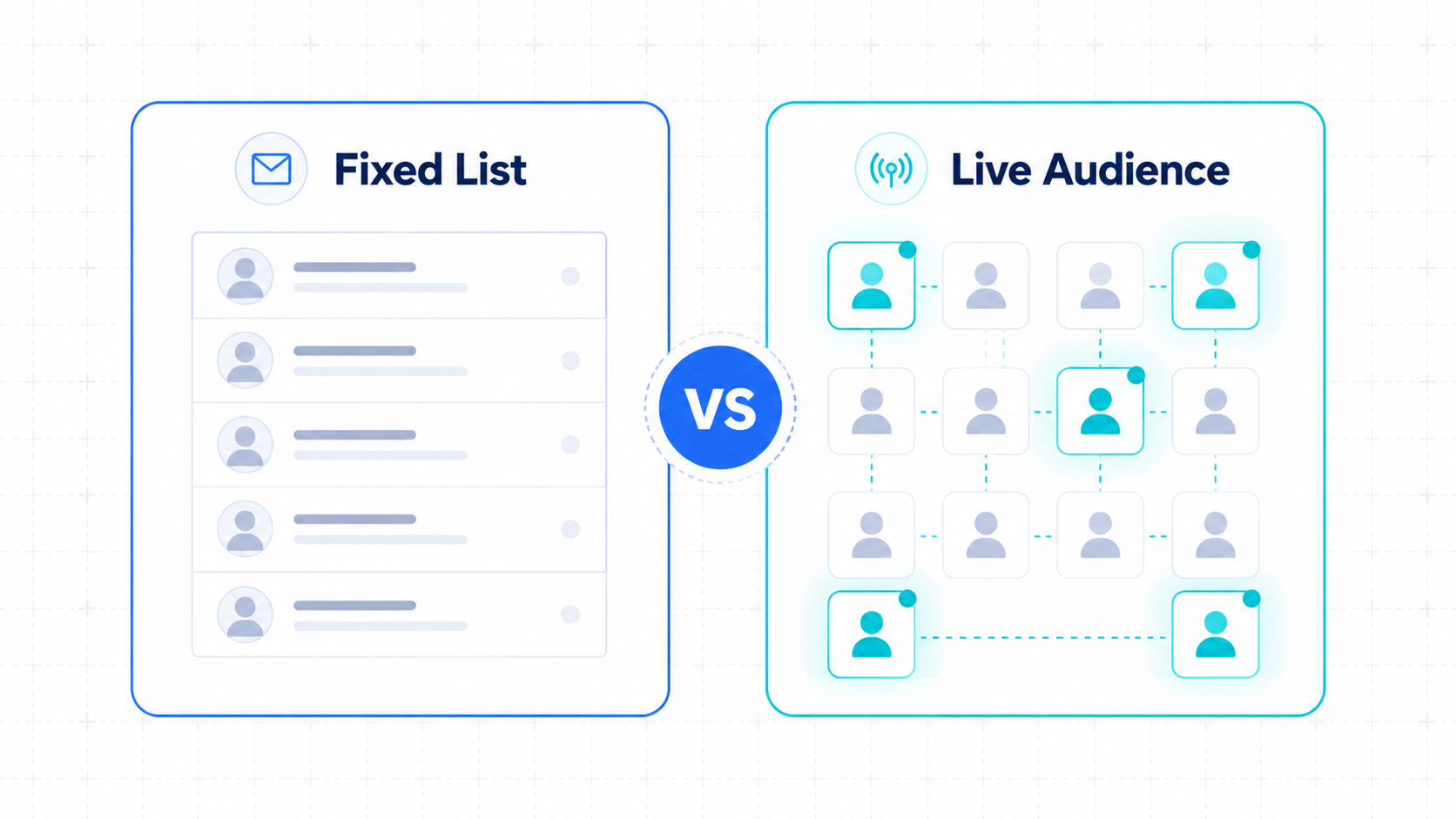
Creators outgrow basic tools when their revenue model expands past simple traffic volume. Static lists fail to tell you how individual readers interact with your business.
You start your blog wanting readers for your text. Then you launch a course or an affiliate review page.
Suddenly, your software treats highly active buyers the same as dead email accounts. This slows your income velocity. You waste hours handling spreadsheets instead of making new assets.
The Creator Growth Ladder
The Creator Growth Ladder shows how content businesses scale their backend technology alongside their income streams.
Matching your tool to your developmental phase prevents technical debt.
Here is how content platforms scale from simple side projects to media brands.
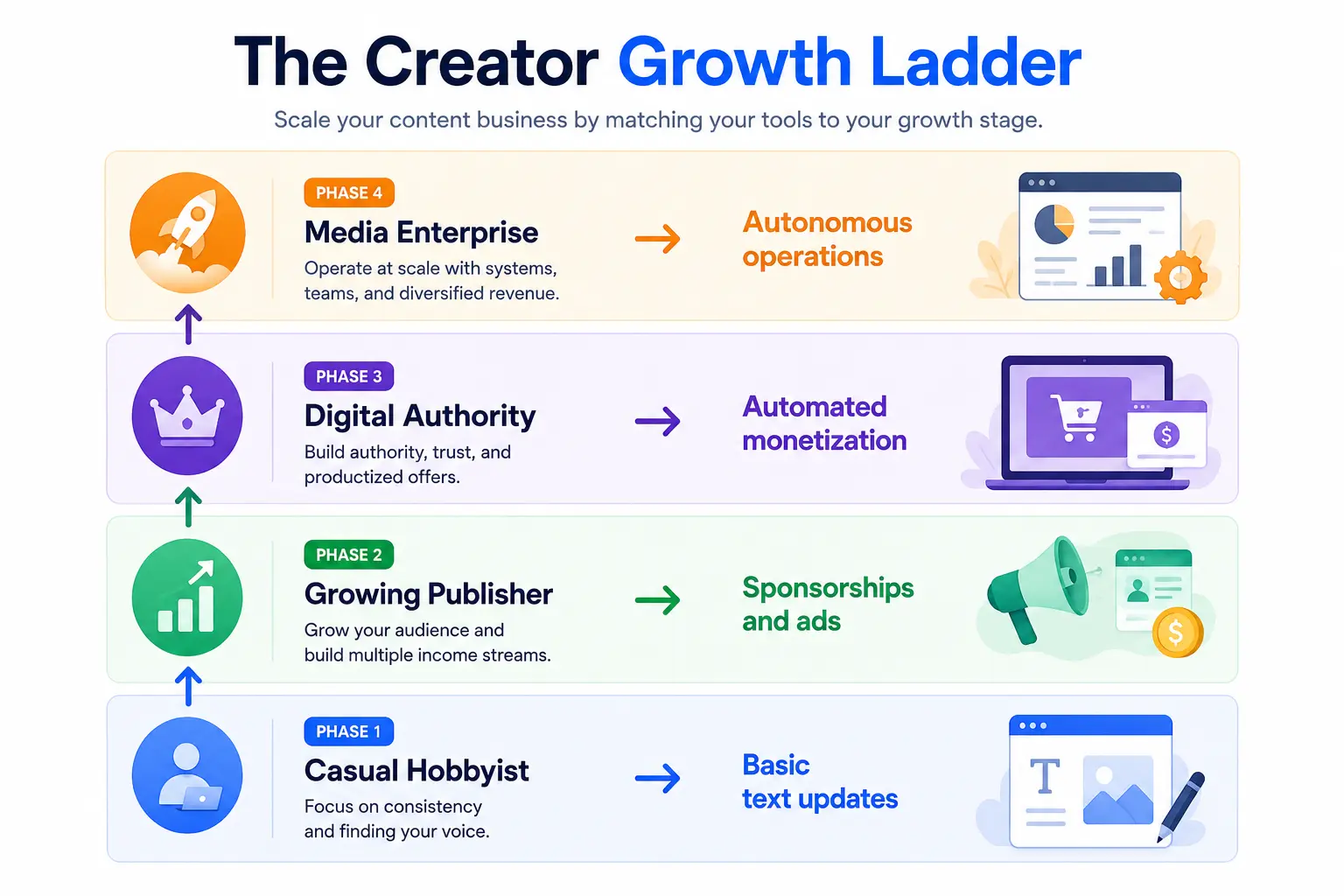
Phase 1 centers on consistency and finding your voice. Mailchimp supports this initial phase well.
Phase 2 and 3 require behavioral tracking.
You need to segment buyers automatically and rely on proactive intelligence to keep them engaged.
ActiveCampaign provides the infrastructure to bridge these higher growth phases.
From Email Marketing to Autonomous Marketing: What’s Changing?
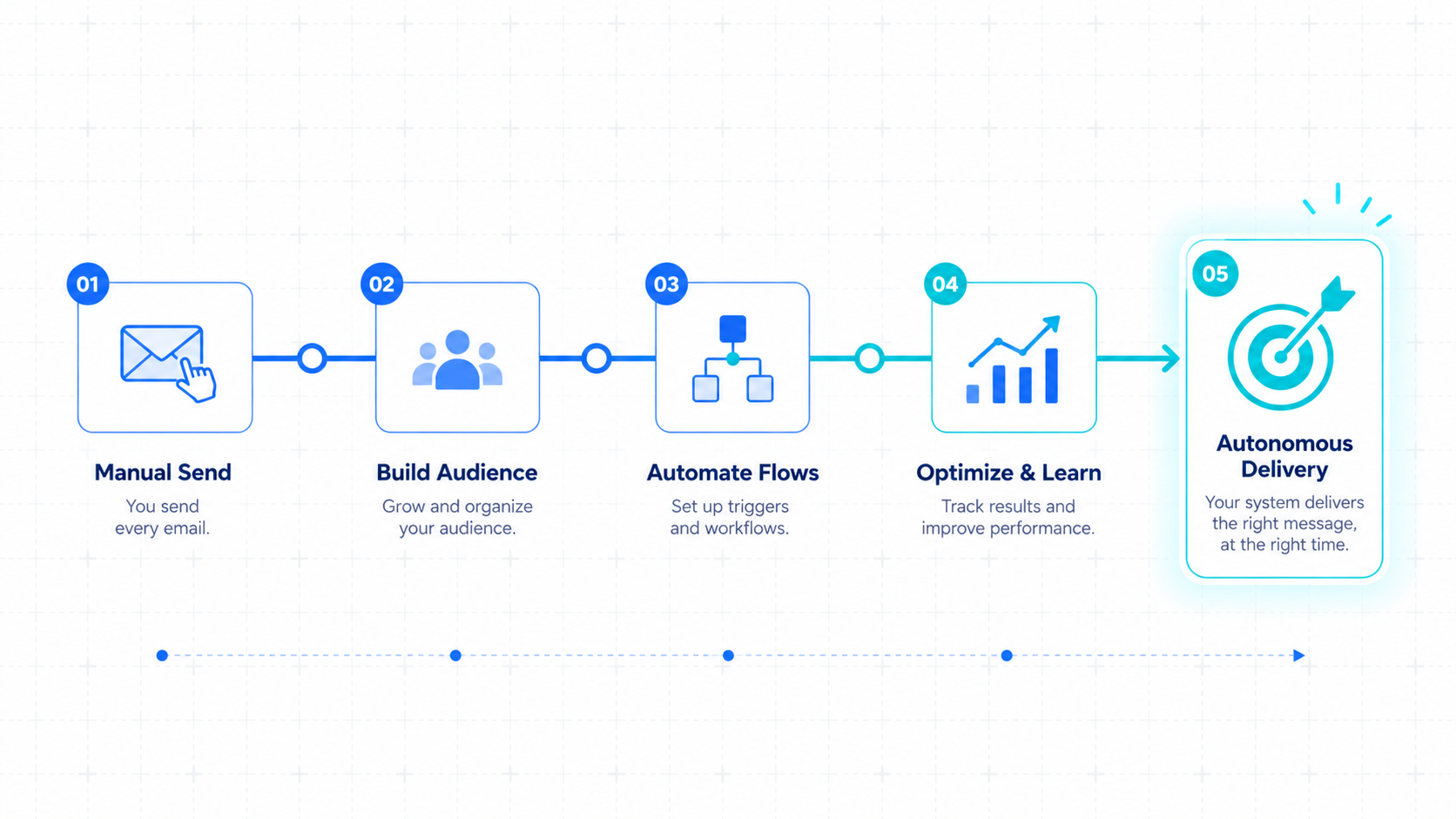
Autonomous marketing replaces manual campaign building with behavioral adjustment. The software responds to your readers in real time to drive results.
The old style meant writing a single broadcast and hitting send. Everyone saw the exact same pitch.
The modern approach monitors content consumption habits. If a reader clicks articles about video editing, the system updates their path automatically.
This creates proactive engagement. You build individual customer experiences at scale while focusing entirely on creative output.
The Biggest Difference Between ActiveCampaign and Mailchimp
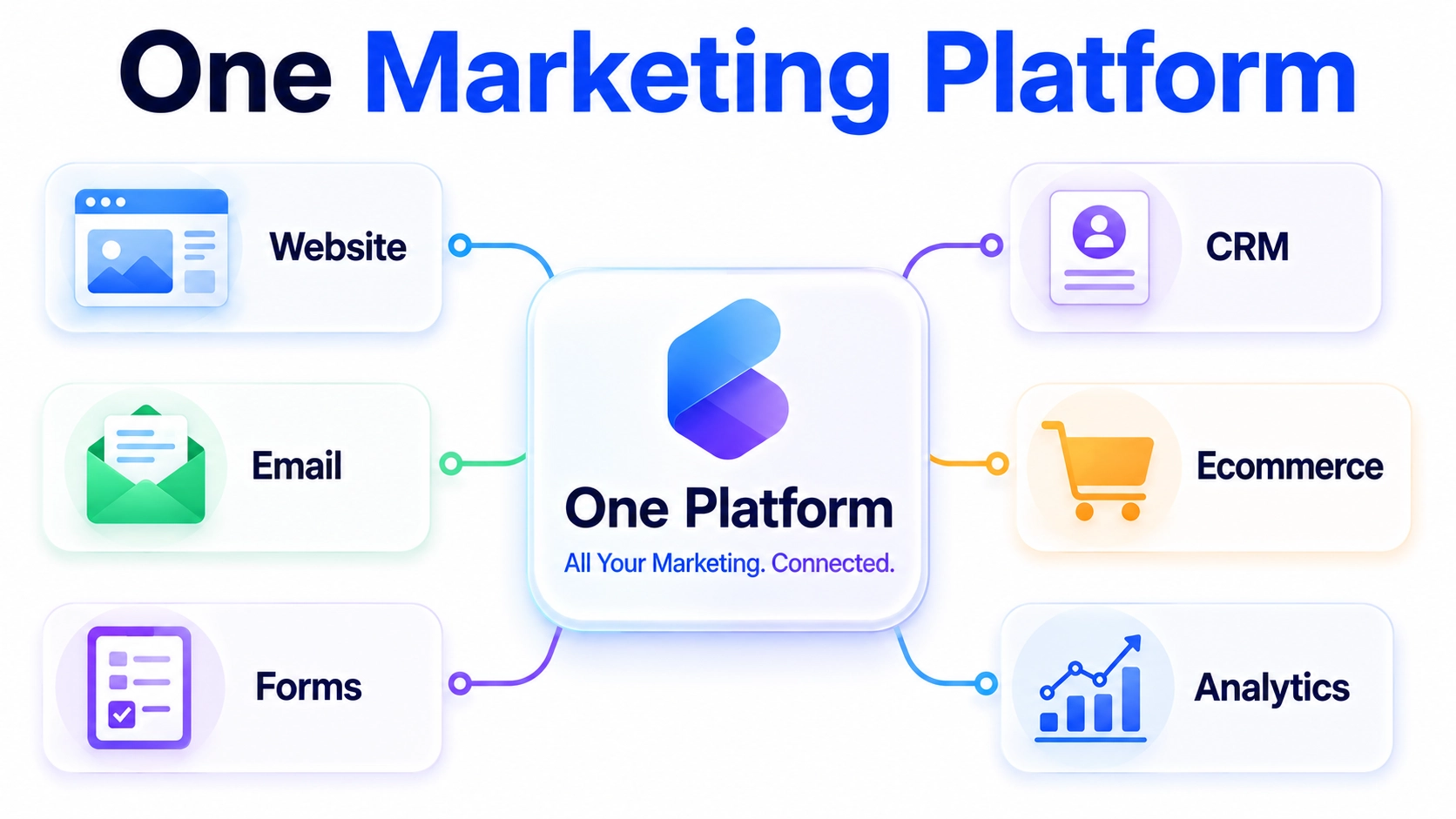
The main division is data architecture.
ActiveCampaign uses a single subscriber list organized by custom labels, while Mailchimp uses separate, rigid list silos called Audiences.
Mailchimp splits people into isolated pools. If one reader grabs two different free guides, they occupy two billing slots. You pay for their name twice.
ActiveCampaign stores every contact once. You use custom labels to follow their interests. This keeps your operating costs aligned with actual audience scale.
What It Is Like to Use Mailchimp
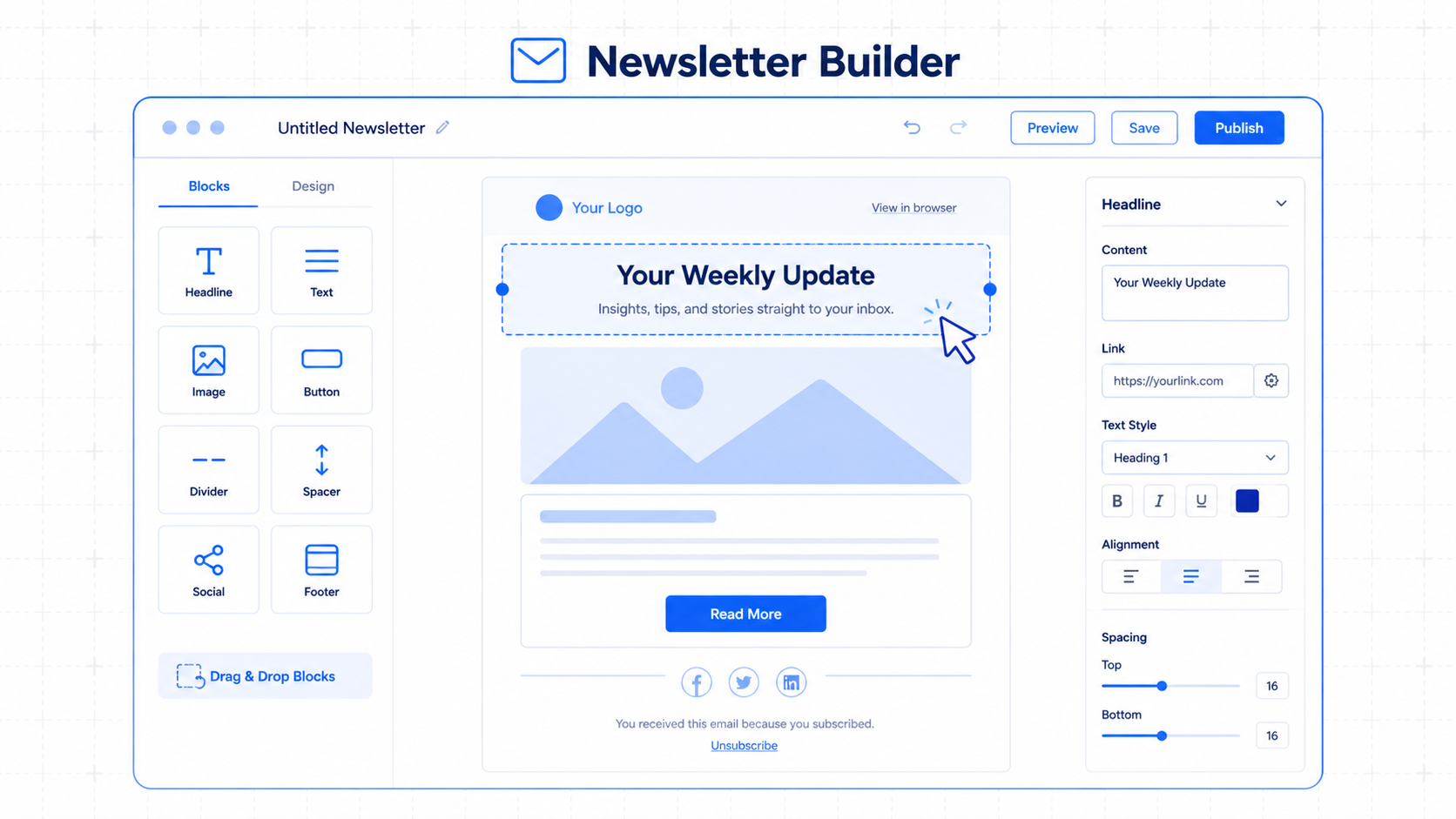
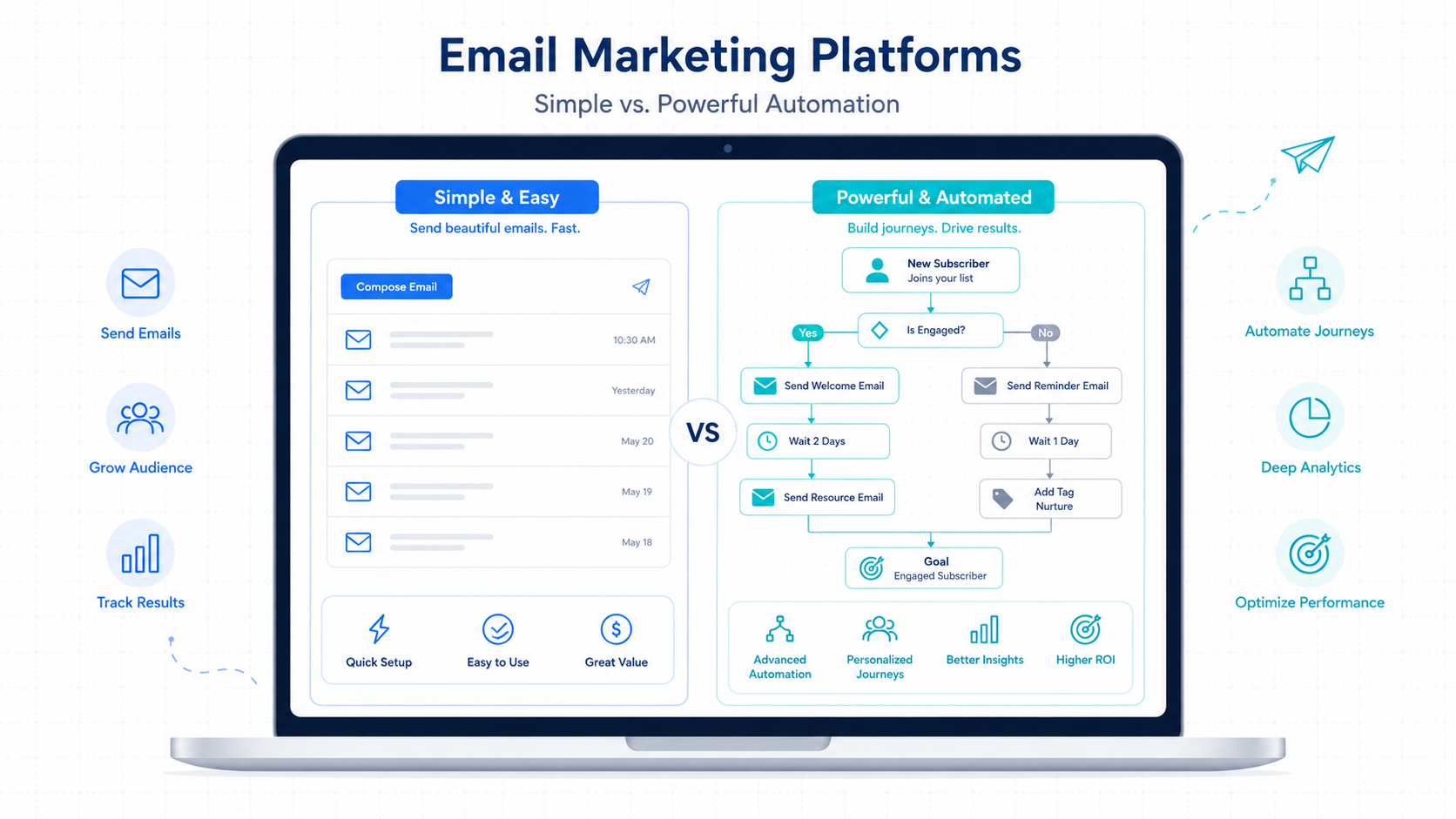
Mailchimp offers a straightforward visual experience for simple communication tasks. The interface feels safe until you demand advanced automation sequences.
Is Mailchimp Actually Easier for Beginners?
Yes, Mailchimp makes writing and scheduling single newsletter campaigns highly intuitive. The navigation avoids dense technical settings.
You can design a modern newsletter in ten minutes. The layout builder responds quickly to basic drag adjustments. The difficulty begins when connecting external sales tools.
How Does Mailchimp Handle Audience Management?
Mailchimp manages contacts through rigid, separated list containers. This design creates major data silos for growing content brands.
Moving a subscriber between lists breaks their historical tracking profile. You often get duplicate profiles. This makes it difficult to maintain accurate subscriber records.
What Are the Real Automation Limitations in Mailchimp?
Mailchimp limits your workflows to basic linear pathways. You can build simple follow-up notes, but complex behavioral branches frequently stall.
The visual editor slows down with larger sequences. It lacks deep conditional decision options. Pausing a campaign based on external web actions requires heavy manual filtering.
What Are the Hidden Pricing Considerations?
Mailchimp counts unsubscribed and unconfirmed contacts toward your monthly billing threshold. You pay software fees for people who cannot receive your emails.
You have to manually archive these dead contacts every month. Failing to check your dashboard can cause unexpected price jumps. The expenses grow rapidly alongside your list size.
What It Is Like to Use ActiveCampaign
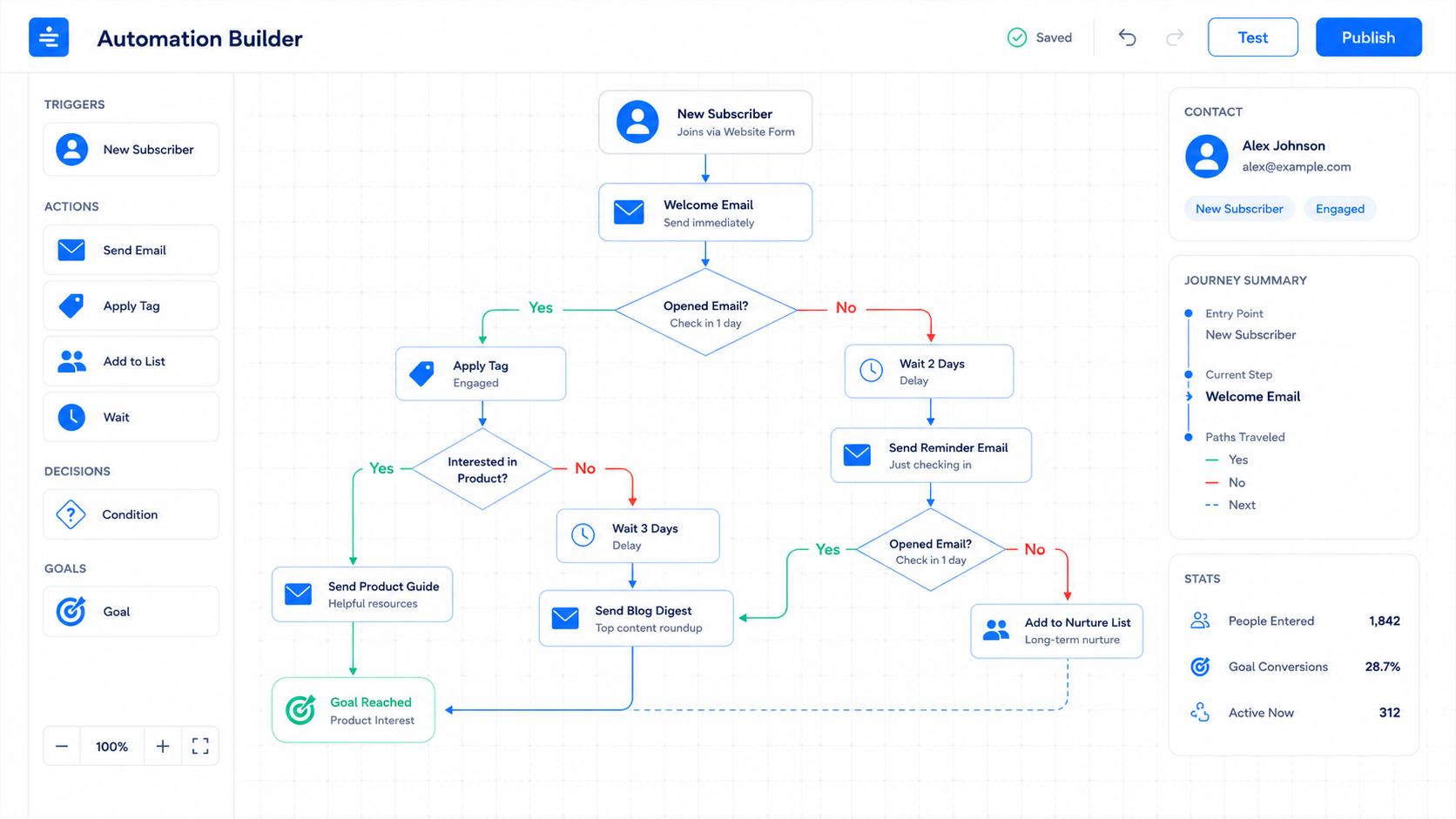
ActiveCampaign operates like a professional business database. It values detailed control pathways, behavioral metrics, and proactive engagement.
How Flexible Are ActiveCampaign Automation Capabilities?
ActiveCampaign provides a visual canvas that lets you build customized behavioral funnels. You can mix triggers, goals, and internal wait states without structural limits.
You can pause a sequence until a reader visits a specific page on your WordPress site. The editor manages massive setups easily. It keeps your communications relevant to reader actions.
What Is Active Intelligence 3.0: Wavelength and How Does It Work?
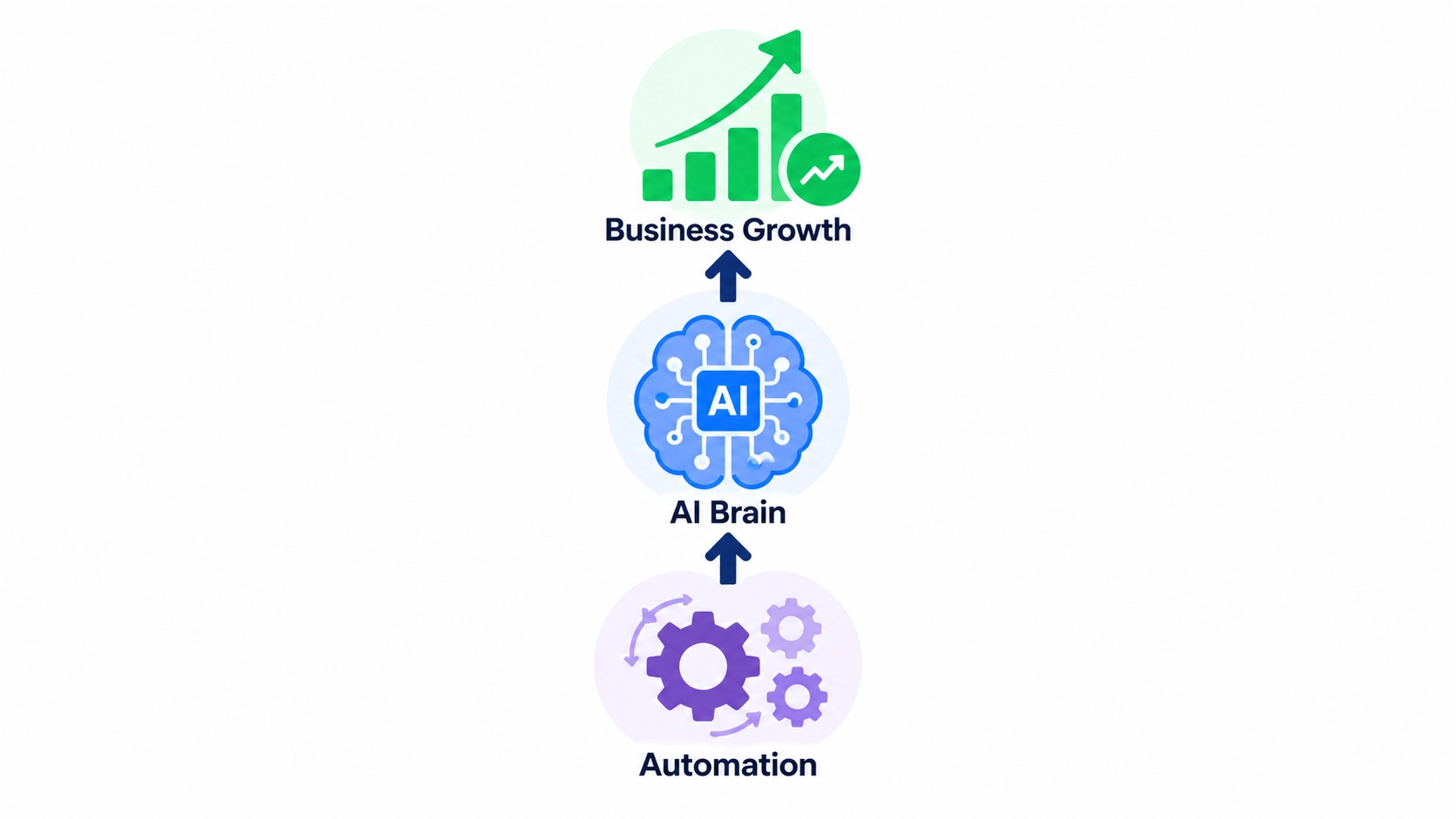
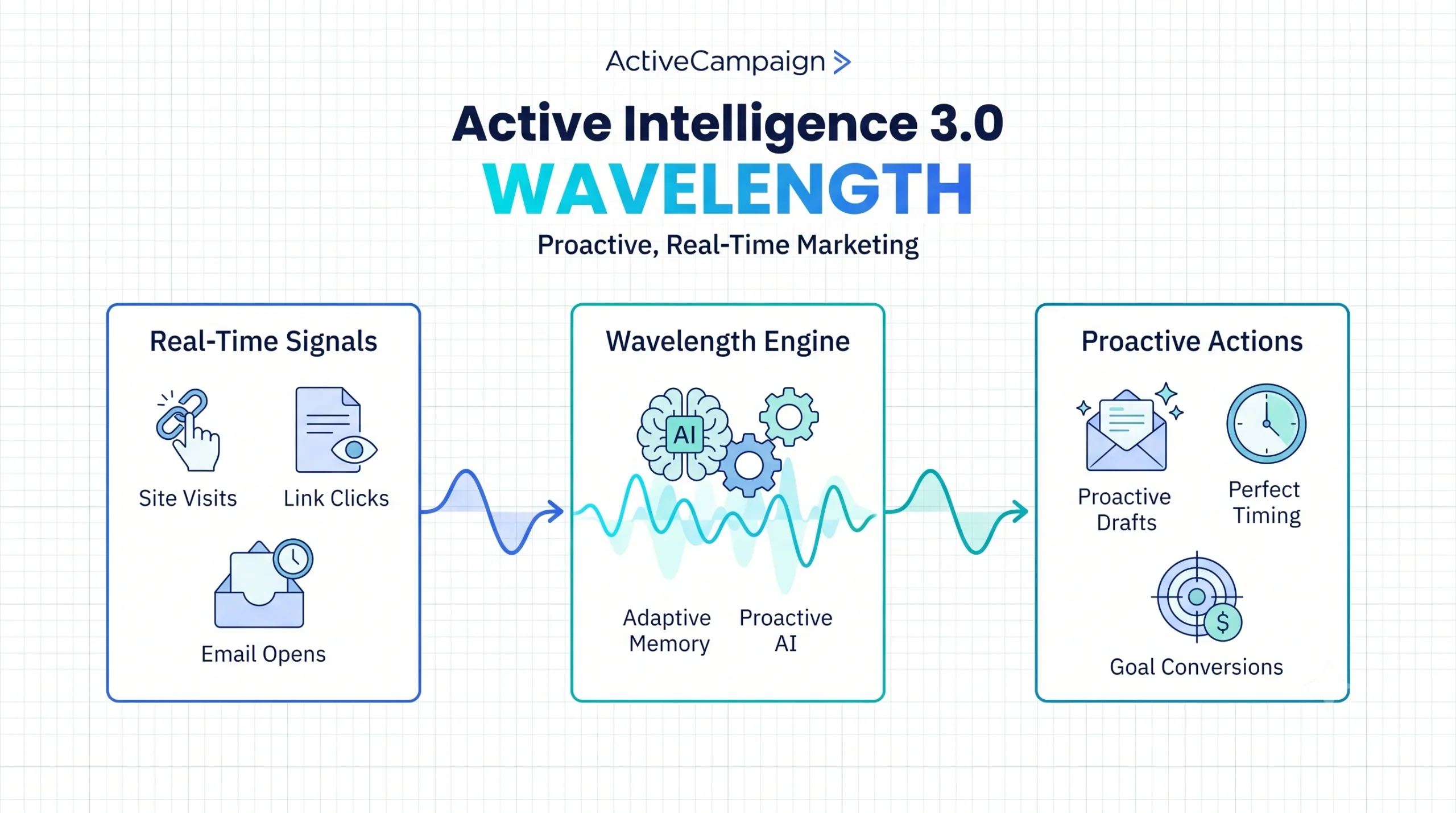
Active Intelligence 3.0: Wavelength is the proactive data engine inside ActiveCampaign that automates list optimization. It uses account depth to maximize interaction rates.
Rather than just waiting for your commands, Active Intelligence 3.0: Wavelength features a unified campaign agent that monitors Automation Health and brings in external signals automatically.
The system tracks when individual subscribers open their mail and uses adaptive memory to delay your broadcast to deliver it at their exact peak activity hour. This drives the highest possible engagement.
How Steep Is the ActiveCampaign Learning Curve?
The learning curve requires a dedicated investment of time and attention. You cannot figure out the interface by clicking around randomly for an hour.
You must understand how labels, custom fields, and automations interact. The menus feature dense configuration panels. Expect to spend a few days reading guides to feel competent.
Can ActiveCampaign Handle Long-Term Scalability?
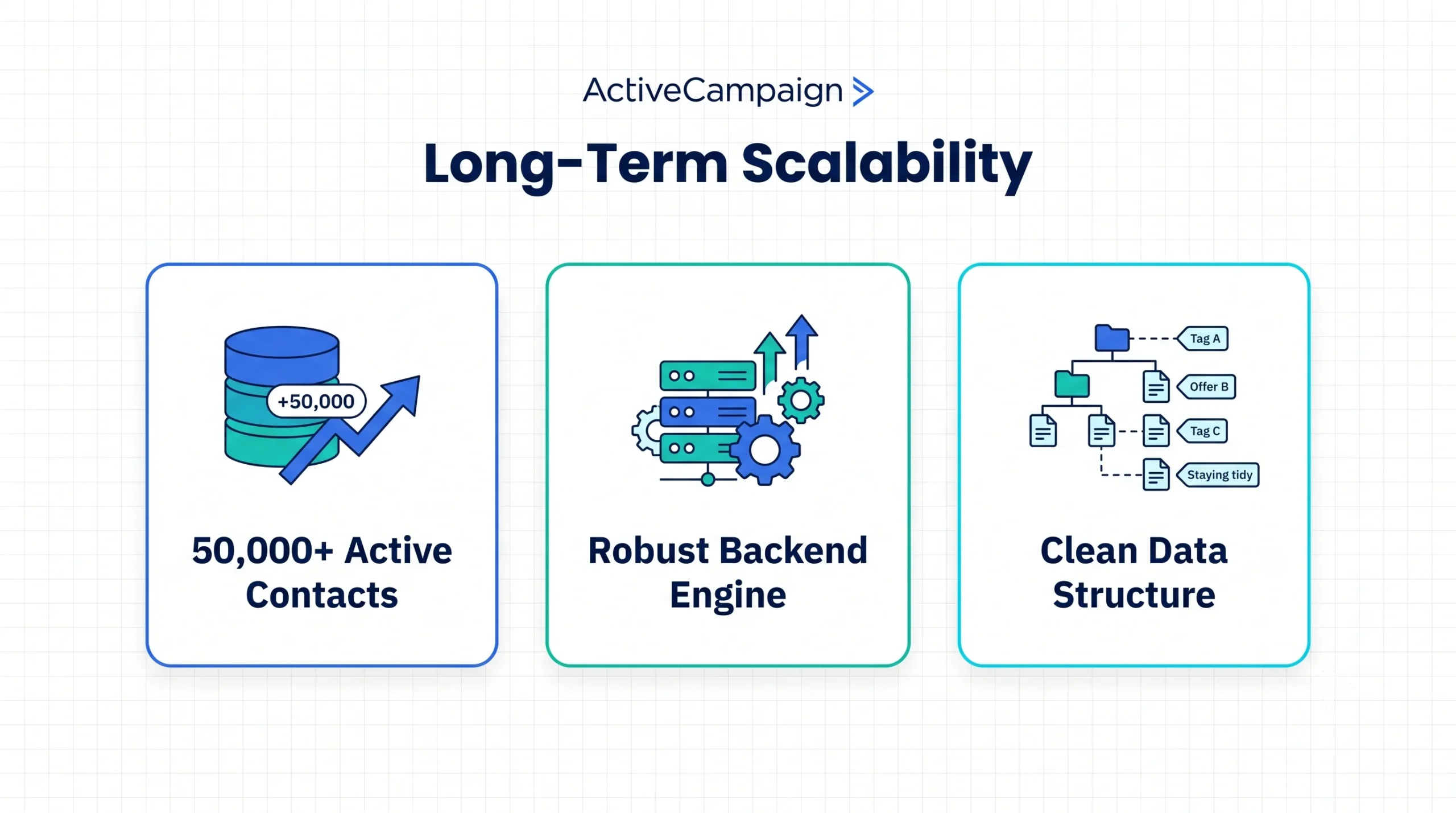
Yes, ActiveCampaign easily sustains large database volumes without performance drops. The backend engine handles accounts exceeding 50,000 active contacts smoothly.
The labeling structure ensures your information remains clean as you release new offers. Your automated setups will not break during traffic spikes. It handles rapid business scaling while monitoring your funnels using Automation Insights.
ActiveCampaign vs Mailchimp Feature Comparison
Comparing specific features shows where your monthly software investment goes. Each tool serves a distinct operational philosophy.
Email Campaigns: Which Editor Builds Better Newsletters?
Mailchimp provides a superior environment for highly visual layout design. Their template library is clean and requires no custom code.
ActiveCampaign emphasizes simple, plain-text email designs. The editor works well but prioritizes deliverability over artistic blocks. It favors text that looks personal.
Automation: Which Visual Builder Drives Better Results?
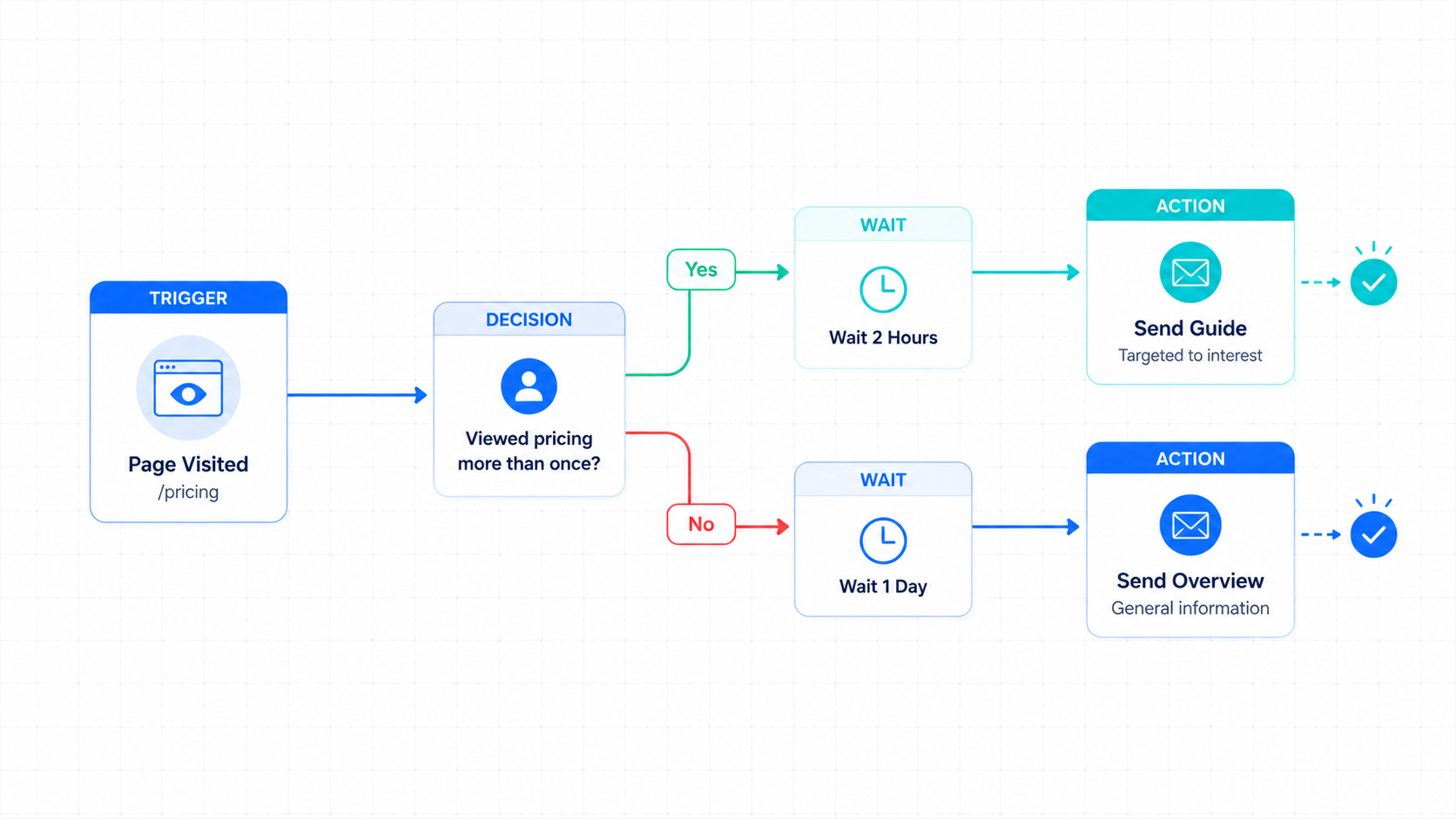
ActiveCampaign drives results through reusable, global automation modules and proactive intelligence. You can edit one core rule and apply it across twenty separate paths instantly.
Mailchimp requires you to adjust every single journey map manually. That repetition consumes valuable creative hours when running a multi-channel business.
Segmentation: How Grouping Subscribers Differs

ActiveCampaign segments are dynamic and update live based on subscriber behavior. You can combine page views, purchase history, and location into a single rule.
Mailchimp segments remain flat and list-locked. You cannot cross-reference readers across different audiences without manual spreadsheet exports.
Personalization: Can You Adapt Content to Reader Behavior?
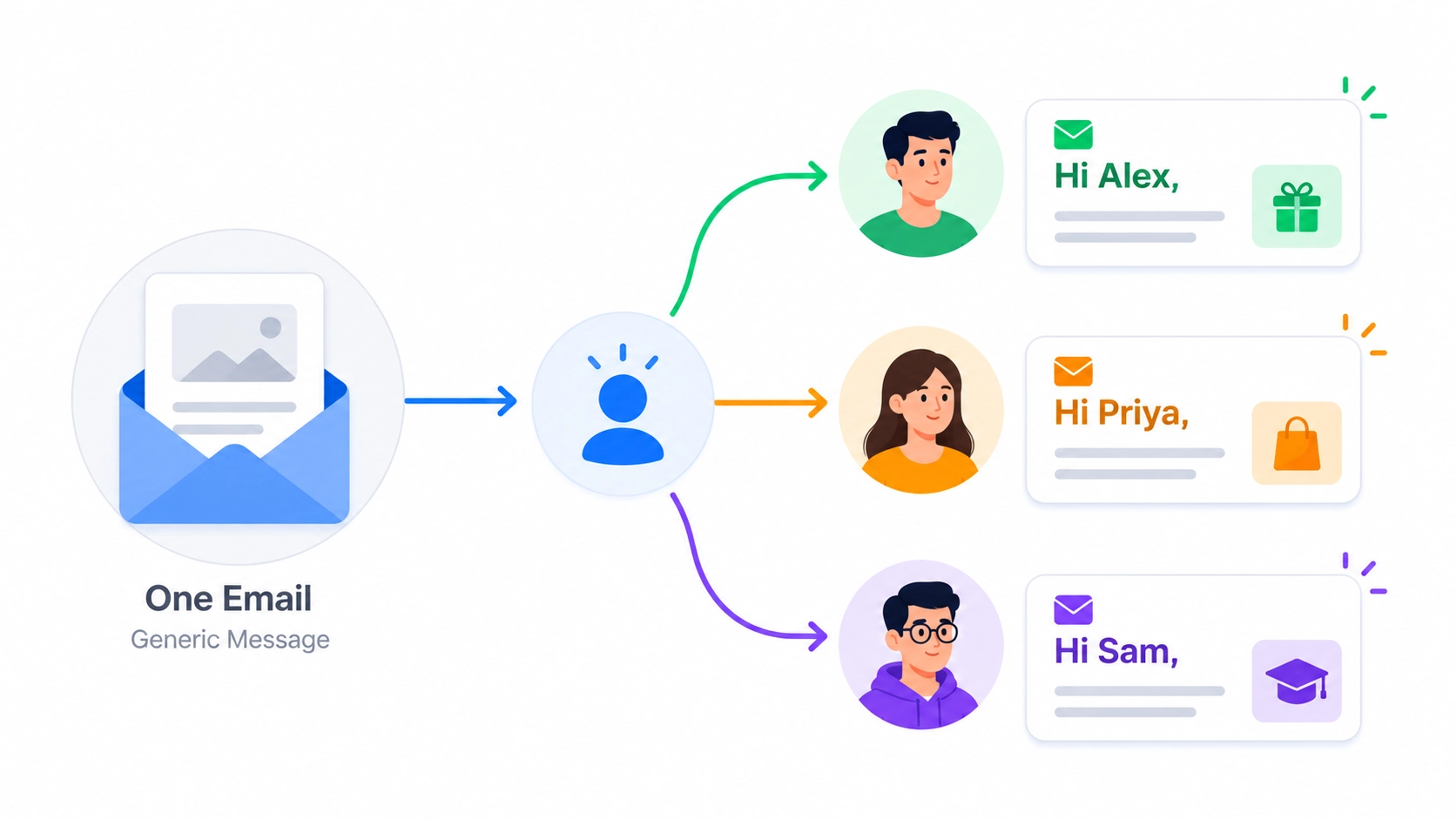
ActiveCampaign allows you to hide or display specific text blocks inside a single campaign draft based on labels. A new reader sees basic tips, while a past client sees a product offer.
Mailchimp depends mostly on simple text tokens like names. It cannot dynamically change large visual or text sections inside your email body.
Lead Scoring: How to Spot High-Value Buyers Natively
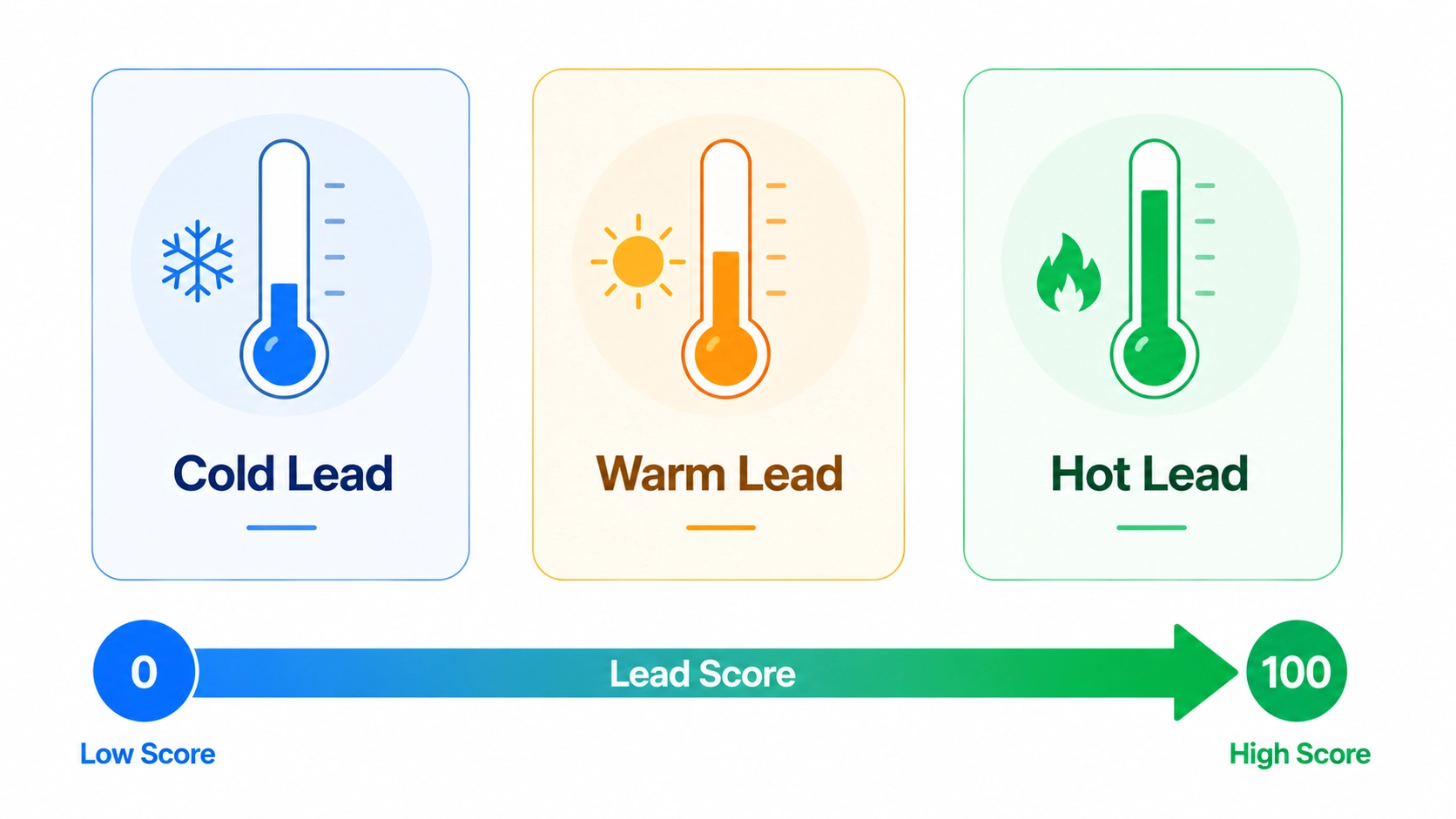
ActiveCampaign features built-in lead scoring to assign numerical values to subscriber engagement levels. You can add points automatically when people visit your order pages.
Mailchimp offers no native lead scoring tool. You have to hunt through individual contact histories to guess who is ready to purchase.
AI Features: Writing Assistants vs Proactive Intelligence
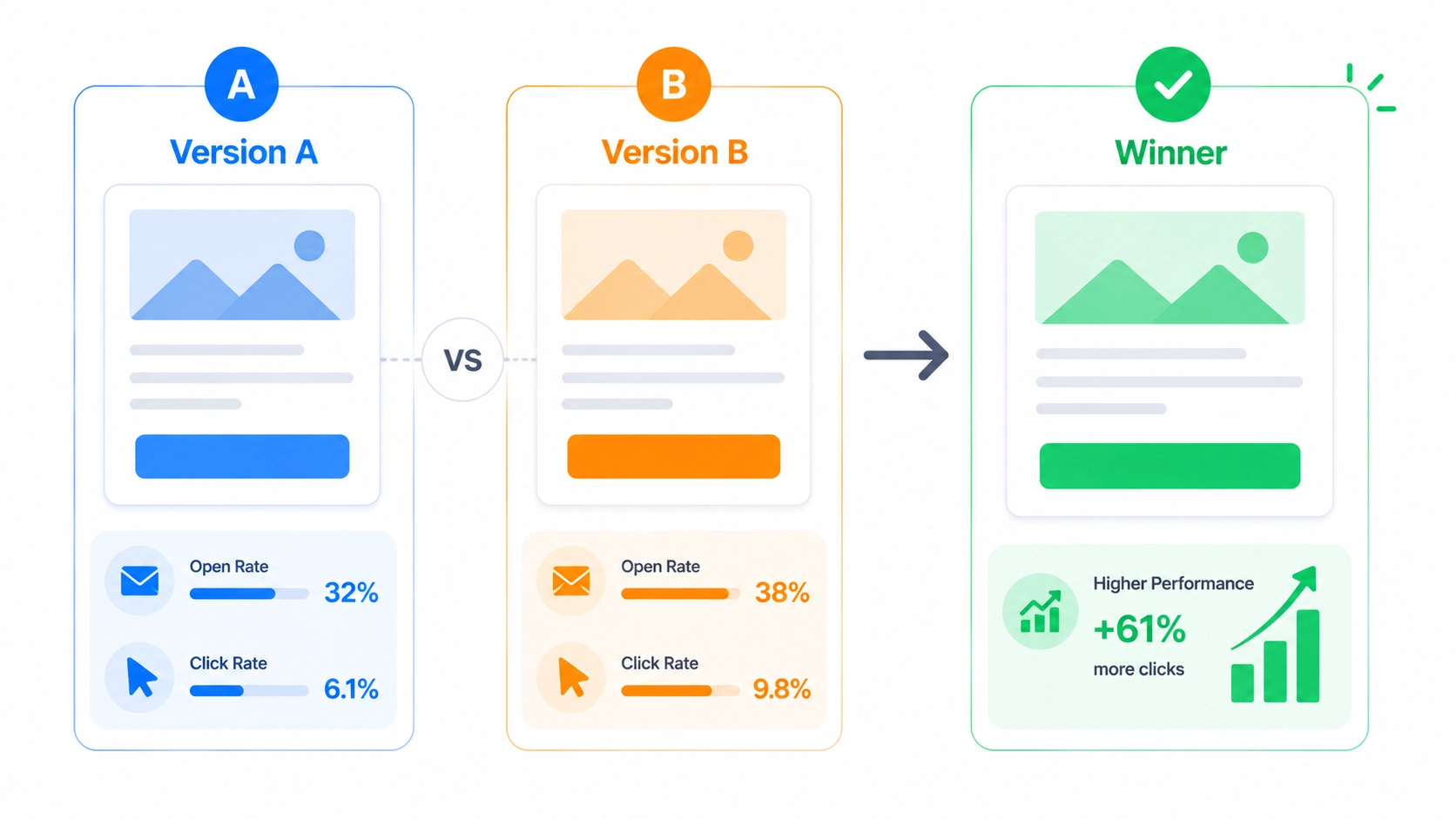
Mailchimp applies AI primarily for copyediting, text generation, and layout suggestions. It functions as a standard assistant for writing.
ActiveCampaign leverages Active Intelligence 3.0: Wavelength to solve backend information issues. Instead of just generating text, the AI Actions Library proactively drafts and ideates campaigns based on your specific account depth. It uses adaptive memory to optimize subscriber paths to drive engagement.
Reporting: Which Dashboard Gives Clearer Business Data?
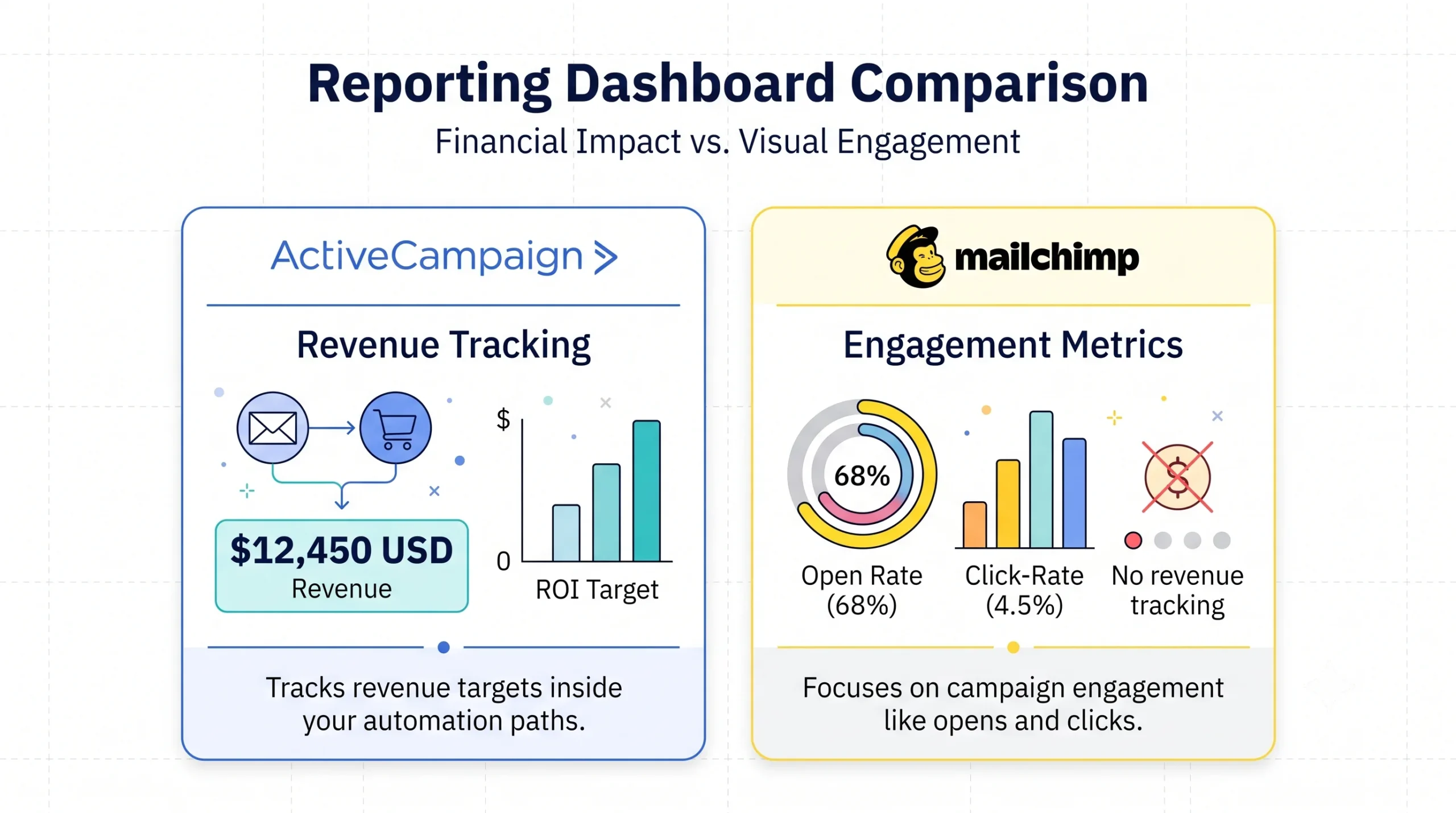
Mailchimp delivers clean visual charts focused on click rates and opens. It looks professional but skips deeper financial context.
ActiveCampaign tracks revenue targets directly inside your automation paths. You can see the exact currency amount generated by a specific welcome message.
Integrations: Connecting Your Creator Tech Stack
Both applications connect with core software options like WordPress and Zapier. Mailchimp maintains a massive directory of small native add-ons.
ActiveCampaign builds deeper bridges with course tools like Teachable. It passes custom field information instead of just updating text strings.
ActiveCampaign vs Mailchimp Pricing: The Real Cost of Growth
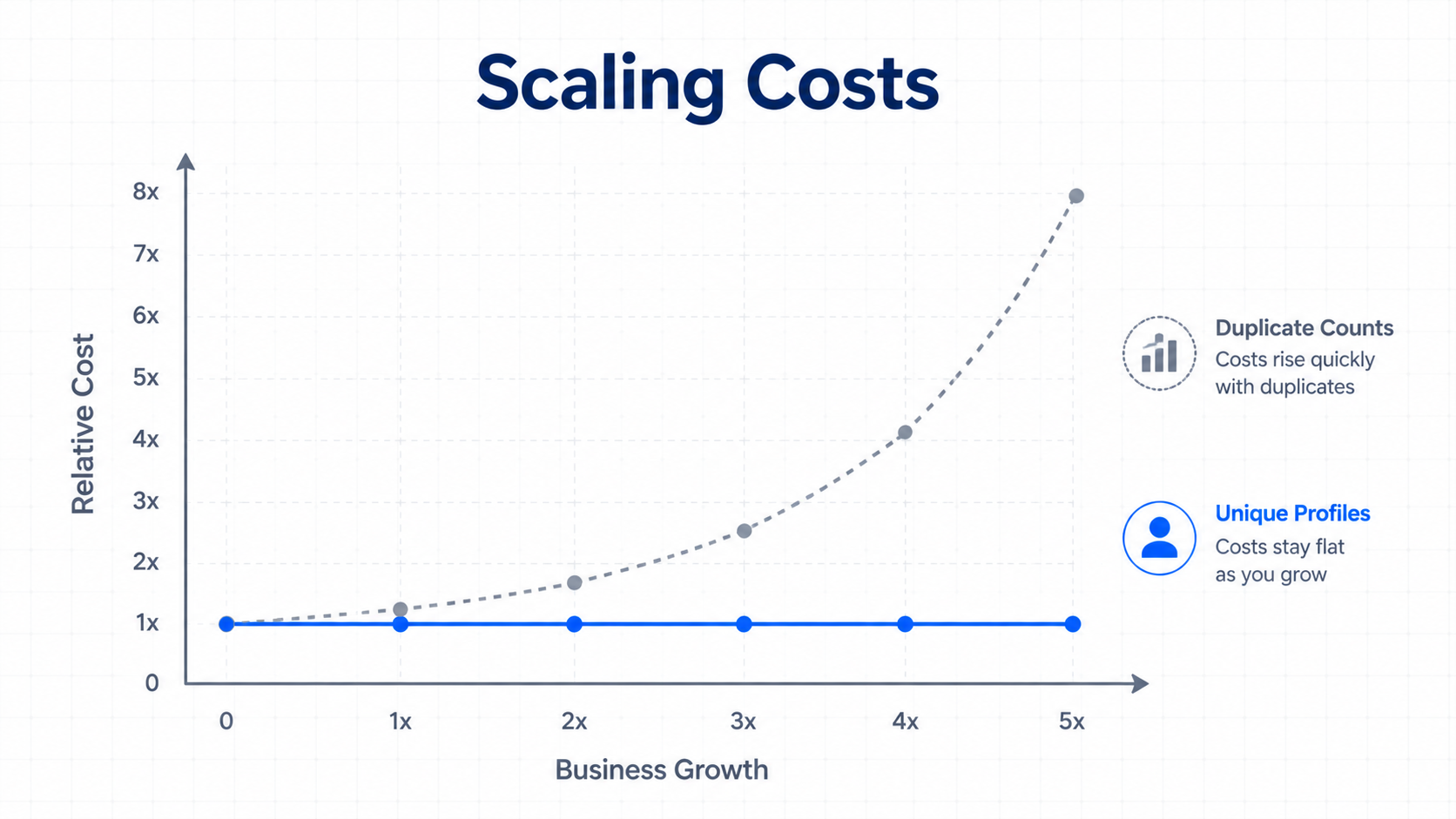
Pricing models look similar upfront but diverge quickly as your audience grows. You must calculate the cost of duplicate contact records.
Mailchimp appears affordable for entry-level lists. But duplicate fees for identical names across separate audiences can inflate your bill unexpectedly.
ActiveCampaign costs more initially but uses a clean database volume model. You pay solely for active, unique email profiles.
| Subscriber Count | Mailchimp (Standard Tier) | ActiveCampaign (Starter Tier) |
| 1,000 Names | $25 / month | $15 / month |
| 2,500 Names | $60 / month | $49 / month |
| 5,000 Names | $100 / month | $79 / month |
| 10,000 Names | $135 / month | $139 / month |
Strategic Frameworks by Creator Type
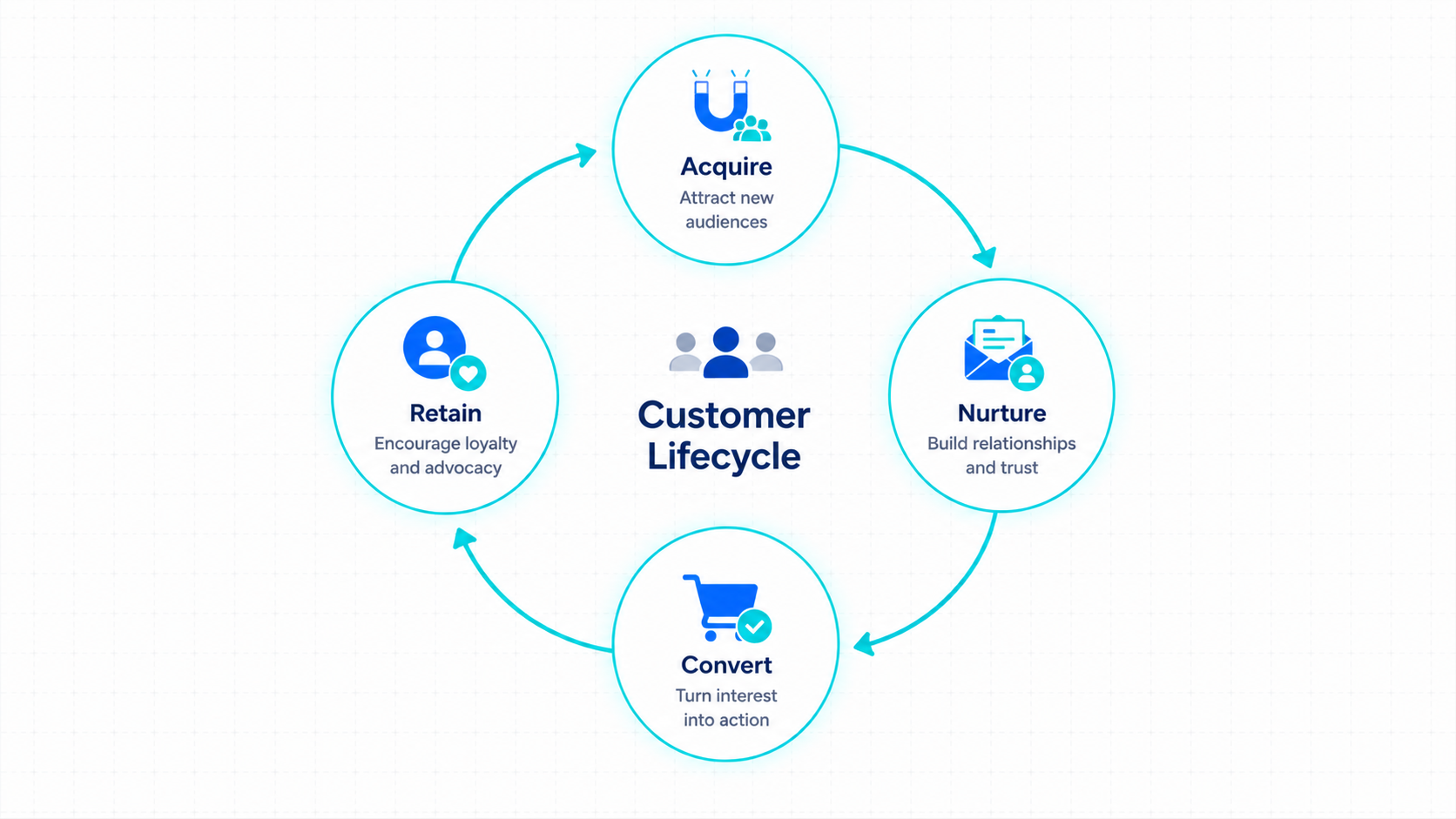
Your choice should directly support your primary business monetization strategy.
Different business models require distinct tracking capabilities.
ActiveCampaign vs Mailchimp for Bloggers
Bloggers focused strictly on traffic volume and display ads often find Mailchimp sufficient. You only need to distribute weekly posts to maintain page views.
If you plan to sell digital files, ActiveCampaign offers better tools. Its tracking scripts show you exactly which articles generate product conversions.
ActiveCampaign vs Mailchimp for Content Creators
Creators managing audiences across YouTube, podcasts, and social accounts benefit from ActiveCampaign. You can track subscriber origins using flexible labels.
Mailchimp forces you to build separate lists for each source channel. This fragments your records and drives up subscription fees.
ActiveCampaign vs Mailchimp for Affiliate Marketers
ActiveCampaign provides excellent support for affiliate marketing frameworks. It lets you send automated pitches the moment someone clicks a partner link.
Mailchimp enforces strict compliance rules regarding affiliate promotions. They can flag or lock accounts that focus heavily on direct product reviews.
ActiveCampaign vs Mailchimp for Small Businesses
Small businesses selling premium coaching or services need the internal CRM tools inside ActiveCampaign. It tracks potential clients through custom stages.
Mailchimp handles local retail shops well. You do not need complex backend sequences to distribute store holiday announcements.
Real-World Scenarios: Who Wins Each Stage?
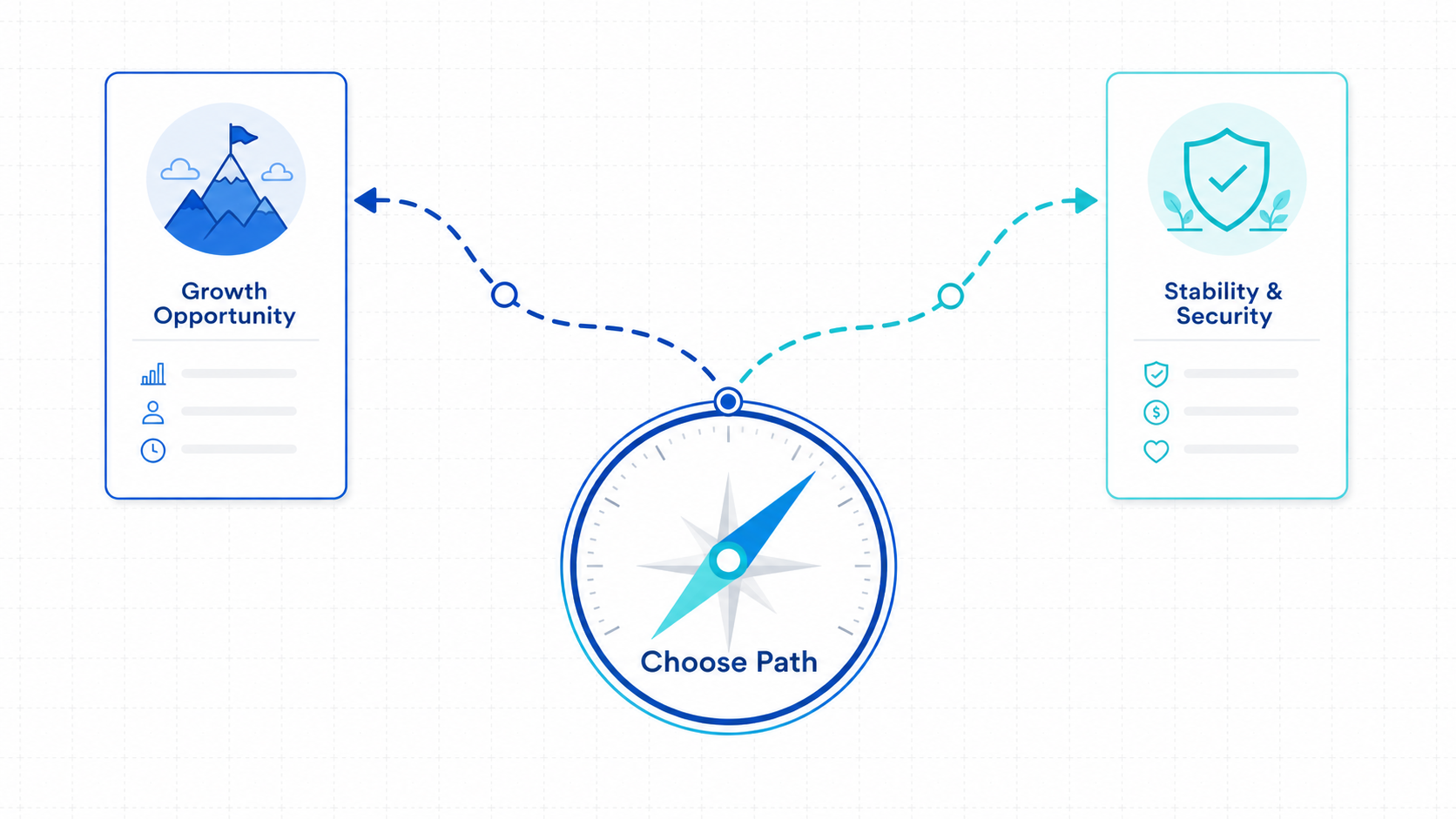
Analyzing daily operations reveals how these tools perform under business pressure. These examples illustrate the actual workflow friction points.
The New Blogger with Zero Budget
You just launched your site and have fewer than 200 readers. You have no products or services to sell yet.
Mailchimp fits this initial setup phase. Their entry tier provides a form and an email builder without requiring immediate capital.
The YouTuber Moving Audience off the Algorithm
You want to build a direct communication channel away from video algorithms. You offer a free checklist file in your descriptions.
ActiveCampaign handles this distribution well. Its form tools link directly to automated delivery tracks that send the asset immediately.
The Independent Newsletter Creator Selling Ads
You write a curated weekly industry summary. Your income depends on selling dedicated text spots to sponsors.
Mailchimp fits this specific design task. The visual block builder makes formatting ad blocks straightforward and clean.
The Affiliate Marketer Tracking High-Intent Clicks
You publish technical software reviews. You want to message readers who clicked your link but did not purchase.
ActiveCampaign manages this follow-up well. Its link triggers let you establish this targeted sequence in minutes.
The Course Creator Launching a Premium Program
You run an online academy. You need an automated sequence that pitches your course and drops buyers out of the promotion automatically.
ActiveCampaign handles this precision. Its label goals stop marketing messages the second a purchase completes.
The Agency Owner Managing Multiple Client Accounts
You run a content studio and manage email marketing for several independent creators. You need separate access dashboards.
ActiveCampaign supports this through its client sub-account framework. It keeps your client information pools separated.
Common Mistakes Creators Make When Choosing an Email Platform
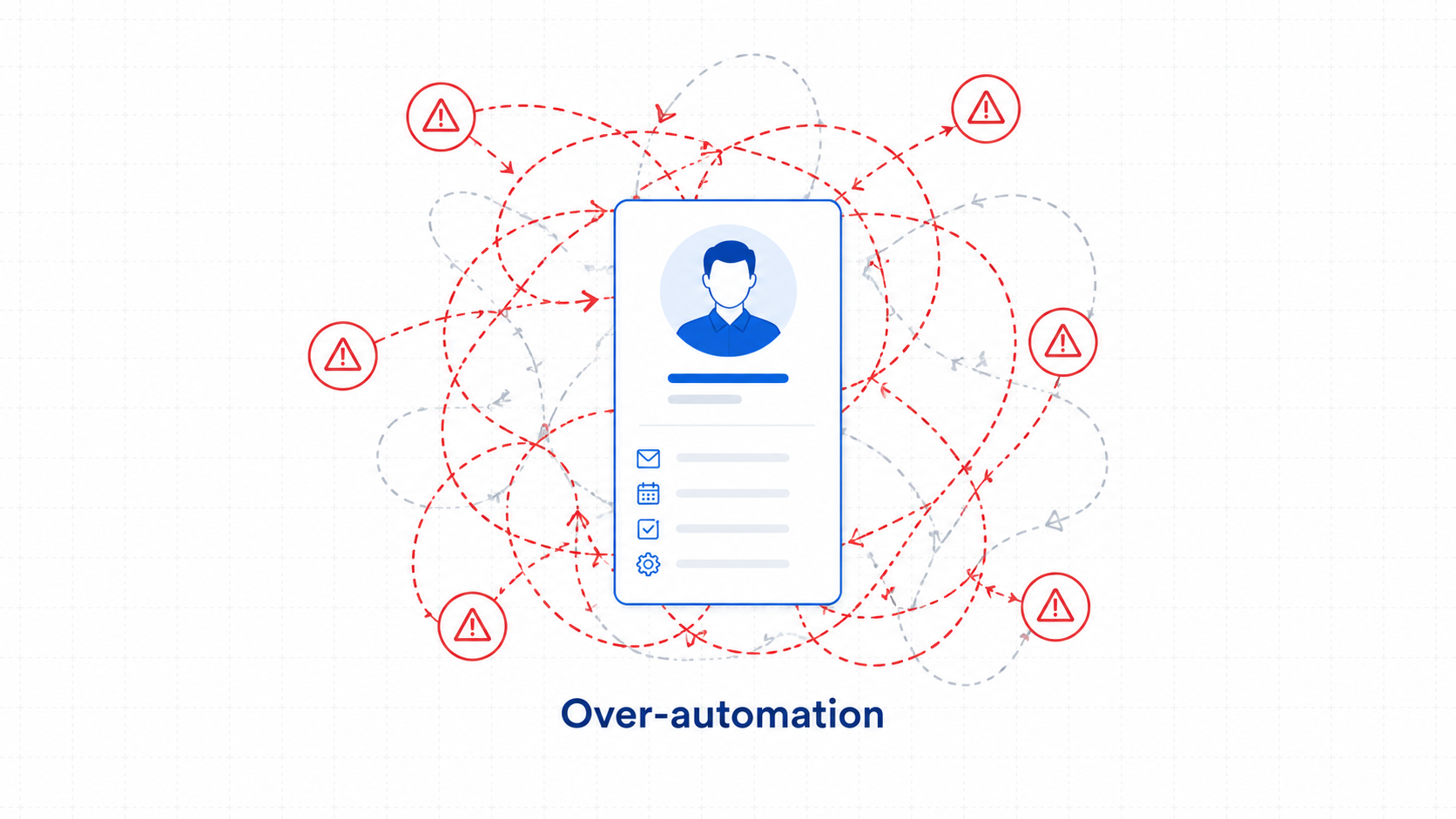
Many creators select software based on short-term features rather than long-term business goals. This oversight leads to costly data migrations later.
- Choosing based only on free tiers: You save money today but build your asset on a restricted foundation.
- Ignoring future list growth: A tool that looks cheap for 500 names can get expensive at 5,000 names.
- Not mapping paths first: Creators often buy subscriptions before sketching their sales sequences on paper.
- Paying for unused tools: Avoid purchasing high-tier software packages if you only send basic weekly updates.
- Underestimating migration work: Moving labels, history, and forms between tools takes days of careful checking.
When Mailchimp Is the Better Choice
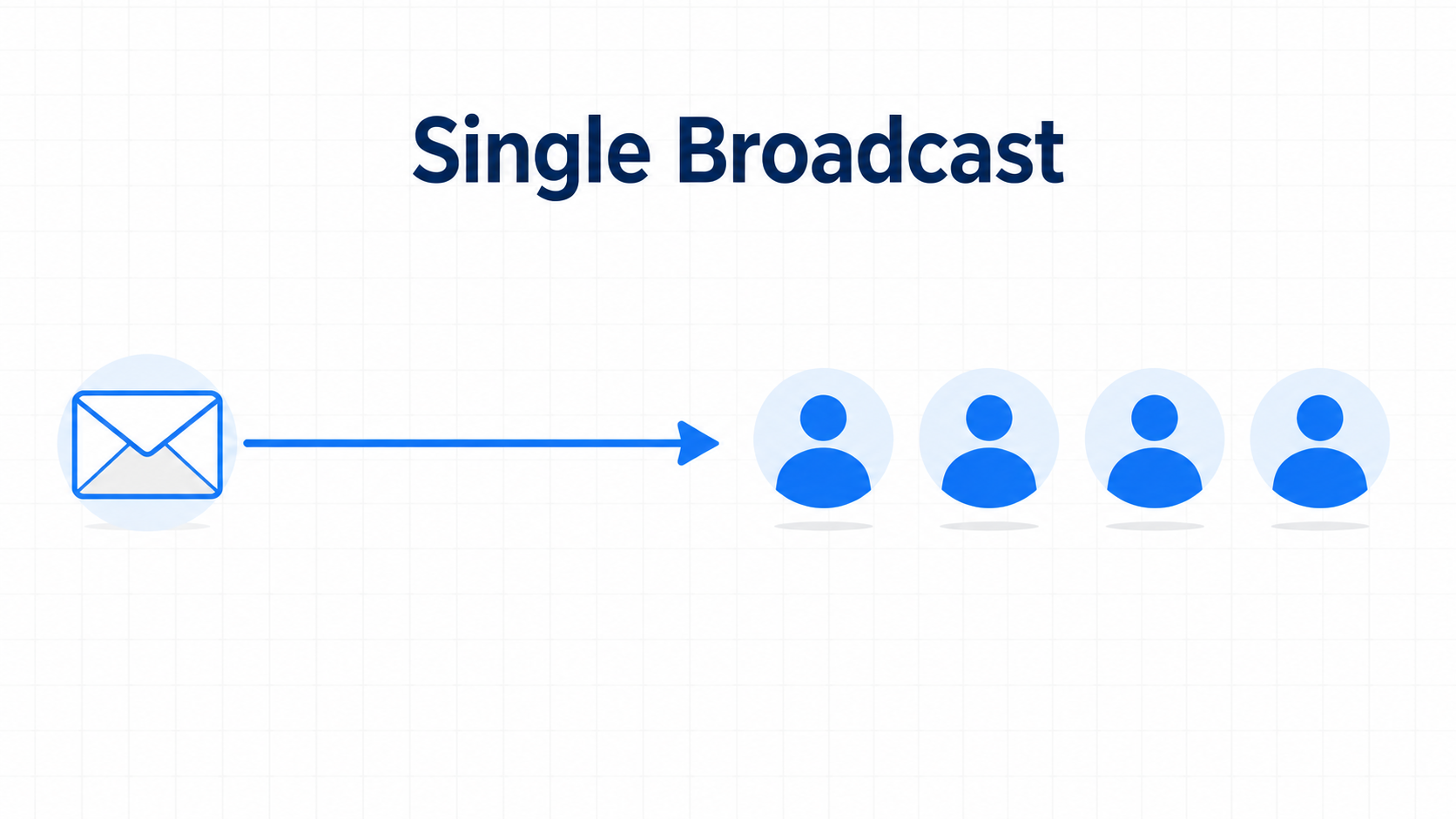
Mailchimp serves creators whose primary business driver is design simplicity and basic text delivery. It streamlines entry-level production workflows.
Choose this option if you want to avoid learning data rules. It fits individuals sending traditional newsletters without digital storefronts.
It also suits creators testing a fresh niche with minimal funding. The dashboard prevents you from wasting time on technical backend settings.
When ActiveCampaign Is the Better Choice
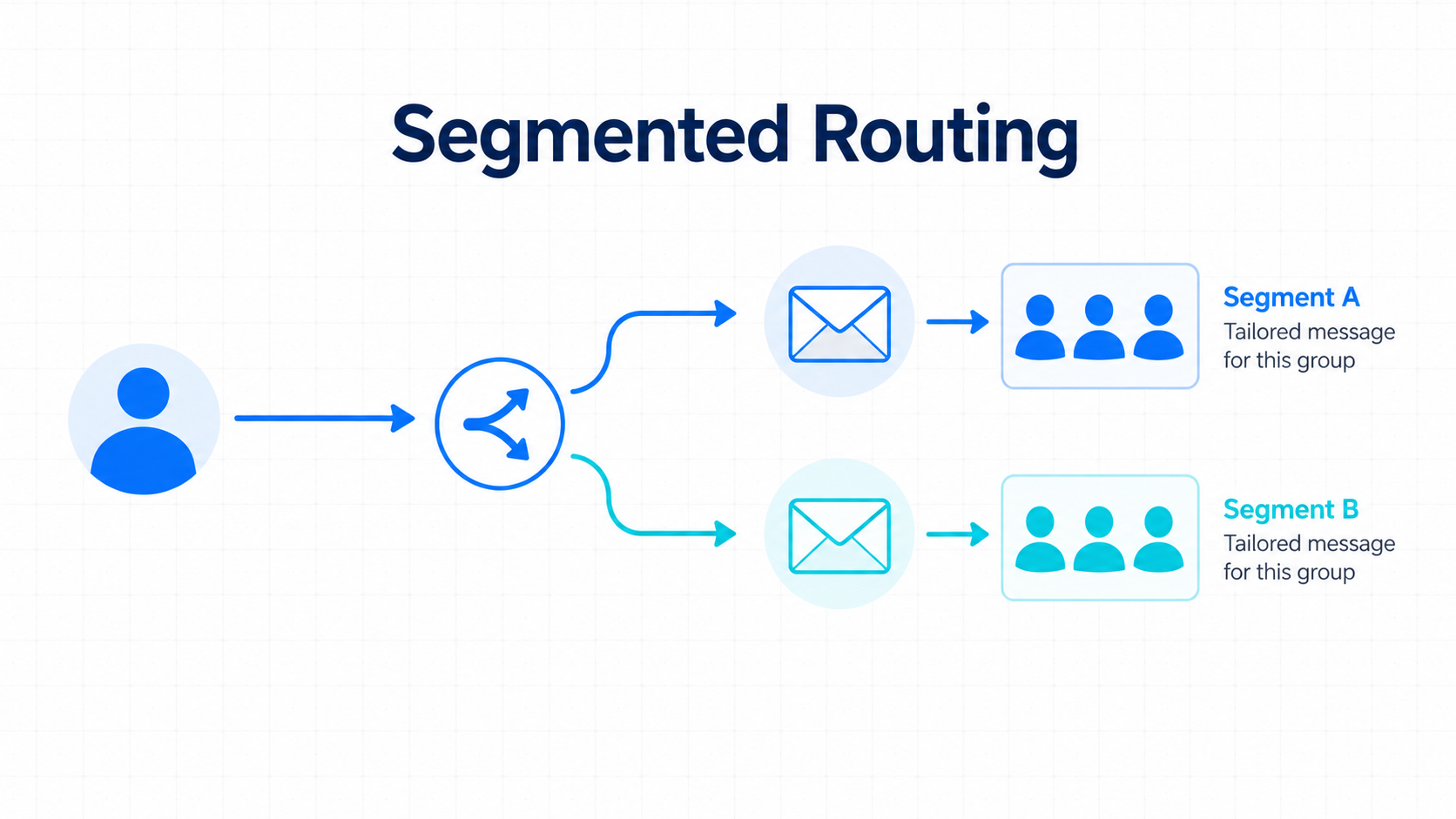
ActiveCampaign fits content businesses that treat their email list as an automated sales asset. It is built for monetization and engagement..
Select this tool if you want proactive engines like Active Intelligence 3.0: Wavelength to optimize your delivery times and draft campaigns using the AI Actions Library.
It prioritizes long-term data flexibility and subscriber monetization.
If I Were Starting a Content Business Today, Here Is What I Would Choose
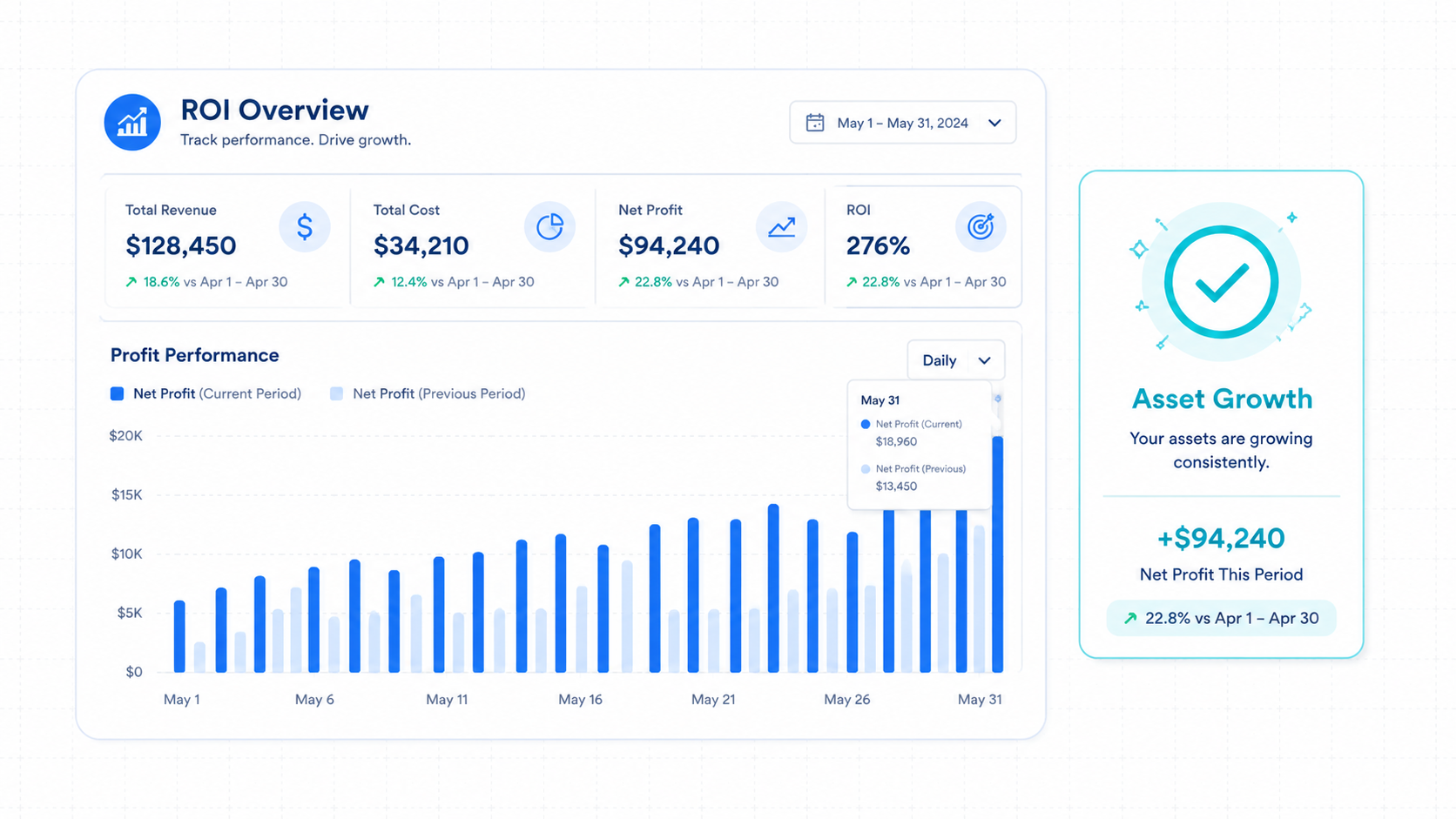
I would invest in ActiveCampaign from day one. Clean data structure matters more to a business than stylized starter templates.
The capacity to label subscribers based on behavior and utilize proactive intelligence is too valuable to postpone. I prefer to avoid the information loss that happens during migrations.
I accept the initial pricing as a core infrastructure investment.
Building your business asset on a label system saves hundreds of hours of manual organization down the road.
5 Actionable Takeaways for Smart Creators
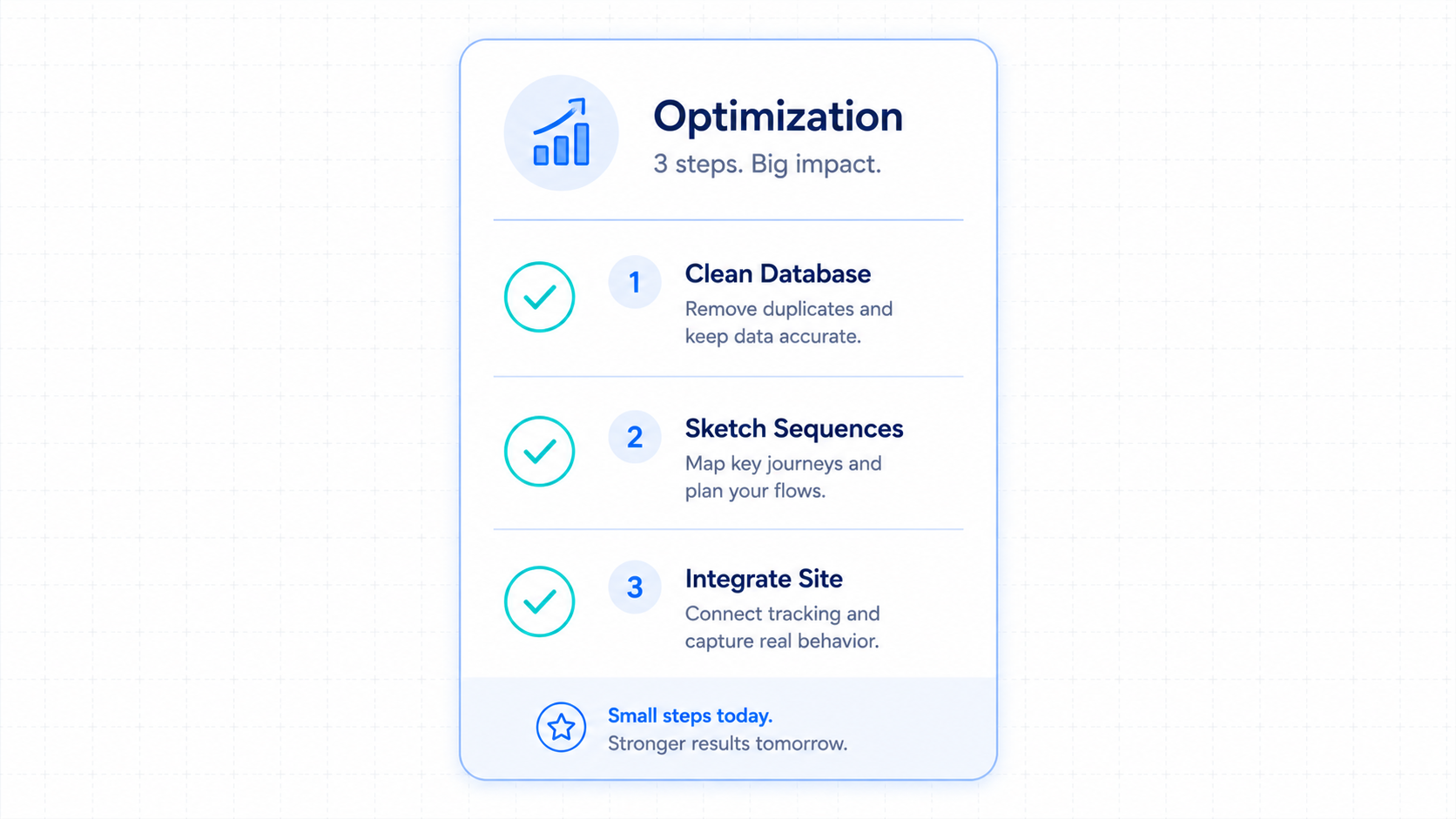
Taking deliberate steps before purchasing a subscription protects your time and cash flow. Focus on organizing your audience asset first.
- Clean out your active database: Delete unengaged contacts before importing your list to secure a lower price bracket.
- Sketch your welcome path: Draw your subscriber sequences on paper before building them inside the software.
- Consolidate into one list: If you use Mailchimp, combine your audiences to halt duplicate billing fees.
- Activate site tracking early: Place tracking code on your site to collect interest profiles before launching products.
- Study basic communication rules: Understand how custom labels and custom fields interact before building your opt-in forms.
Final Verdict
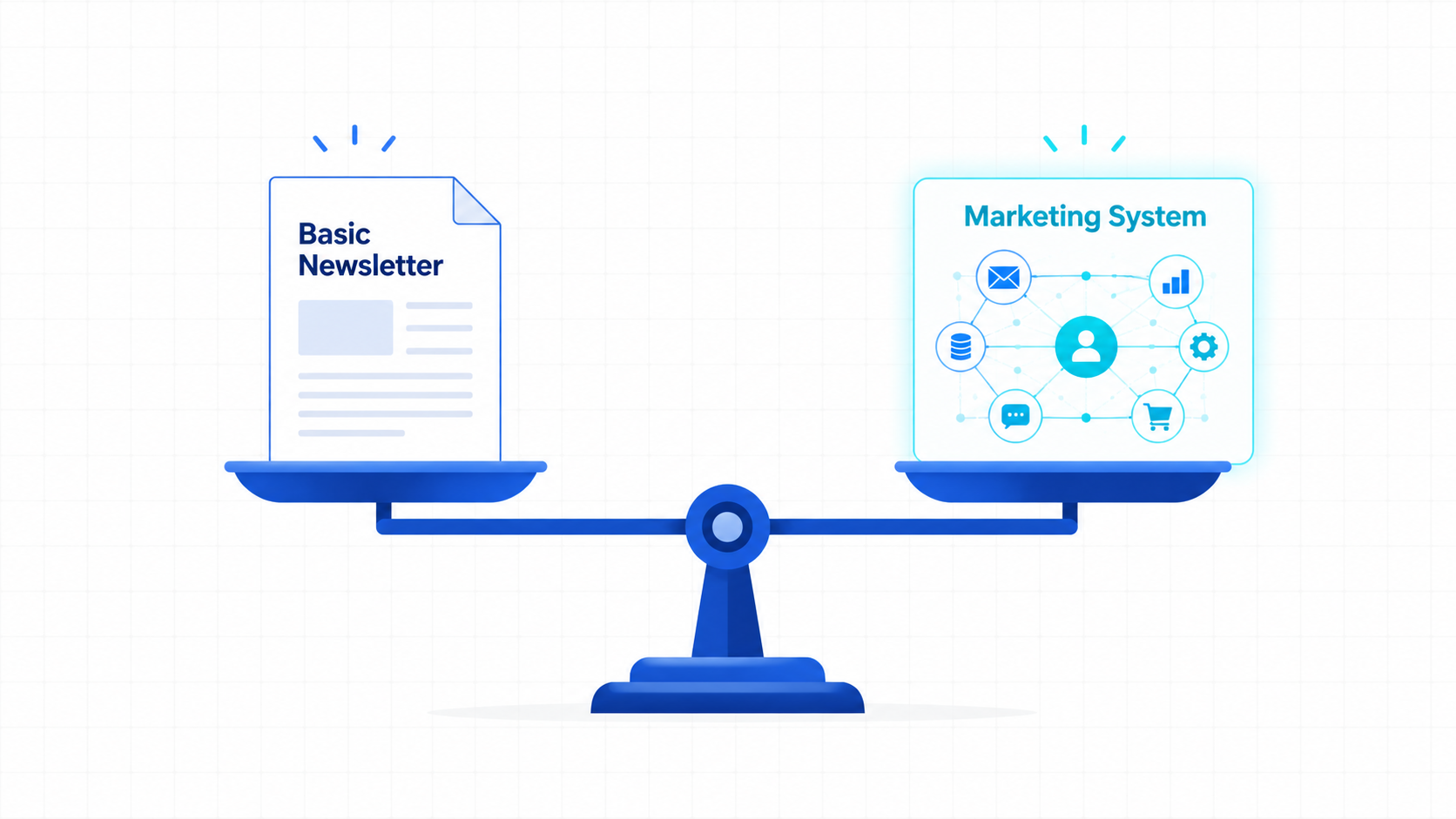
The real decision is not Mailchimp versus ActiveCampaign. The real decision is whether you are building a newsletter or building a marketing system.
If your goal is simply staying in touch with readers, Mailchimp can get the job done.
If your goal is selling products, promoting affiliate offers, launching courses, building sponsorship revenue, or creating automated customer journeys, ActiveCampaign gives you significantly more room to grow.
Most creators do not outgrow their email platform because they gain more subscribers.
They outgrow it because their business becomes more sophisticated.
Choose the tool that matches not only where your business is today, but where you want it to be two years from now.
FAQ Section
Is ActiveCampaign harder to learn than Mailchimp?
Yes. ActiveCampaign uses advanced logic paths and data menus. It takes a few days of reading guides to get comfortable with the interface.
Does Mailchimp charge you for unsubscribed contacts?
Yes. Mailchimp counts unsubscribed and archived names toward your billing total. You must delete them manually to avoid tier jumps.
What is Active Intelligence 3.0: Wavelength?
It is the proactive intelligence engine inside ActiveCampaign. It reviews subscriber actions and account depth to optimize delivery paths automatically, monitor Automation Health, and drive engagement.
Can I run affiliate campaigns on Mailchimp?
Mailchimp has strict terms regarding affiliate content. They frequently flag or close accounts that focus heavily on affiliate review links.
Which system works best for selling online courses?
ActiveCampaign works better for course sales. It connects directly with tools like Teachable to label buyers and pause sales sequences automatically.
Does ActiveCampaign have a free option?
No. ActiveCampaign only offers a limited free trial window. You must upgrade to a paid account once that trial period finishes.