Disclosure: This website uses affiliate links; I may earn commissions at no extra cost to you. Learn more.
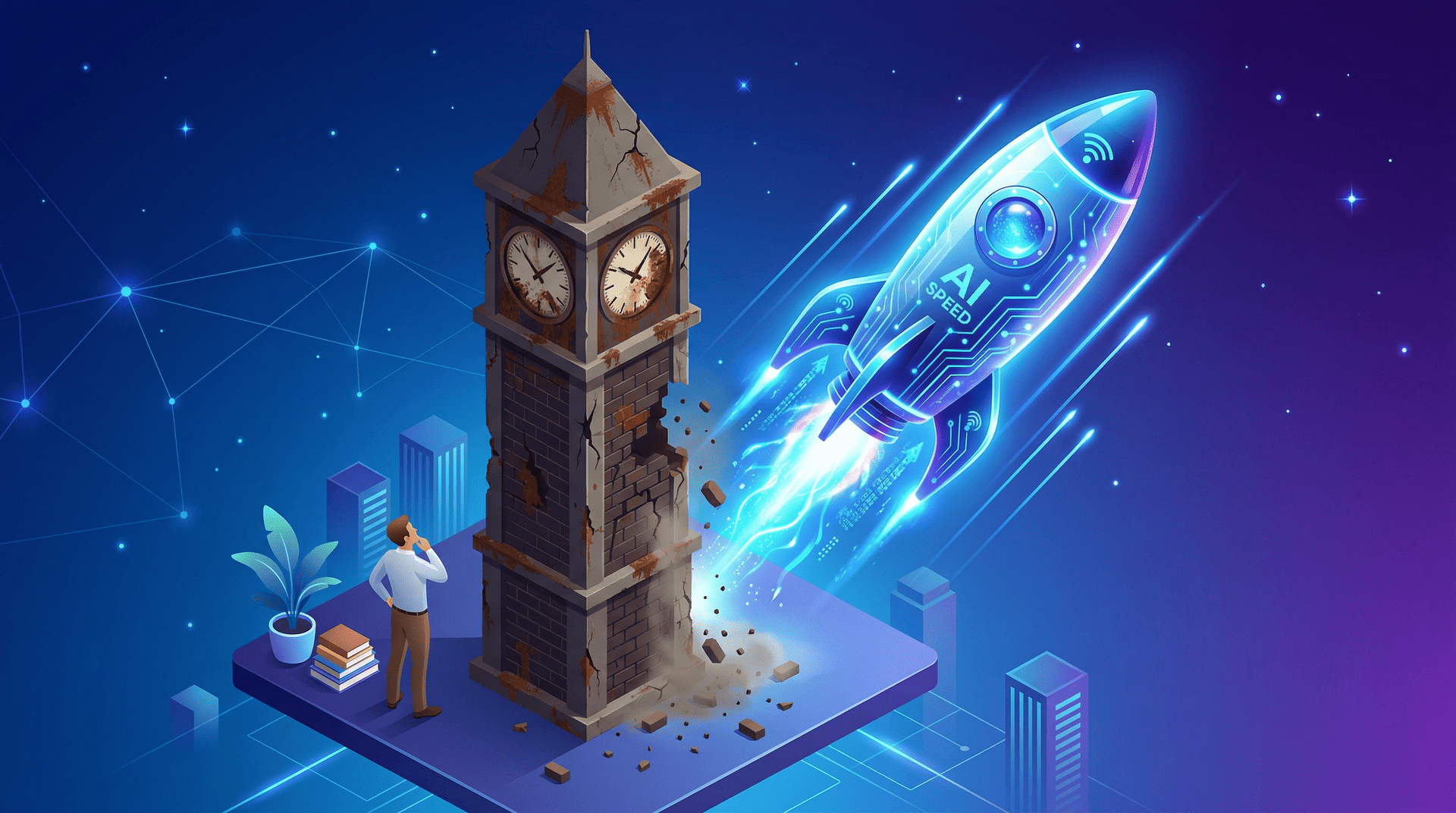
I build websites for a living, so when a local plumber asked me last Tuesday to build a basic brochure site for his home maintenance business, I didn’t think much of it at first.
But that conversation pushed me to seriously test an AI Website Builder for Small Business owners like him, and I quickly realized that quoting him my standard agency rate for a simple web design project was practically robbery.
Artificial intelligence can now generate the exact structural foundation he needs in under ten minutes. I decided to test the WordPress AI Website Builder for Small Business use cases to see if it could replace my own workflow.
I wanted to find out if this tool serves as a legitimate freelance web designer alternative.
It completely bypasses the traditional web development bottleneck.
You do not need to wait weeks for an agency to deliver a standard layout.
Here is exactly why you should stop paying people like me for basic digital storefronts or business websites and use the machines instead.
The Problem with Outsourcing Simple Web Development

Outsourcing basic digital storefronts or business websites the traditional way drains your capital and removes your administrative control.
You pay a premium for standard website design layouts that an AI Website Generator can build in seconds.
It is a highly inefficient use of your marketing budget.
Small business owners need a reliable digital presence to capture local search results.
You do not need a highly complex, custom-coded web application.
You just need a fast, secure place to send your customers.
High Costs for Basic Architecture
Most local businesses require a Home page, an About page, a Services menu, and a simple contact form.
Agencies will charge you thousands of dollars for this basic content creation or coding.
In reality, they are installing a pre-made template and swapping out your visual identity colors.
You are funding their office overhead, not buying digital innovation.
A five-page site build costs between $2,000 and $5,000. That capital belongs in your Google Ads account, not in a freelancer’s pocket.
The Hostage Situation of Administrative Control
The worst part of hiring a Site Builder agency is the complete loss of control after the launch.
When the project is finished, you do not know how to manage your own website pages.
You become entirely dependent on an outside party for basic business operations.
If you need to update your holiday hours, you must email your developer and wait three days for a simple text change.
You pay a $150 hourly minimum for basic customer support automation.
You feel locked out of your own business solutions.
Enter the WordPress AI Website Builder for Small Business
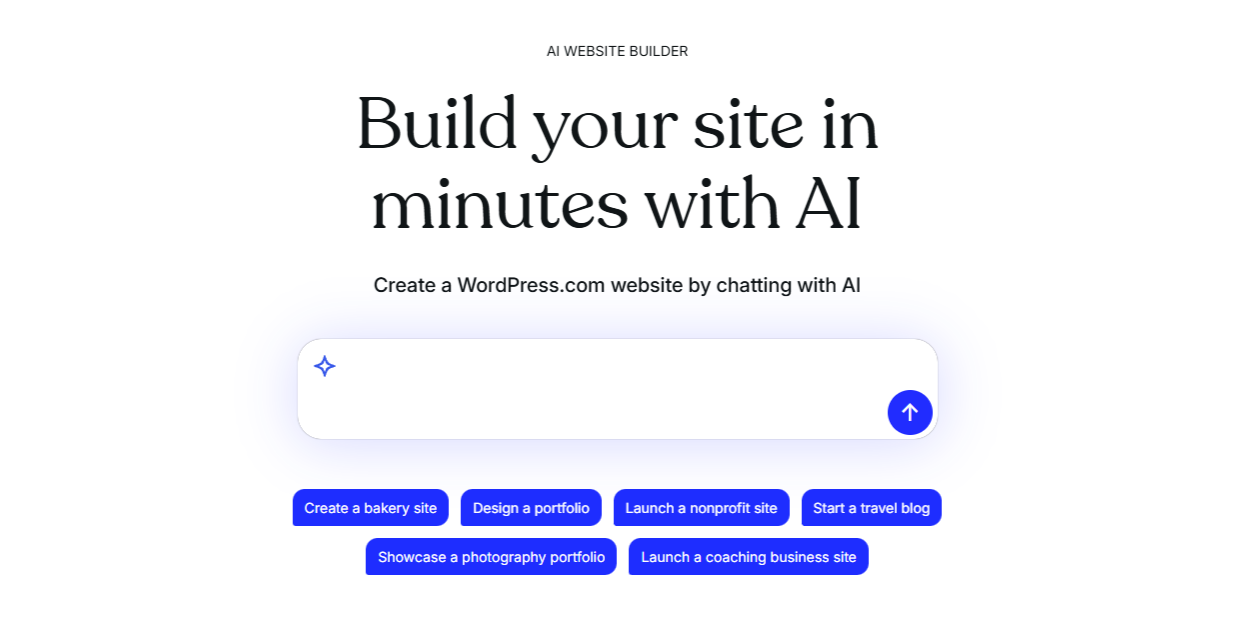
The WordPress AI Website Builder is a conversational interface that generates a fully hosted site structure based on your text prompts.
It skips the blank screen and provides a functional starting point that you actually own.
It is the fastest path to launching on a credible platform.
Please note that it is not a magic button that creates a flawless business without human effort.
It is a collaborative tool driven by machine learning.
It handles the heavy lifting of content organization so you can focus on running your actual business.
Speed to Launch Mechanics
You do not need to understand servers or complicated design system rules.
You simply type a site description into a text box.
The AI reads your user input and immediately generates the layout, color schemes, and structural blocks.
You go from a blank screen to a functional draft in under five minutes.
You can build the structure for free right now.
You only pay for a WordPress plan when you need custom domain support and are ready to publish it live.
Bypassing the Design Bottleneck
Design paralysis kills momentum for non-technical founders.
When you try to build a site using a traditional drag-and-drop editor, you stare at a blank white screen.
You do not know how much padding belongs between columns or what fonts create a professional visual style.
This AI tool eliminates that specific friction point.
It makes the initial AI Design decisions for you based on proven user experience patterns.
You get a cohesive first draft without needing a degree in graphic design.
How I Replaced My Agency Workflow in 15 Minutes
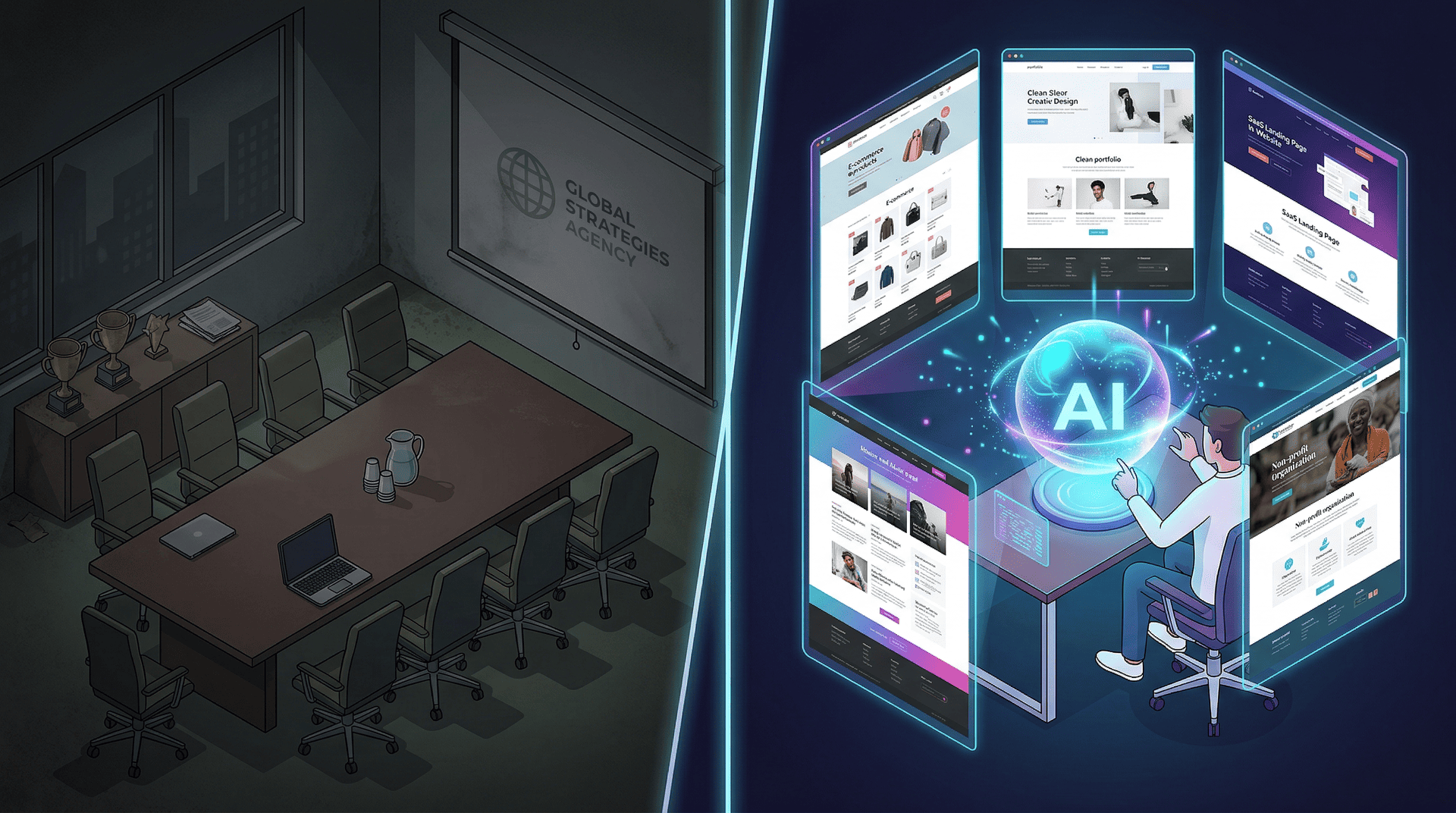
You execute the build by typing plain English descriptions of your business into the prompt interface.
The AI generates the baseline, and you manually adjust the marketing copy to match your specific voice.
I ran tests across three different industries to check the output quality.
The quality of your website depends entirely on the quality of your prompt. A lazy prompt generates a generic website.
Writing the Site Description Prompts
You must give the machine specific parameters regarding your industry, target audience, and required pages.
Vague instructions confuse the system.
Here is how I adjust prompts for different business models.
Prompt Engineering for Local Business:
| Industry Category | Bad User Input | Highly Effective Prompt |
| Home Services | “A site for my roofing company.” | “A local roofing business in Texas. Dark blue visual style. Generate a Home, Services, and Contact page.” |
| Health & Wellness | “I am a yoga instructor.” | “A serene yoga studio targeting beginners. Soft green tones. Include a class schedule and an instructor bio.” |
| Professional Services | “A law firm website.” | “A corporate defense law firm. Authoritative, highly professional tone. Generate Case Studies and a Consultation page.” |
Fixing the Machine Learning Output
Once you hit enter, the system structures the pages using native open-source WordPress blocks.
It writes placeholder product descriptions and general text based on your prompt.
This is where your human intelligence takes over.
You read the generated content generation draft and rewrite the robotic phrasing.
You swap the AI-generated stock photos with real pictures of your storefront.
The machine provides the skeleton, and you add the muscle.
Why You Need Open-Source Architecture, Not Disposable Code
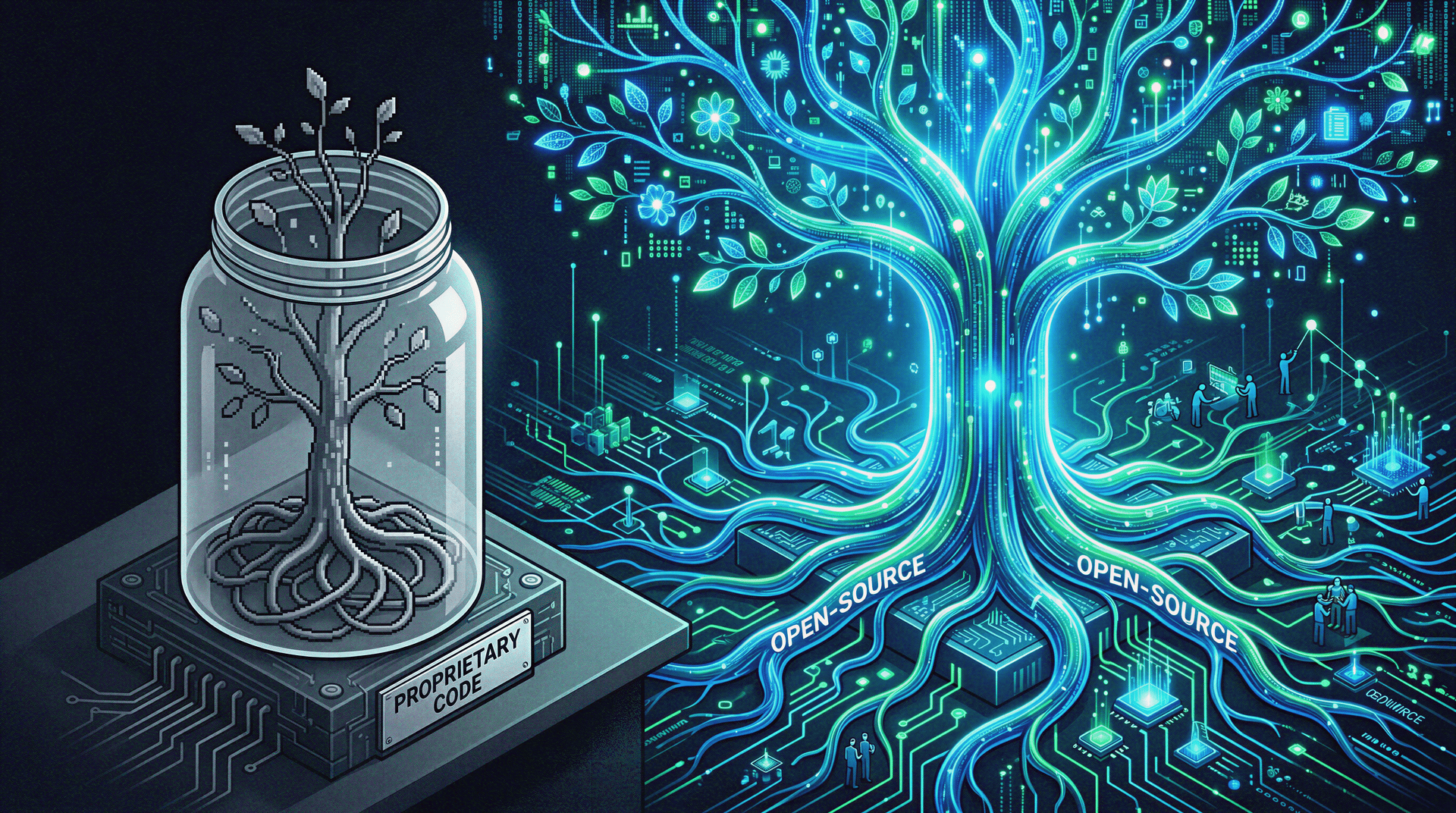
Disposable code traps your business in a locked ecosystem where you cannot scale your operations.
Real architecture uses standard open-source blocks on managed infrastructure, allowing you to expand indefinitely.
Many instant AI tools give you a pretty facade with terrible underlying code.
You cannot export your data to a new server.
You cannot integrate advanced SEO optimization tools when your business grows.
The Security Check Advantage
Small business owners should not manage server maintenance or run manual malware scans.
Sites built through this specific Automattic flow exist on managed infrastructure.
The platform handles the security protocols automatically.
They update the core software in the background.
Your site stays online, and you never have to configure SSL certificates manually.
Mobile-Responsive Design by Default
Over half of your local customers will look for your business on their mobile phones.
If your site breaks on a smaller screen, you lose revenue instantly.
The generated native blocks automatically adjust to fit any screen size.
You do not have to build a separate mobile version of your site.
The mobile-responsive design works right out of the box.
The Friction Log: Where the AI Fails Small Businesses

I evaluate software based on realism and operational friction.
The initial output of this tool is never a finished product.
You will have to manually intervene to protect your visual identity.
If you expect this tool to replace a senior marketing director, you will be disappointed.
Here is exactly where the tool causes problems for small businesses.
Generic Stock Text: The AI writes safe, boring text. You must apply aggressive content personalization to make the site sound like your actual brand.
AI Image Studio Hallucinations: The built-in AI image studio sometimes generates photos of people with six fingers or weird architectural shapes. Always use your own real photos instead of relying on AI imagery or at least check them thoroughly.
The AI Logo Generator: Generating a logo via text prompts usually results in generic, clip-art style graphics. Hire a real designer for your primary logo. You may get by for a start, but I do recommend investing a little bit here.
No Instant Online Store: You cannot instantly generate a massive eCommerce website. The store features are still evolving and require manual setup.
Beyond the Launch: Marketing and SEO Tools
A beautiful website is entirely useless if no one visits it.
After you launch the AI-generated draft, you must integrate your site with external search and social platforms.
The WordPress environment makes this phase incredibly straightforward.
The AI builder gets you online.
The SEO tools get you found.
Connecting Google Business Profiles and Meta Pixels
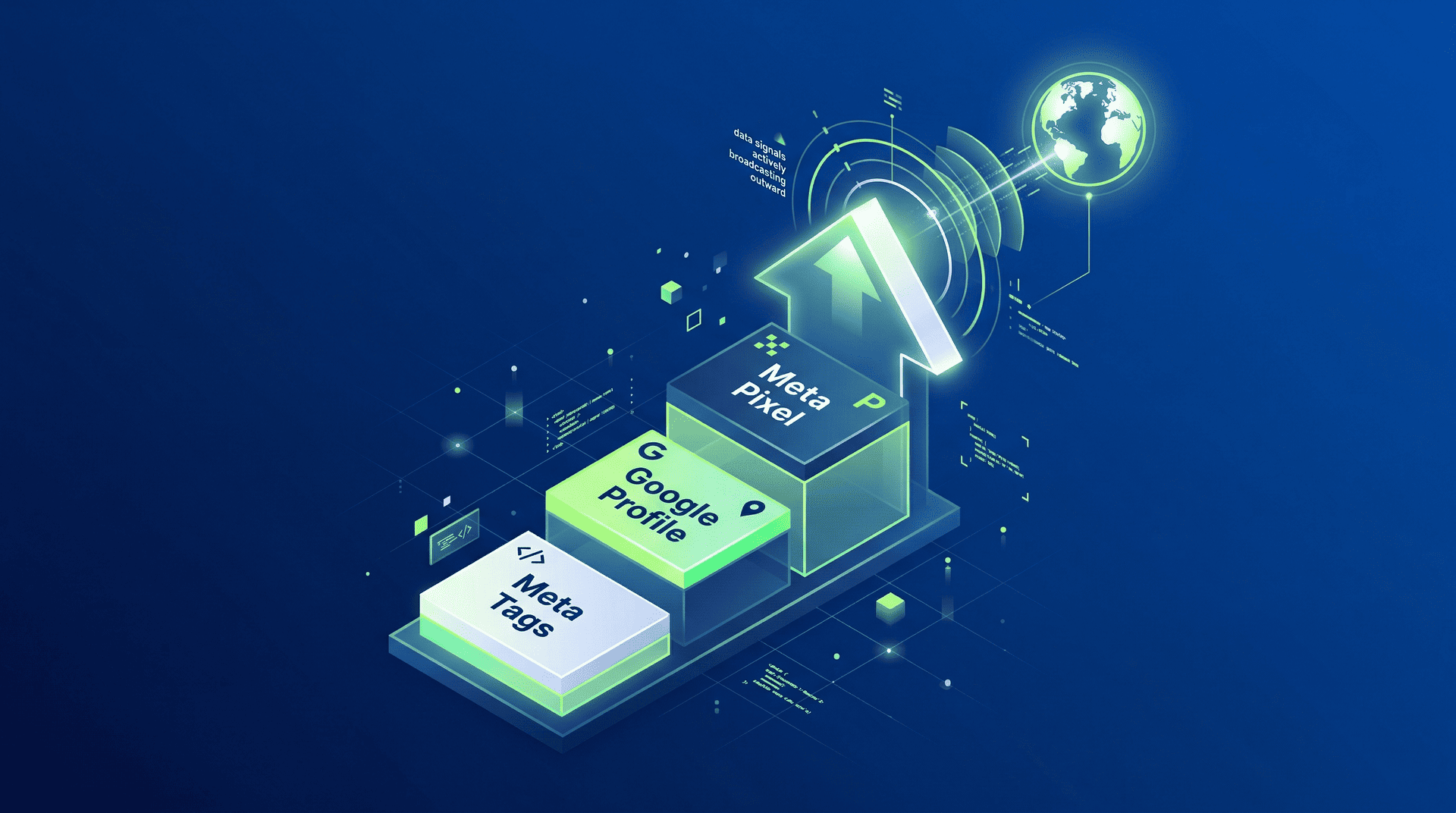
You must connect your new Custom Domain to a Google Business Profile to appear in local map packs.
This is a non-negotiable step for any local service provider.
Once your site is live, you can easily paste your Meta Pixel code into the site headers.
This allows you to track visitors and run retargeting campaigns on social media.
You maintain complete ownership of your marketing data.
SEO-Friendly Output and Meta Tags
The native WordPress architecture provides highly SEO-friendly output.
Search engines like Google AI spiders can easily read the clean code structure.
You can use the built-in SEO Assistant features to customize your Meta tags and site descriptions.
You dictate exactly how your business appears in the search engine results pages.
You are not reliant on a closed platform’s proprietary ranking algorithm.
The Final Verdict: Freelancer vs. AI

Here is the direct comparison of what happens when a small business needs a standard digital presence.
| Feature Check | The Freelance Agency | WordPress AI Builder |
| Time to First Draft | 3 to 6 weeks | Under 5 minutes |
| Upfront Capital | $2,000 to $5,000+ | Free to build (Pay to launch) |
| Post-Launch Edits | Email requests + Hourly fees | Direct control via text prompts |
| Platform Ownership | Often locked into agency servers | You own the open-source files |
Your Immediate Next Step
Stop waiting weeks for a web designer to build a site you cannot even control.
Your business needs a legitimate online presence today.
I make my living building custom websites, and I am telling you to bypass my industry entirely for simple projects.
If you need a massive digital web application, call an agency or hire me.
If you just need a professional, credible website that you can update yourself, use WordPress AI Website Builder.
Go to the builder, describe your business model, and generate your digital foundation right now.