Disclosure: This website uses affiliate links; I may earn commissions at no extra cost to you. Learn more.
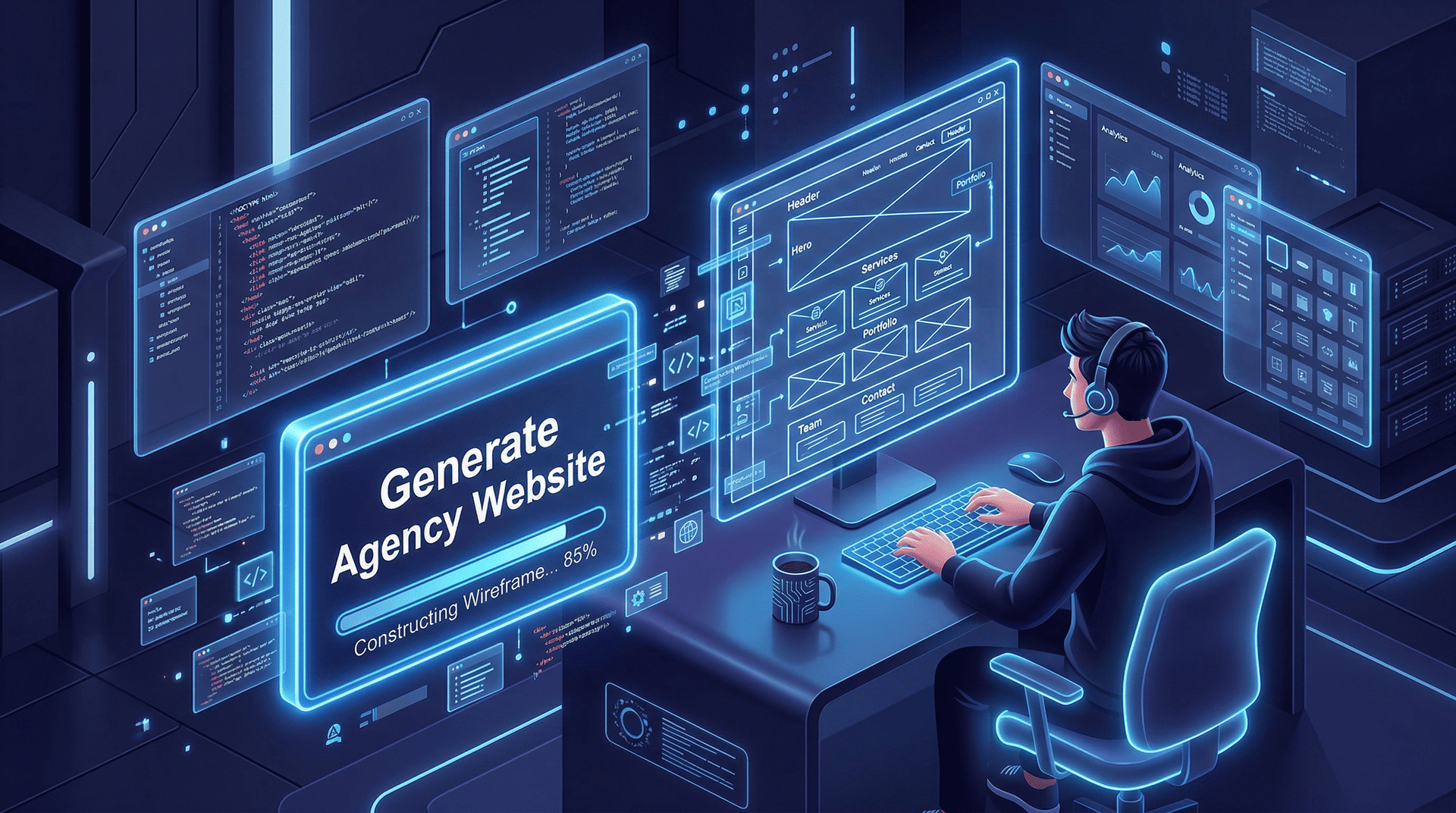
Is the WordPress AI Website Builder any good for creating real websites for real businesses? It’s time to find out.
I am someone who demands absolute control over my digital environments. I build websites for clients using traditional tools. I enjoy the mechanical clicks of dragging elements into precise alignment.
Last month, a client changed their entire idea three times in a single afternoon. I wasted four hours adjusting responsive containers and font pairings just to delete the entire project.
I realized my project delivery process was broken. I needed a way to mock up a professional website faster without leaving the open-source WordPress ecosystem.
It was a perfect opportunity to try something new, so I tested the WordPress AI Website Builder to act as my junior design assistant.
I wanted to see if artificial intelligence could generate a functional base structure that I could tweak manually.
It works exceptionally well for this specific use case, provided you understand its limitations.
Here is exactly how I use this tool to bypass the initial setup friction.
What is the WordPress AI Website Builder?

The WordPress AI Website Builder is a conversational interface that generates a fully hosted site structure based on your text input.
You describe your specific business needs, and the machine constructs pages, writes website copy, and organizes layouts using native blocks.
You can generate the draft for free, but you must buy a hosting plan to publish it to the public.
This tool is a fundamental shift in website development.
You are not buying a static visual file. You are generating real code.
The Core Functionality
You do not need a computer science background to operate this platform.
The interface requires plain English commands, and the system translates your custom prompts into a live digital environment.
The generated output includes standard architecture like a home page, an about section, and a functional contact form.
It handles the initial heavy lifting of content creation, and you are left with a coherent first draft instead of a blank screen.
Real Architecture vs. Disposable AI Tools
Most instant AI tools on the market are terrible. They trap your business inside a locked ecosystem with rigid code.
You cannot export your data or add custom functionality later.
The WordPress AI Builder gives you true site portability.
It generates native blocks. You own the files.
If you decide to move your project to a different server in five years, you retain complete ownership of your digital assets.
Why I Stopped Prototyping Client Sites Manually
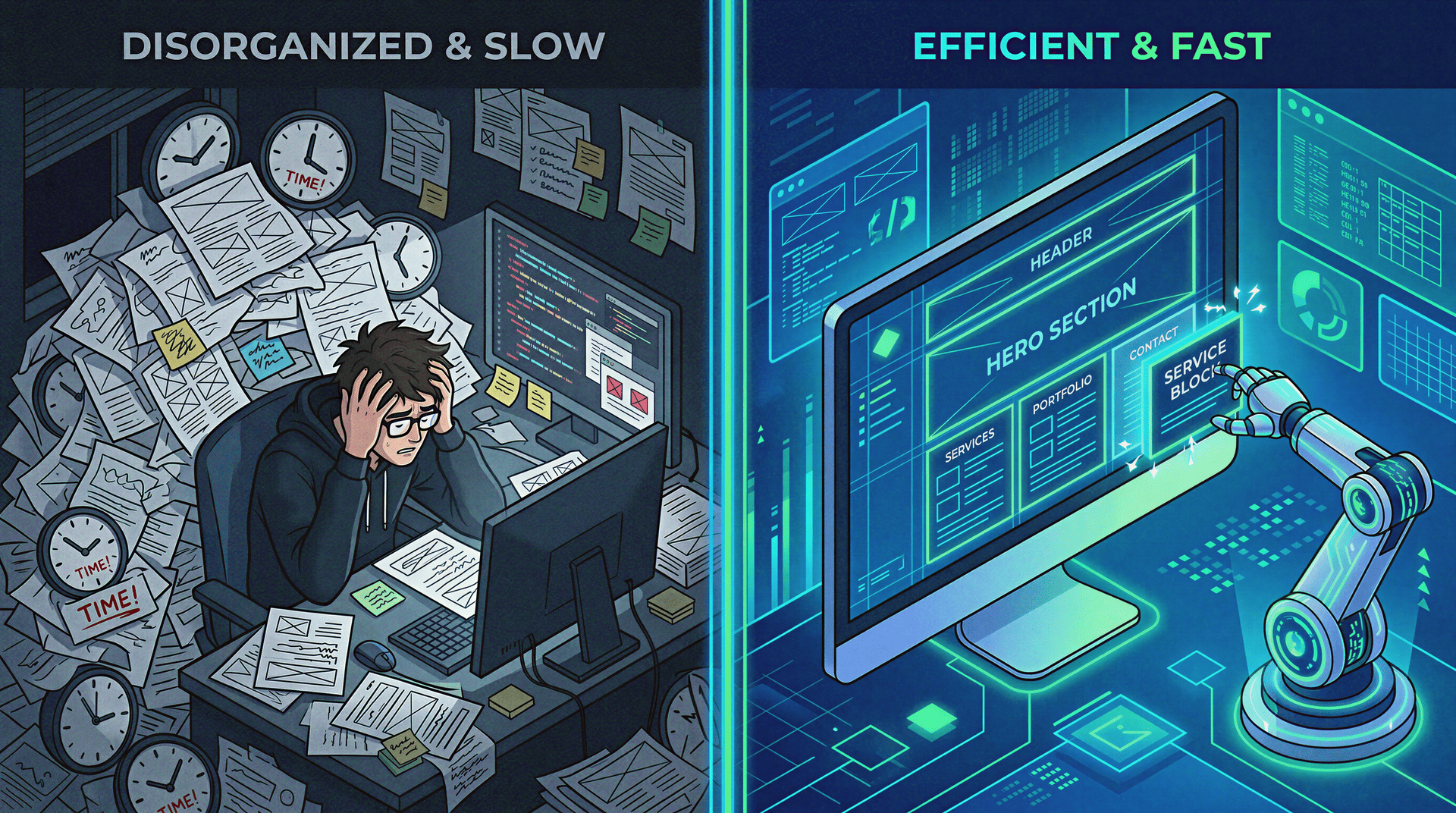
I stopped building manual wireframes because clients rarely understand abstract concepts without seeing a functional draft.
Spending hours constructing mobile-friendly websites just for a client to pivot their strategy is a massive waste of my time.
I needed a faster method.
Clients need to see their logo next to the actual text before they can make a decision.
I use AI to generate five different website designs in thirty minutes.
I present these rough drafts, let the client choose a direction, and then I execute the manual polish.
The “Blank Screen” Paralysis
Staring at a blank white screen destroys creative momentum.
This happens to seasoned WordPress experts and first-time users alike.
You spend an hour agonizing over which WordPress themes to install.
You waste another hour deciding how much padding belongs between two text columns.
The AI builder eliminates this decision fatigue. It forces a starting point onto your screen based on proven layout patterns.
My Pivot From Pure Drag-and-Drop Editors
I am a massive fan of block-based drag-and-drop editors.
I frequently use them for my advanced client work because it offers granular control.
They are brilliant for finalizing a site, but I no longer use them to start one.
Starting entirely from scratch in a block editor is slow.
I now use the AI Website Builder to lay out the initial architecture.
Once the machine generates the foundation, I jump back into my preferred workflow to customize the fine details.
AI sets the base. I apply the human standard.
How I Built a WordPress Site with AI in 12 Minutes
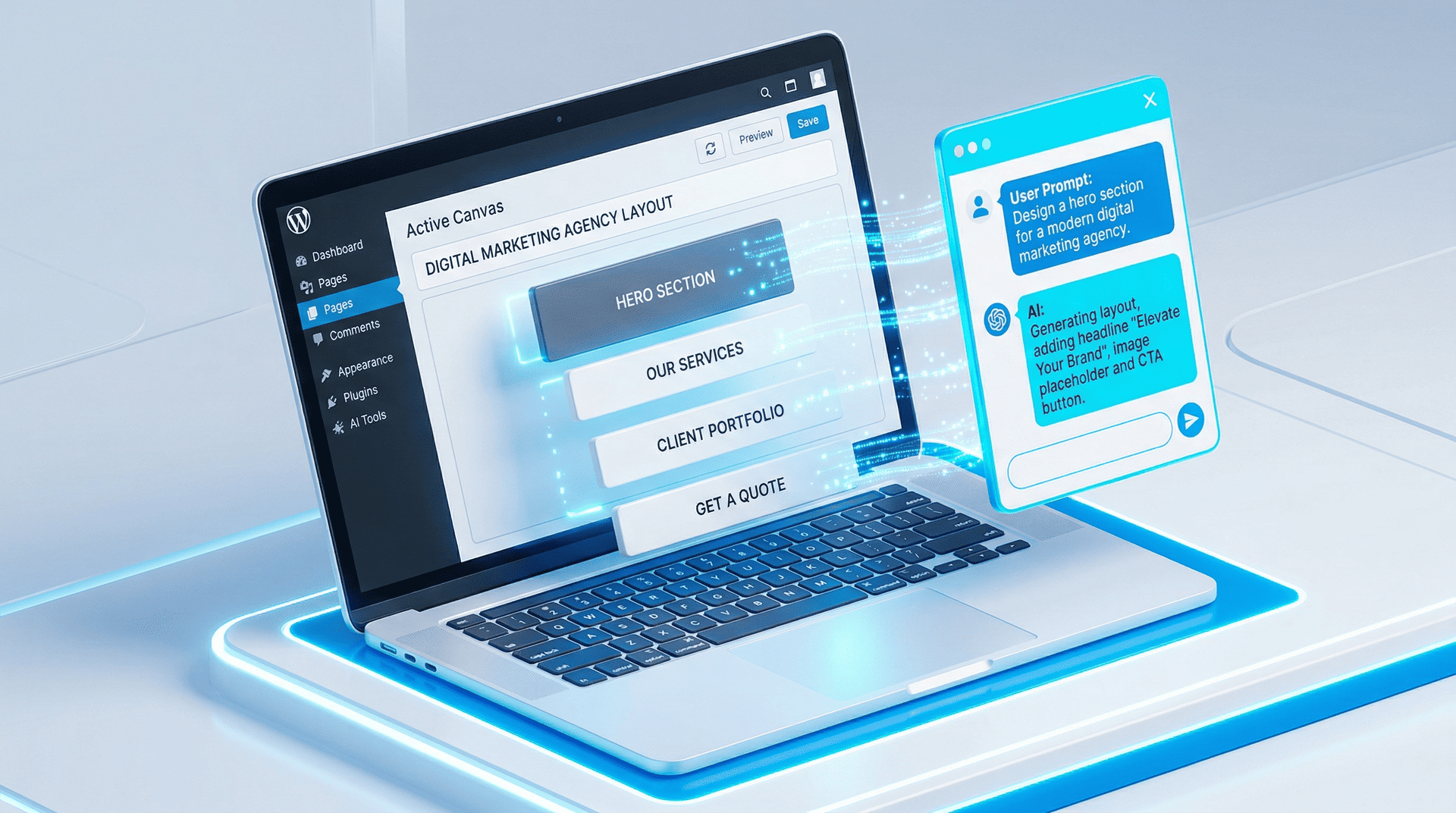
I ran a strict test to build an industry-specific website for a fictional digital marketing agency.
The entire process from typing the prompt to having a navigable draft took exactly twelve minutes.
The AI handled the structure, and I managed the aesthetics.
The execution phase is straightforward.
The quality of your website depends entirely on how well you instruct the machine learning algorithms.
Step 1: Crafting the Custom Prompts
You begin by describing your business in the conversational prompt box.
Vague AI prompts yield generic, unusable garbage. Specific prompts give the machine a narrow framework to execute.
You must dictate the tone, the required pages, and the target audience immediately.
My Prompting Framework:
| Element | Poor Prompt Example | Effective Prompt Example |
| Business Scope | “A site for my consulting business.” | “A B2B financial consulting firm targeting local tech startups.” |
| Tone of Voice | “Make it sound smart.” | “Use a highly technical, authoritative, and direct tone.” |
| Architecture | “I need a few basic pages.” | “Generate a Home, Core Services, Case Studies, and Contact page.” |
Step 2: Watching the Machine Learning in Action
Once you submit the prompt, the system builds the site in real time.
You literally watch the sections assemble on your monitor.
The AI selects a color palette, generates background images, and drafts introductory paragraphs.
The initial website copy will sound slightly robotic.
This is normal.
The goal is to establish the layout containers, not to write a Pulitzer-winning essay.
Step 3: The Human Takeover in the WordPress Block Editor
The machine builds the house. You have to decorate the interior.
The output uses the standard WordPress Block Editor.
If you hate where the AI placed an image, you simply drag the block to a new location.
You are never locked into the initial layout.
I immediately use the in-editor AI Copilot to rewrite clunky paragraphs.
I swap out the generated graphics with my own product images.
The human touch is an absolute requirement for a premium user experience.
The Technical Reality: Hosting and Security

A professional website requires a robust infrastructure behind the visual design.
The WordPress.com environment provides managed hosting that handles backend server maintenance automatically.
You get the power of open-source software without the administrative headache.
I don’t enjoy managing servers.
It is a terrible use of my time most of the time.
This platform isolates you from the technical backend while maintaining top-tier performance.
SSL Certificates and Secure Connections
You never have to configure an SSL certificate manually.
The managed infrastructure forces a secure connection by default.
The platform also handles daily DDoS protection and active malware removal.
If a bot tries to attack your login page, the server blocks it before you even notice.
You stay focused on content generation and creation or growing your business instead of playing security guard.
WordPress Updates and Single Dashboard Management
Outdated WordPress plugins are the number one cause of website vulnerabilities.
The managed environment handles core software and plugin updates automatically.
You operate everything through a single dashboard management system.
You do not need to log into a separate hosting control panel just to clear your server cache.
The technical friction is completely removed.
The Friction Log: Where the AI Builder Sucks

I evaluate tools based on realism, so I have to tell you that the initial output of this builder is rarely perfect.
The machine makes strange design choices, and you will have to manually adjust the elements to fix them.
If you expect to click one button and launch a flawless, multi-million-dollar corporate site, you are delusional.
Hopefully, it will grow and improve further in the future, but for now, it’s not perfect.
Here is exactly where the tool causes friction.
Friction Point 1: The generated website copy is often repetitive. You must rewrite the headers to match your actual brand voice.
Friction Point 2: The automatic font pairings can occasionally look disjointed. I almost always change the typography settings manually.
Friction Point 3: AI image generation is unpredictable. It frequently creates bizarre artifacts in background photos. You will need to apply manual image optimization and upload real photography or graphics.
The eCommerce Functionality Gap
Do not use this tool to build massive online stores right now.
The eCommerce functionality is still evolving.
You cannot instantly generate a complex digital storefront with fifty product variations and advanced shipping logic.
If you need a heavy e-commerce setup, you must configure those plugins and customization options manually after the initial launch.
My Final Verdict on the Output
The WordPress AI Website Builder is an incredibly efficient drafting mechanism.
It turns the agonizing process of starting a digital project into a simple conversation.
I use it strictly to generate the initial skeleton of a project.
I let the machine place the headings, build the contact forms, and establish the global styles.
I then apply my expertise to turn that generic skeleton into a premium asset.
Who Should Actually Use This Flow
This workflow is perfect for content writers, freelancers, and small businesses who need a legitimate online presence to get started quickly, and maybe everyone.
It removes the technical barrier to entry.
It is the fastest way to get a secure, scalable WordPress site live without touching a single line of backend code.
The AI builds with you, not instead of you.
Your Immediate Next Step
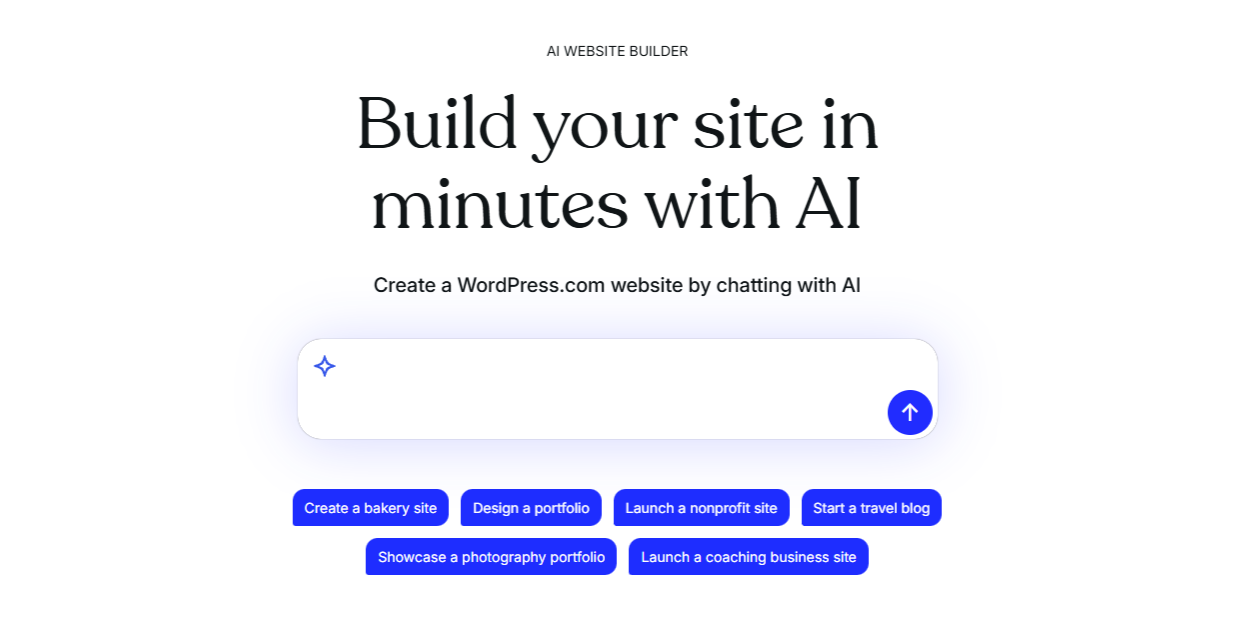
Stop agonizing over color codes and server configurations.
Your business needs a functional digital foundation.
You can test the conversational prompt and watch your site assemble for free right now.
You only pull out your credit card when you are ready to attach a domain and push the site live.