Disclosure: This website uses affiliate links; I may earn commissions at no extra cost to you. Learn more.
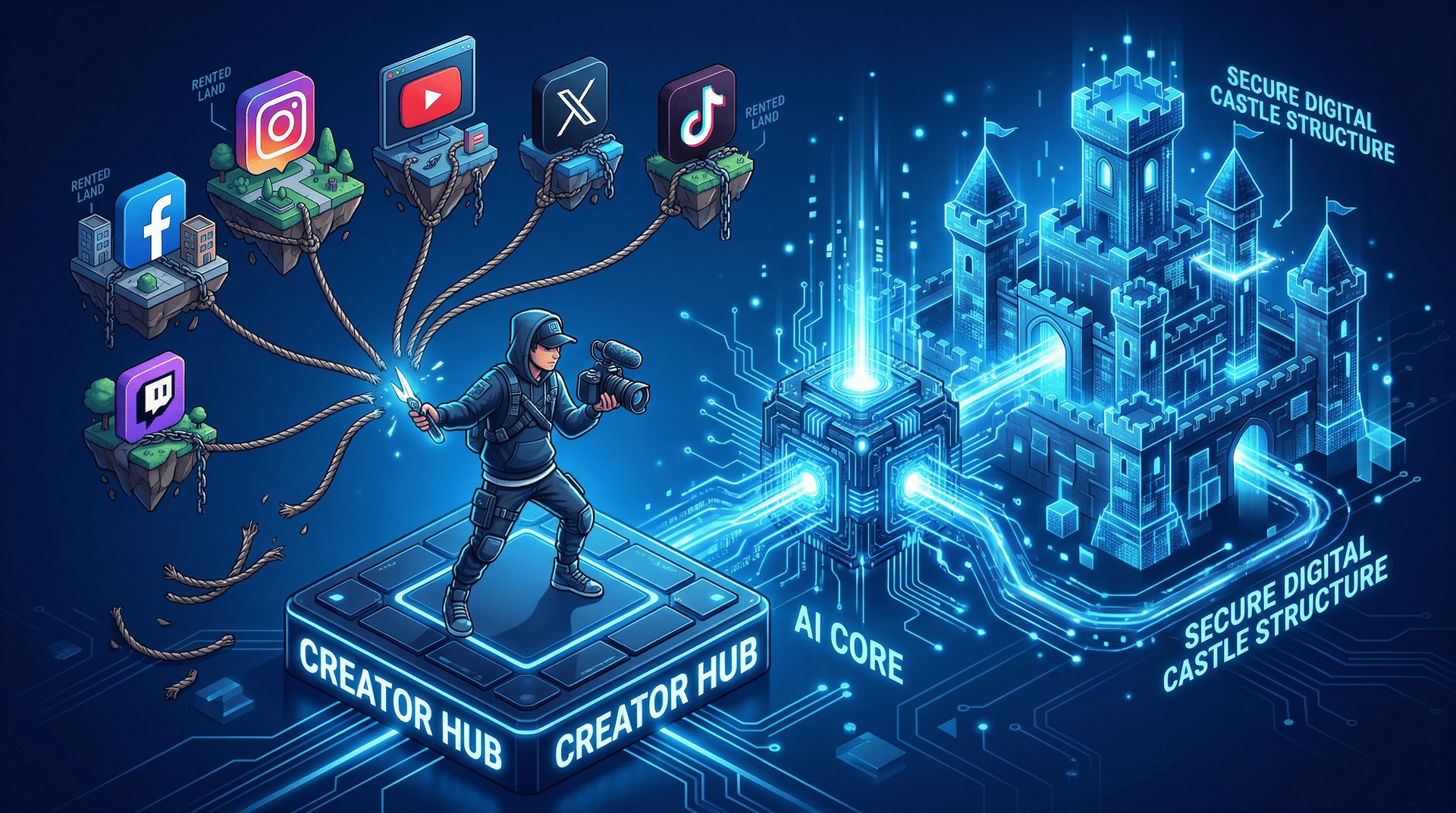
Today, I’ll share my experience with an AI Website Builder for Creators, as I recently wrote a guide on why content creators need a future-proof online home to protect their brand, and a lot of you had questions.
I laid out the exact tools required to secure your digital assets.
But knowing you need a website and actually building one are two completely different battles.
I know dozens of writers who read that guide and still did nothing.
They sit down to build their site, stare at a blank screen, and immediately close the tab.
The technical friction is simply too high.
That led me to test the WordPress AI Website Builder for Creators specifically to solve this problem.
I wanted to see if non-technical creators could use artificial intelligence to bypass the initial setup phase without hiring an agency. And, you absolutely can!
Here is my unfiltered breakdown of using an AI website generator to reclaim ownership of your content.
The Danger of Building on Rented Land
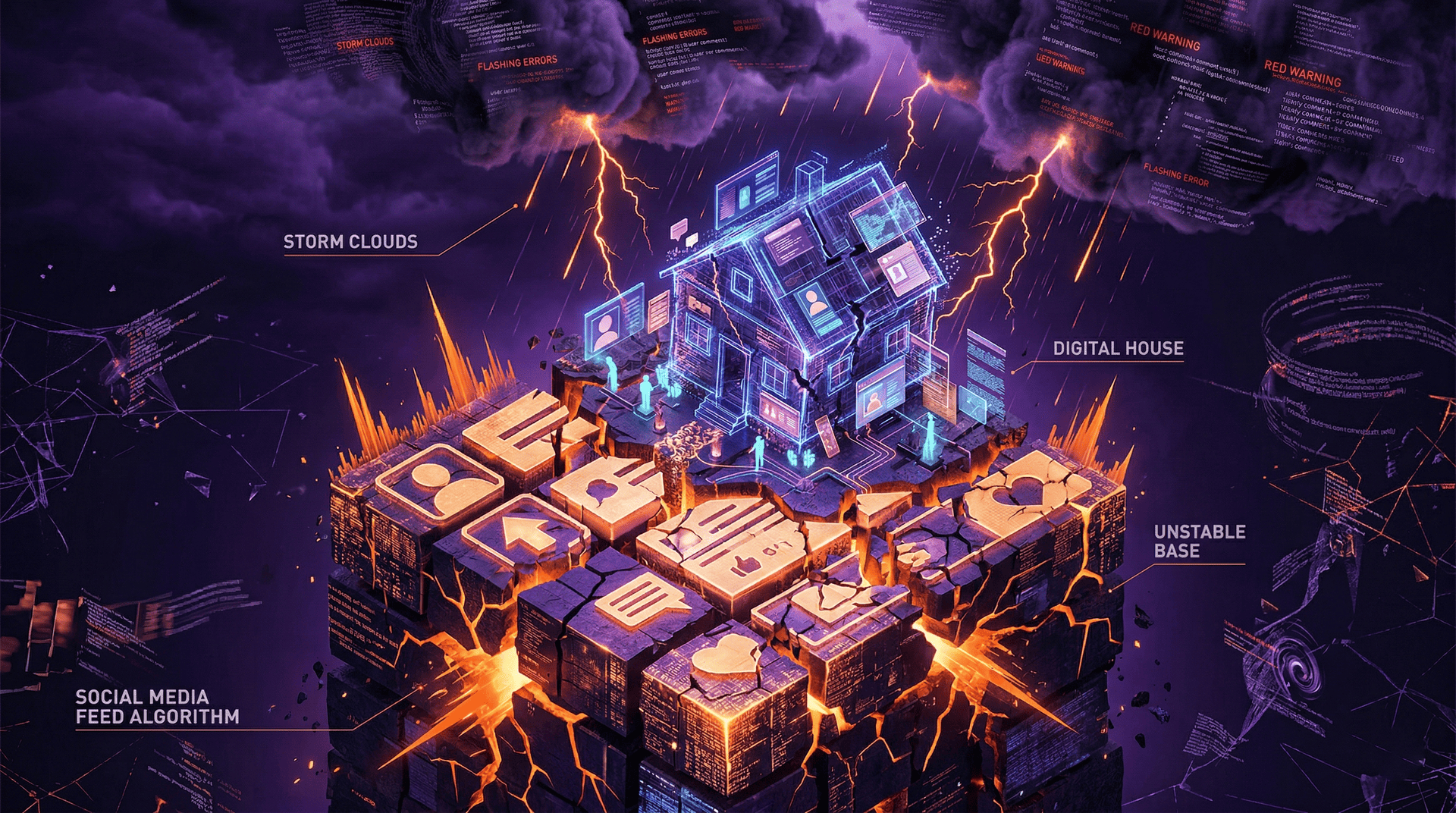
Building on rented land means a third-party algorithm controls your entire audience.
If the platform changes its rules, your business disappears overnight.
You must own your distribution channels to survive.
Relying entirely on social platforms is a massive vulnerability.
You do not own your followers. You are simply renting access to them.
Algorithm Changes Destroy Reach
Social platforms throttle organic reach to drive creators to pay for advertisements.
You do not control who sees your content. Your visibility depends entirely on corporate financial goals.
I spent three years building a specific social media page just to watch the reach drop by 80 percent in a single day.
A random update wiped out thousands of hours of effort.
When you own a website and an email list, you dictate your distribution.
No algorithm can shadow-ban a direct email or a self-hosted blog post.
The Lack of True Content Ownership
Posting on a social platform grants them a license to use and distribute your intellectual property.
You surrender total control over your own work.
You are building equity for their company instead of your own.
A native web application flips this dynamic.
You own the files and the data dashboard.
If you decide to move your business to a different hosting provider in five years, you take your entire digital life with you.
Why Content Creators Avoid Web Design
Creators avoid web development because the sheer volume of technical decisions causes immediate decision fatigue.
They want to focus on writing or recording, not configuring CSS effects.
The technical learning curve stalls their momentum.
Most theme-based site-building tools assume you already know basic web design principles.
They hand you a blank canvas and a toolbar with two hundred options.
Decision Fatigue and Technical Overwhelm
Choosing a visual style, selecting typography pairings, and organizing navigation menus exhaust your creative energy.
You spend four hours trying to align an image gallery perfectly.
You give up before you ever publish a single piece of actual content.
Content creators are writers, podcasters, and video producers.
They are not front-end web designers.
The traditional drag-and-drop builder punishes people who lack a visual design background.
The Flaws of Traditional Drag-and-Drop Builders
Manual builders force you to construct every responsive layout from scratch.
You have to manually adjust containers for mobile phones and desktop screens.
It is a tedious, mechanical process.
I use advanced Site Builder tools for my client projects all the time.
They are excellent for granular control but terrible for a fast launch.
AI Website Builders remove this initial friction entirely.
Generating a Hub with an AI Website Builder for Creators

You generate a custom hub by typing a plain English description of your brand into the prompt box.
The machine processes your input and instantly maps out the necessary website pages and everything else to get you started.
You skip the blank screen entirely.
The tool acts as your personal design system architect.
It takes your raw concept and provides a highly structured, professional first draft.
Writing the Site Description for AI Design
You talk to the interface instead of dragging elements onto a screen.
You tell the machine learning algorithm exactly what your creator business does.
It generates a full Style Guide foundation based on those instructions so that you don’t have to worry about it.
I typed a specific prompt for a fictional freelance writer.
I asked for a clean, minimalist visual identity with a dark mode aesthetic.
The AI builder processed this and immediately generated a multi-page structure matching my exact parameters.
The Quality of Your User Input
The quality of your website design depends entirely on the specificity of your prompt.
Vague prompts yield generic, boring layouts. Detailed instructions generate highly targeted, responsive websites.
You must dictate the tone and the required layout structure immediately.
The AI uses your user input to determine the tone of the placeholder marketing copy and the visual vibe of the site.
My Prompt Quality Comparison:
| Prompt Style | Effort Level | AI Output Quality |
| Basic | “Make a blog for my podcast.” | Generic layout, irrelevant stock text, poor user experience. |
| Detailed | “I host a true-crime podcast. Moody colors. Include an episode archive.” | Highly targeted design, appropriate component library, structured navigation. |
The Friction Log: Where the AI Frustrates Me

The machine is not magic, and the initial output is never perfect.
The tool makes strange design choices that require human intervention.
You will have to manually adjust elements to fix them.
I evaluate AI tools based on realism. If you expect to click one button and launch a flawless business, you are delusional.
Here is exactly where the AI code generator causes friction.
The Reality Check:
Generic Output: The machine relies on safe, predictable design patterns.
Repetitive Text: The generated paragraphs often repeat the same adjectives.
Weird Artifacts: Image creation tools occasionally produce bizarre background graphics.
Fixing the Generic Stock Text
The AI generates safe, repetitive stock text that lacks personality.
You must aggressively rewrite the on-page text to match your actual brand voice, but it does give a great starting point.
Do not publish the raw content generation output.
The machine provides the layout containers, not a final draft.
You must go through the generated pages and inject your specific tone.
The AI builds the house, but you have to decorate the interior.
Overcoming Visual Identity Gaps
The built-in AI Design features are unpredictable and often generate weird artifacts.
The logo generation tools produce clip-art style graphics. You will need to upload your own media to fix the visual style.
I almost always change the typography settings manually because the automatic font pairings can look disjointed.
You must upload files like real professional headshots and custom graphics.
Do not rely on the machine for your primary visual identity.
Ongoing Support with the AI Assistant

The built-in AI Assistant remains active inside your WordPress editor long after your initial launch.
It acts as a design ally to help you rewrite paragraphs and adjust layouts on the fly.
You are never left entirely on your own.
This is a massive advantage over standard marketing websites.
Most landing page builders abandon you the second your site goes live.
Editing On-Page Text and Uploading Files
The assistant integrates directly with your existing block editor workflow.
You can select a paragraph of your own writing and ask the AI to make it more concise.
It provides responses tailored to your specific highlight.
You can generate new header sections or modify a component library directly inside the editor.
If I need a new author bio block, I ask the assistant to generate it.
It snaps perfectly into my existing layout without breaking the mobile view.
You can even check your saved chats to reuse previous AI prompts.
Marketing Websites and SEO Tools Setup
You must integrate your site with external search platforms to actually grow your audience.
The WordPress environment makes adding a Meta Pixel or connecting a Google Business Listing incredibly straightforward. You dictate your own marketing strategy.
You can use the built-in SEO Assistant to customize your Meta tags and site descriptions.
If you plan to run Google Ads, you can easily drop your tracking scripts into the header. The technical architecture supports serious business solutions.
The Technical Reality: Hosting and Domain Names

WordPress provides a fully managed hosting infrastructure specifically optimized for its open-source system.
They handle all software updates, Cookie Banner setups, and SSL certificates automatically.
You get the flexibility of real architecture without the burden of server management.
You need to understand the difference between the AI onboarding tool and the actual hosting environment.
The AI Website Builder for Creators is just the generation mechanism. The final product is a robust, legitimate WordPress installation.
Free to Build vs. Paid to Publish
You can use the conversational prompt box to generate your site draft completely for free.
You only pay when you are ready to log in, attach a custom domain name, and publish the site to the public.
You must purchase a plan to go live.
| Conversational prompting, layout drafting, and manual editing. | Cost | Capabilities |
| Generation Phase | Free | Conversational prompting, layout drafting, and manual editing. |
| Publishing Phase | Paid Plan Required | Custom domain attachment, live publishing, plugin access. |
The eCommerce Website Reality
You cannot instantly generate a massive online store with complex shipping logic using this tool right now.
The e-commerce website functionality is still evolving.
You must configure heavy store plugins manually.
If you just need a landing page with a simple payment button, the AI handles it well.
If you need a database of two thousand product descriptions, you will hit a wall.
Expect to build large stores by hand after the initial launch.
Start Moving Your Content Now

Stop waiting for a social media algorithm to ruin your business.
You already know you need a secure online home. The technical friction is no longer a valid excuse.
You do not need to hire a developer or learn how to manipulate the React components.
You just need a high-quality AI Website Builder for Creators to establish your base.
Describe your brand to the machine, spend an hour tweaking the results, and take back your audience.
Test the prompt and build your first draft right now.