Disclosure: This website uses affiliate links; I may earn commissions at no extra cost to you. Learn more.
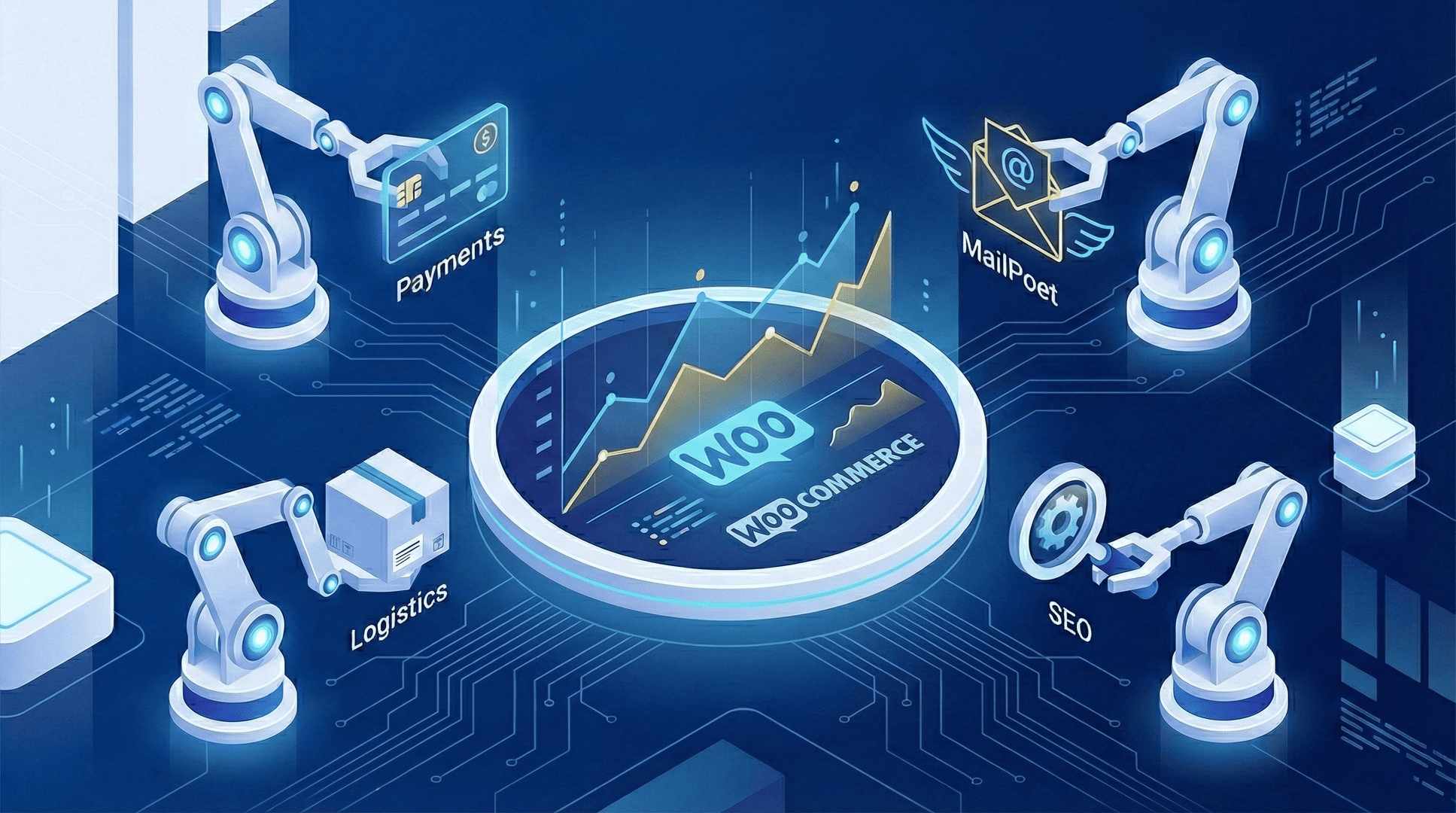
It’s not just a Best WooCommerce Extensions or plugin list; I intend to make your business grow faster and automate a lot of things for you in this article.
If you feel like you are working for your store instead of your store working for you, you are not alone.
Most store owners start their journey with a simple goal: sell a great product.
But fast forward six months, and they are drowning in logistics.
They are manually sending emails, stressing over inventory management, fighting cart abandonment, and trying to figure out why their conversion rates are flatlining.
The beauty of running an eCommerce store on WordPress or WooCommerce is that you don’t have to do everything manually.
In 2026, the WooCommerce ecosystem is vast. There are thousands of plugins available.
But this abundance creates a new problem: Decision Paralysis. Which tools are essential? Which are just bloat?
Well, to help you with that, I have curated this “Autopilot Stack”, the 8+ best WooCommerce extensions that I personally use to automate operations, boost sales funnels, and improve the customer experience.
We will cover everything from payment gateways to marketing automation, ensuring you have the exact blueprint to scale your business this year.
Don’t have an online presence yet? Start with “How to Build a Future-Proof Online Home for Your Business?“
Part 1: The Revenue Engines (Boosting Cash Flow)
The first priority for any store operations upgrade is to increase the amount of money flowing in.
These extensions focus on reducing friction and increasing the Average Order Value (AOV).
1. WooPayments: The Frictionless Payment Solution
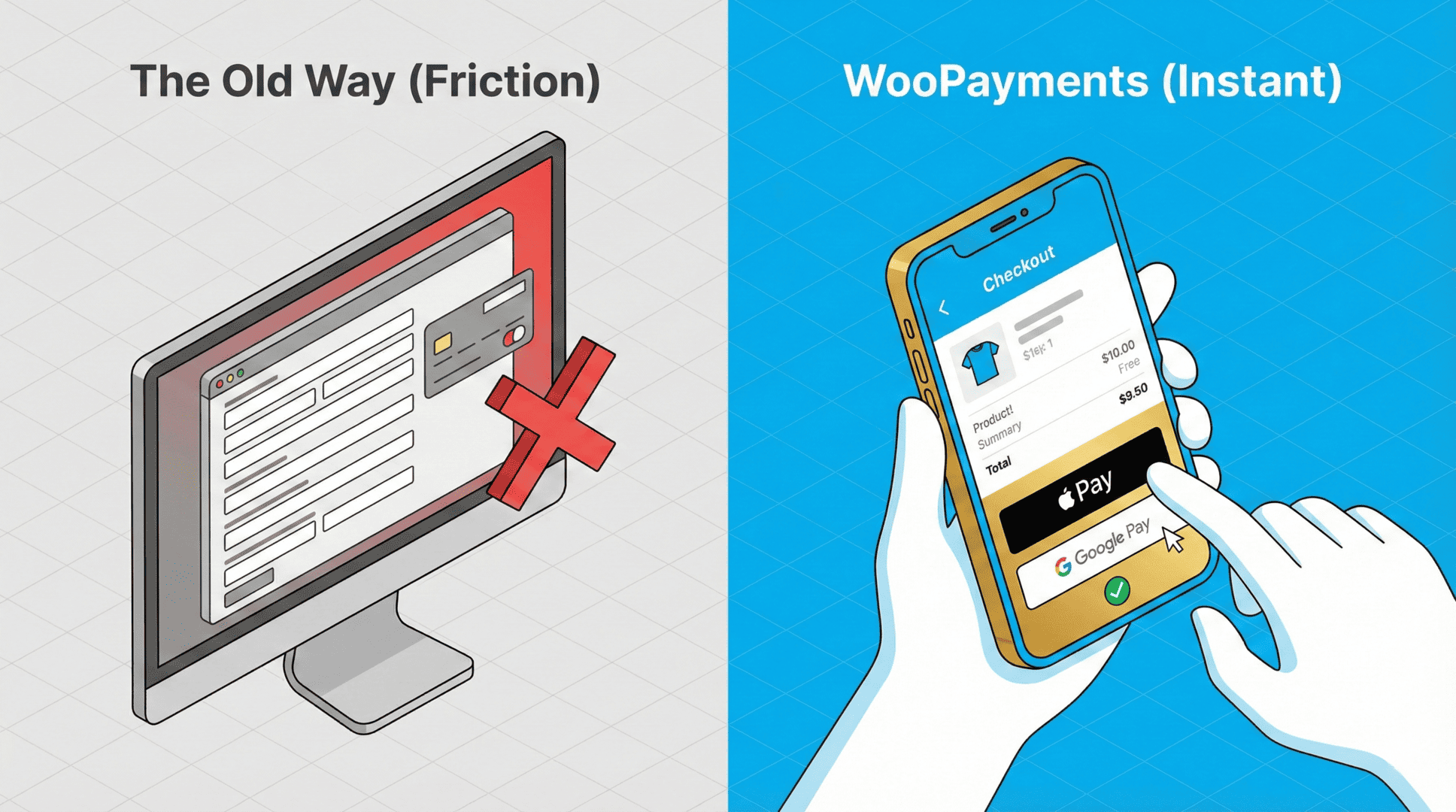
You cannot automate your business if your checkout process is clunky.
WooPayments is the only payment solution fully integrated into the WooCommerce dashboard.
Unlike third-party payment gateways that redirect customers off-site, WooPayments keeps them on your page, which significantly builds trust.
I recently started using it, and I regret not using it before, as I was using too many payment gateways separately before this, which made things complicated.
Good thing, you can start today and save yourself the headache of managing multiple payment gateways that are not as easy to set up and control.
Why it’s essential:
- Modern Wallets: It supports Apple Pay and Google Pay instantly. In 2026, if a customer has to stand up to find their credit card, you have lost the sale.
- Multi-Currency: It includes a built-in multi-currency switcher, allowing international customers to pay in their local currency without you needing a separate plugin.
- Centralized Data: You can manage refunds, disputes, and deposits directly from your WP Admin dashboard.
Pro Tip: Use the instant deposit feature to improve your cash flow during busy seasons like Black Friday.
2. WooCommerce Subscriptions: The Holy Grail of Recurring Revenue
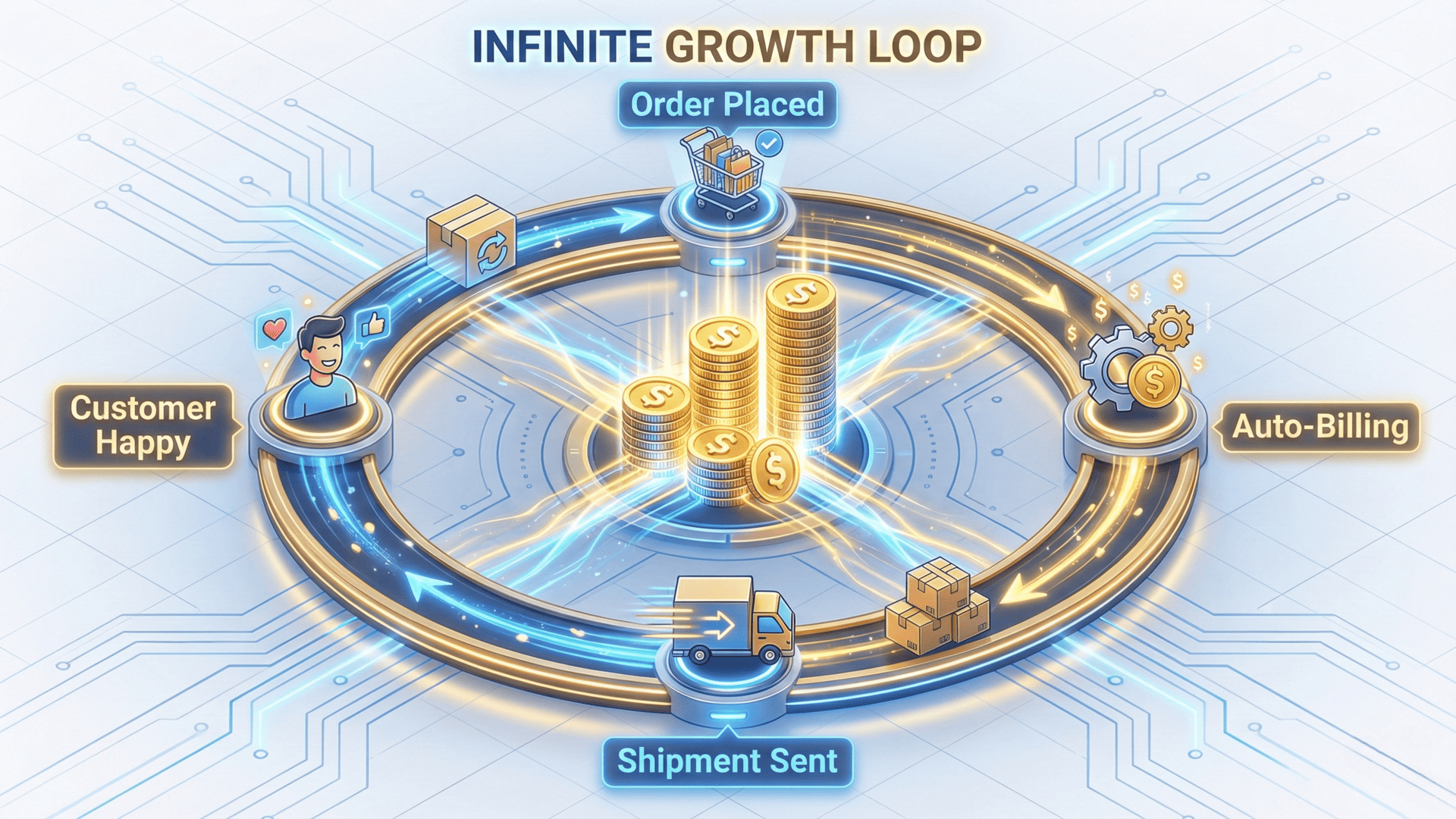
If you are only selling one-off products, you are leaving money on the table.
WooCommerce Subscriptions allows you to turn any product into a recurring service.
Whether you sell physical “Box of the Month” clubs, digital maintenance packages, or software licenses, this extension handles the billing logic automatically.
Key Features:
- Flexible Schedules: Charge weekly, monthly, or annually.
- Prorated Payments: Automatically calculate costs if a customer signs up mid-month.
- Customer Control: The My Account Page gets a massive upgrade, allowing users to upgrade, downgrade, or pause their subscriptions without emailing your support team.
This is the ultimate tool for increasing Customer Lifetime Value (CLTV).
3. WooCommerce Product Add-Ons: Increasing Order Value
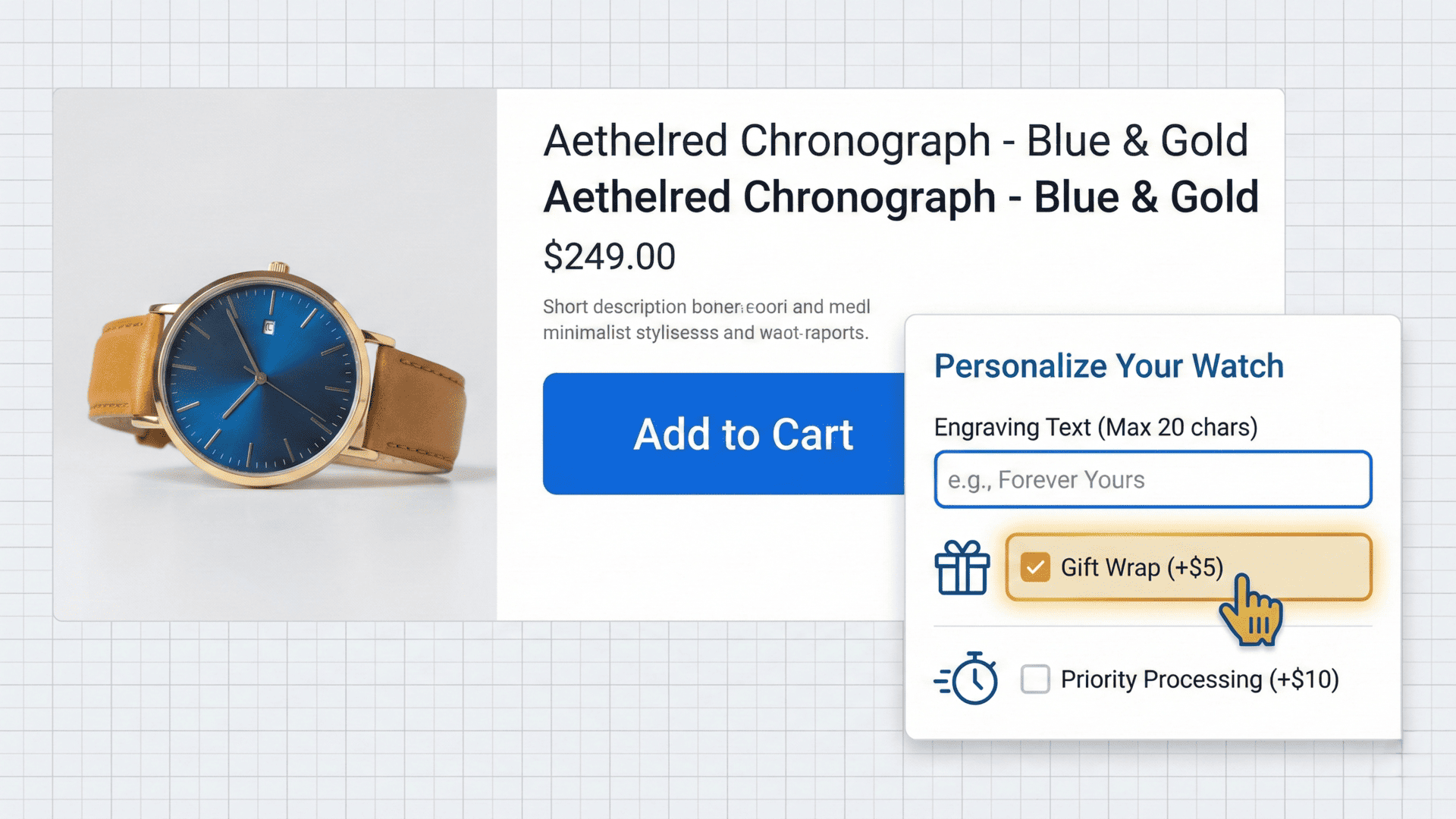
One of the easiest ways to boost revenue is to offer customizations.
WooCommerce Product Add-Ons (and similar tools like Smart Custom Product Add-ons) allow customers to personalize their purchase before they hit “Add to Cart.”
Use Cases:
- Gift Cards: Allow users to add a custom message or gift wrapping for $5.
- Engraving: Add a text input field for custom engraving on jewelry.
- Donations: Add a “Tip” or Donation for WooCommerce option at checkout.
By offering these product add-ons, you increase the margin on every single sale without increasing your customer acquisition cost.
If you haven’t already started selling online, here’s “How to Sell Digital Products using WooCommerce?“
Part 2: The Marketing Machines (Automating Growth)
Once your payment stack is solid, you need to bring people to the site and keep them there.
Don’t be like those store owners who set and forget about it, hoping for the best result.
Here are some extensions that help you with marketing automation and search engine optimization efforts.
4. MailPoet: The Email Marketing Automation Powerhouse

I have mentioned MailPoet in previous articles because it is simply the best email tool for WooCommerce.
Stop exporting CSVs to external platforms and start handling everything efficiently for your eCommerce store.
MailPoet lives inside your dashboard. It automatically detects new products and can send “New Arrival” emails to your list.
The “Recover Abandoned Cart” Feature: This is the single most profitable feature for reducing cart abandonments and increasing your conversion rates and revenue.
If a customer leaves your site without buying, MailPoet automatically sends a series of emails to bring them back.
You can even include discounts & coupons dynamically to sweeten the deal.
Why it wins:
- Drag and Drop Form Builder: Create beautiful sign-up forms in seconds.
- Segmentation: Target customers based on their purchase history (e.g., “Sent to everyone who bought X”).
5. Google for WooCommerce: The Traffic Hose

You need to be where the shoppers are.
In 2026, that is Google Shopping (soon it might be the AI Chatbots, we’ll discuss this in a dedicated article later, make sure to sign up for the newsletter).
The Google for WooCommerce (Formerly, Google Listings & Ads) extension automatically syncs your store inventory with the Google Merchant Center.
This means your products can appear in free Google Shopping listings and YouTube Shopping ads.
Key capabilities:
- Product Feed Management: It handles the complex Google Product Feed for WooCommerce requirements automatically.
- Real-time Sync: If you run out of stock on your site, the ad stops running instantly, saving you money.
6. Jetpack Boost & SEO: Speed and Rankings on Autopilot
In 2026, Google cares about two things: how fast your site is, and how well it is structured. Jetpack handles both, keeping your tool stack clean.
Instead of installing separate heavy plugins, Jetpack’s modular architecture allows you to activate just the features you need.
Why is it the “Autopilot” choice?:
- Instant Speed: The Jetpack Boost module automatically optimizes your CSS and defers non-essential JavaScript. This improves your “Core Web Vitals” score instantly, which is a major Google ranking factor.
- Automated Social Previews: It automatically generates the correct preview images and text when your products are shared on Facebook or Twitter, ensuring your brand always looks professional.
- XML Sitemaps: It quietly generates and updates your sitemaps in the background, pinging search engines whenever you publish a new product.
Pro Tip: Use the “Image CDN” feature to serve your product photos from Automattic’s global servers, making your store load instantly for a better customer experience around the world.
Part 3: The Efficiency Experts (Streamlining Operations)
Now, let’s talk about the boring stuff that actually runs the business: shipping, taxes, and logistics.
7. WooCommerce Shipping & Tax
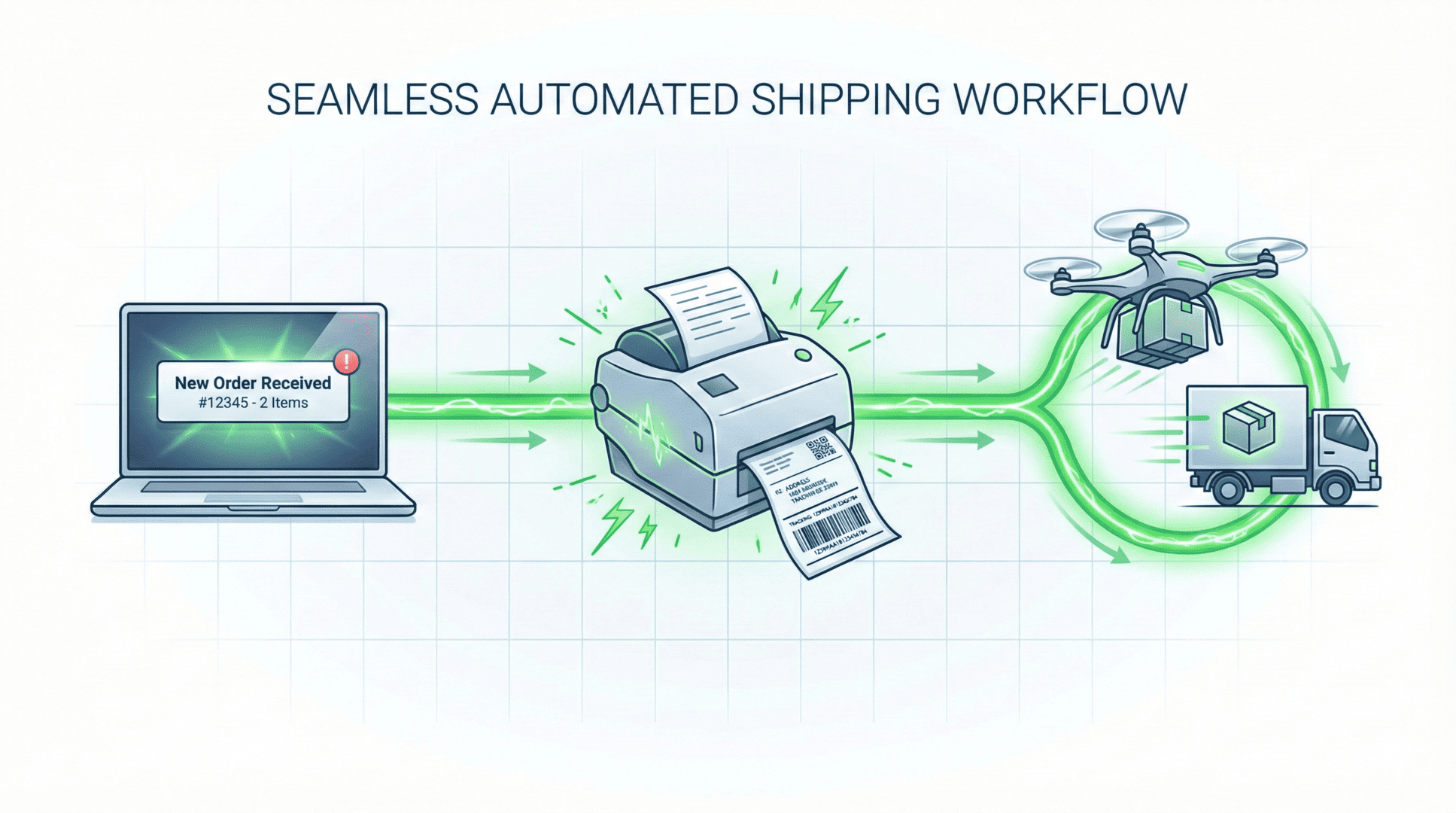
Stop copying and pasting addresses into a label printer.
WooCommerce Shipping allows you to print shipping labels (USPS, DHL, etc.) directly from your dashboard.
It creates a seamless workflow where the tracking number is automatically emailed to the customer, providing real-time tracking info.
Why you need it:
- Discounted Rates: You often get access to commercial shipping rates that are cheaper than the post office.
- PDF Packing Slips: With the PDF Invoices and Packing Slips integration, you can print a professional packing list with one click to ensure your fulfillment team doesn’t make mistakes.
8. AutomateWoo: The Logic Engine

If you want custom features without hiring a developer, AutomateWoo is the answer.
It is an “If This, Then That” engine for your store that can enhance the overall experience for the customers and increase the conversion rates, resulting in more revenue.
Examples of Automation:
- If a customer buys a VIP product, then change their user role to “VIP” and give them a 10% lifetime discount.
- If a customer hasn’t bought in 90 days, then send a “We Miss You” coupon.
- If a customer leaves a 5-star review, then add points to their Points and Rewards balance.
It bridges the gap between your sales funnel and your store operations.
Part 4: The Advanced Toolkit (For Niche Needs)
Depending on your specific business model (B2B, Custom Goods, Wholesale), you might need more specialized tools.
Here is a rapid-fire list of official WooCommerce-developed solutions to handle complex scenarios.
For B2B and Wholesale Stores

If you sell to other businesses, you don’t need a third-party plugin. You can build a secure wholesale portal using WooCommerce Deposits and Min/Max Quantities.
- Min/Max Quantities: This is essential for wholesale control. You can enforce rules like “Customers must buy at least 50 units” or “Minimum order value must be $500” at checkout.
- WooCommerce Deposits: Instead of demanding full payment upfront (which kills B2B sales), this allows customers to pay a deposit or set up a payment plan. This is a great alternative to complex “Net-30” invoice plugins.
For Complex & Customizable Products

If you sell furniture, skateboards, or custom pc, or any other type of custom products, a simple dropdown isn’t enough.
- Composite Products: This is the ultimate “Builder” tool. It allows customers to build complex kits (e.g., “Build Your Own PC”) where they select a processor, RAM, and Case, and the inventory is tracked for each component individually.
- Product Bundles: Perfect for increasing AOV. You can group related items together (like a camera + lens + bag) and offer them at a discount.
For Customer Service & Loyalty
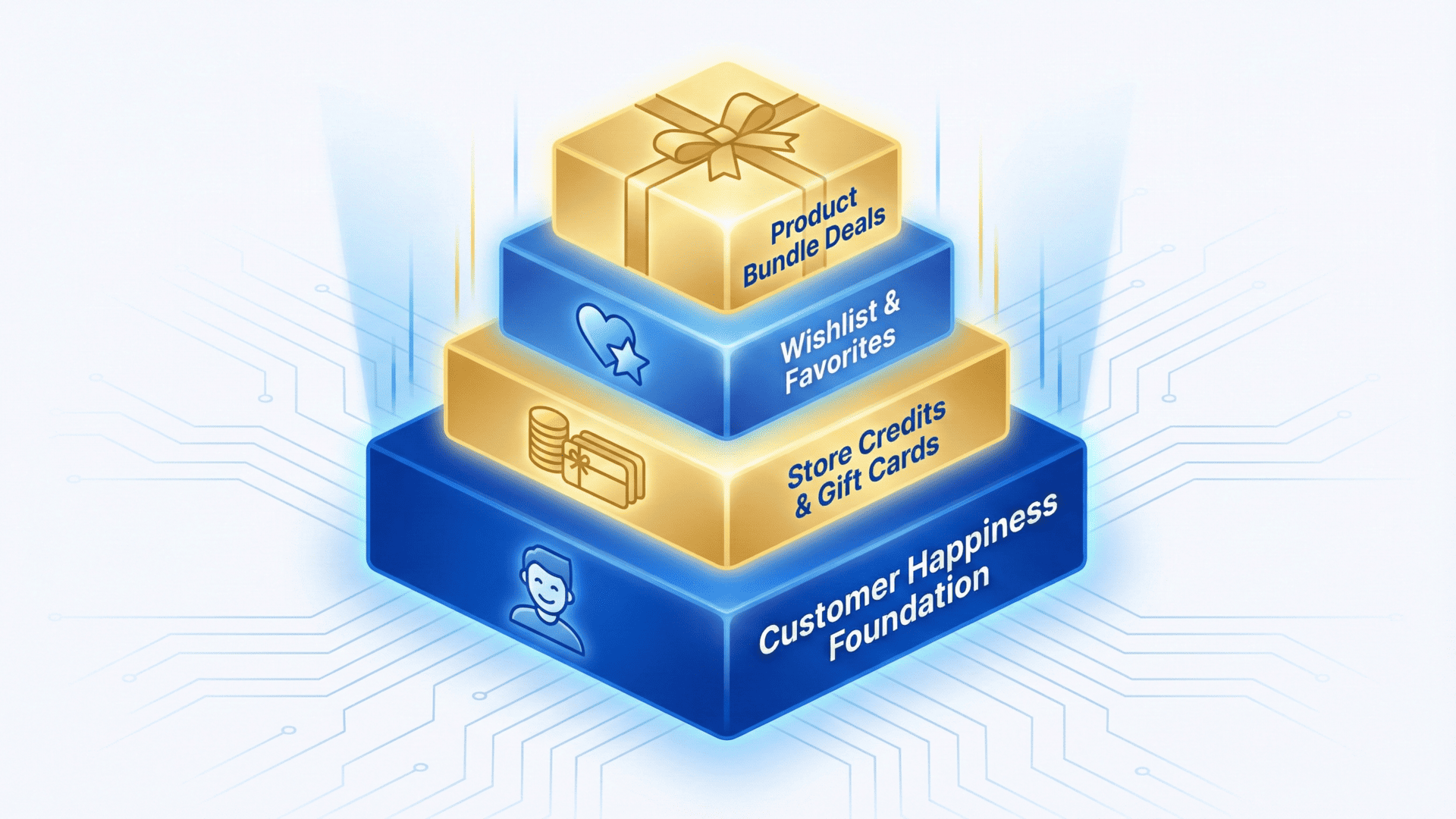
Keeping customers happy reduces the load on your support ticket system and generates happy customer reviews.
- WooCommerce Points and Rewards: Automatically reward customers for purchases or other actions with points they can redeem for discounts. It creates a loyalty loop that keeps them coming back.
- WooCommerce Product Bundles: Create “Kits” to increase AOV (e.g., “The Starter Pack”).
- Gift Cards: Instead of dealing with complex “Store Credit” plugins for returns, simply issue a prepaid digital Gift Card that customers can redeem online.
Part 5: Technical Foundations (Dev & Security)

You cannot grow if your site keeps crashing.
A good dev environment and helpful resources can be a great saver in situations like these.
Here are some of the things that you absolutely need to take care of to avoid such issues.
Staging and Updates
Never test a new plugin on your live site.
You need a staging environment (often provided by your host or Jetpack).
This is a clone of your store where you can test WP Core updates, WooCommerce Checkout Field Editor changes, or new custom WordPress templates.
The Dev Workflow:
- Push changes to your production repository or staging site.
- Test the checkout process.
- Check the uploads directory for permissions issues.
- Deploy to live.
If you haven’t already started selling online, here’s “How to Sell Digital Products using WooCommerce?“
Actionable Data

If you don’t know what’s selling, you can’t scale.
- WooCommerce Analytics: Forget external dashboards. This built-in tool provides advanced order attribution and powerful insights into each order’s “first-touch” data, so you know exactly where your sales are coming from.
Part 6: Best Practices for Extension Management
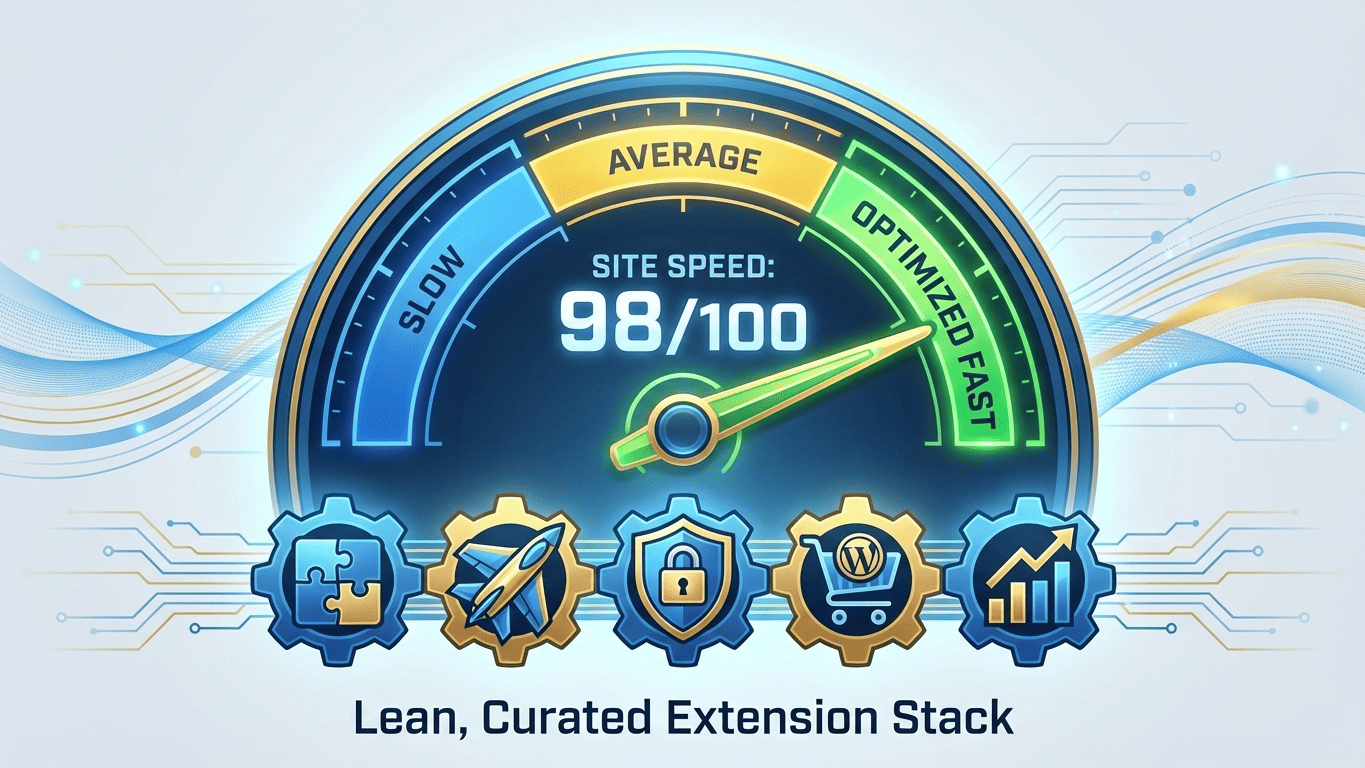
Before you go installing all of these, a word of warning. Installing too many plugins can slow down your site. Follow these best practices:
- Check the “Last Updated” Date: Ensure the plugin is compatible with the latest WooCommerce version.
- Read Reviews: Look for reviews or similar feedback to see if the support team is active.
- One Tool Per Job: Don’t install two SEO tools or two shipping plugins. They will conflict.
- Monitor Performance: Use tools to ensure your Time to First Byte remains low after installation.
Conclusion: Build Your Ecosystem

In 2026, the difference between a hobby store and a serious business is automation.
By implementing this stack, WooPayments for cash flow, MailPoet for retention, and WooCommerce Shipping for logistics, you free yourself from the daily grind.
You move from “Store Manager” to “Business Owner.”
Start with the essentials.
Fix your checkout process.
Automate your shipping costs.
Then, look for referral opportunities and partner earnings to grow further.
The tools are there. It’s time to put them to work.