Disclosure: This website uses affiliate links; I may earn commissions at no extra cost to you. Learn more.
It’s time to end the debate of ActiveCampaign VS Kit forever.
In this article, I’ll share my experience with them during my testing phase and compare the key points so that it becomes easier to find the right fit for you.
I am someone who has been using Kit for my personal use for a long time and decided to switch to ActiveCampaign for my clients (SMBs) in 2026, and this comparison article is based on that.
Let’s get going…
If you are hitting a wall trying to build a real sales pipeline in Kit, you are not alone.
Kit (formerly ConvertKit) is phenomenal for sending a weekly broadcast email for newsletter growth, but it breaks down the minute you try to build complex email marketing automation.
I spent four days trying to force Kit to act like a real CRM (Customer Relationship Management) system for a test project with 25,979 email addresses on my email list.
I wrestled with overlapping subscriber tagging, duplicate automated email sequences, and a complete lack of predictive lead scoring.
I eventually gave up, exported the CSV, and used the migration team to move the entire operation into Active Campaign to test their AI features.
I am going to show you exactly where Kit’s basic CRM tools create absolute chaos at scale.
We will also look at how ActiveCampaign’s Active Intelligence actually manages an autonomous customer journey, and exactly when you need to pull the trigger and upgrade your marketing automation platform.
ActiveCampaign VS Kit: The Difference Between Broadcasts and Funnels

Kit is built to send one piece of content to many people at the same time using basic sign-up forms as the base, which later expanded it’s capabililties to provide a more robust marketing solution.
On the other hand, ActiveCampaign is built to send a specific message to a single person based on their exact behavior across your landing pages and customize the entire process from lead generation to sales and recovery.
One operates like a megaphone, and the other operates like a targeted sales automation engine.
Kit’s Simplicity is a Double-Edged Sword
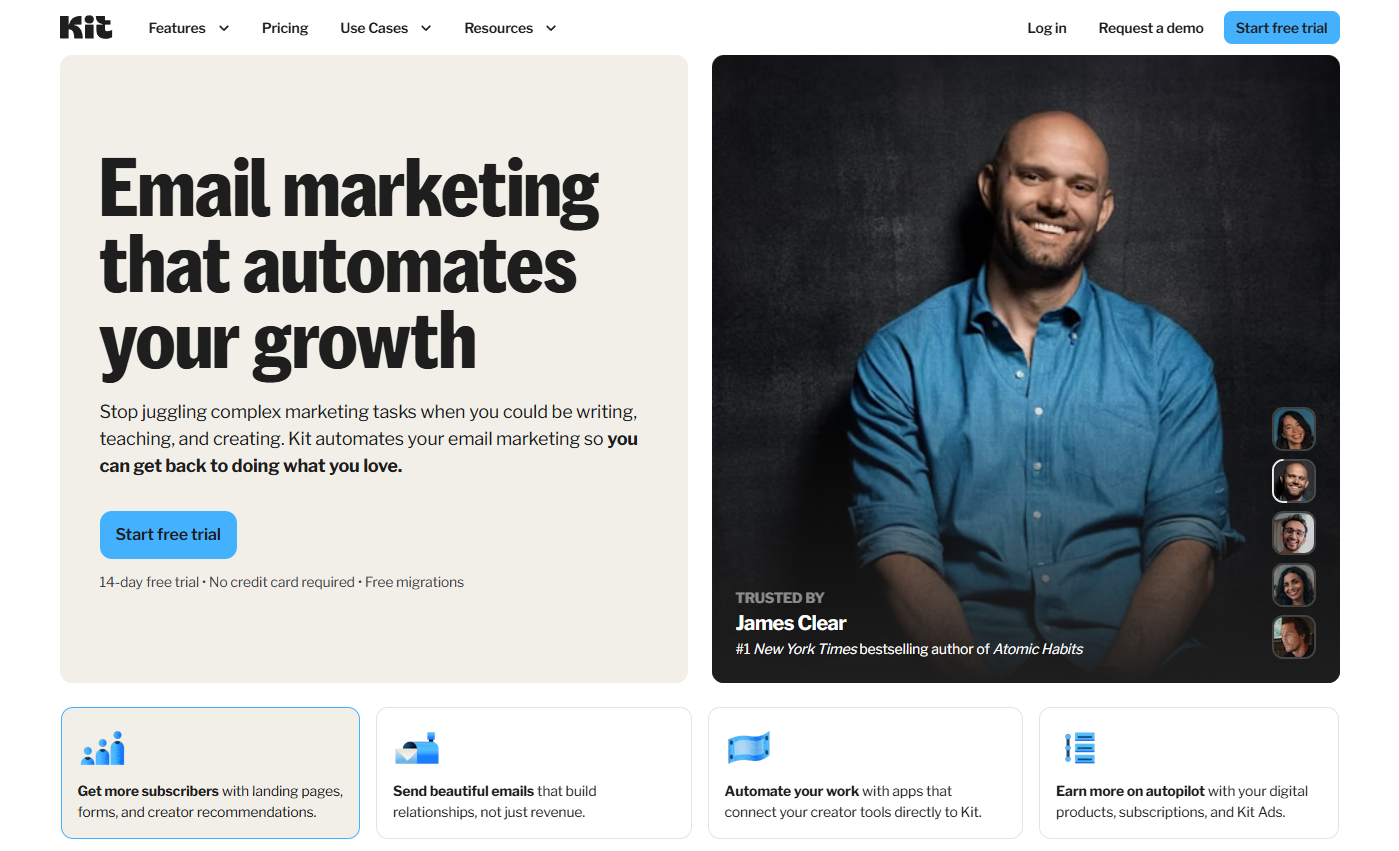
Kit is a very user-friendly platform if you just need basic landing page builders to sell a simple digital product.
You can only trigger email campaigns based on simple actions, such as joining via a sign-up form or clicking a link.
I tried building a cart abandonment sequence in Kit that branched based on whether a user visited specific e-commerce platforms.
I spent an hour trying to hack it together with rigid link triggers and custom fields.
It was a miserable, mechanical process that ultimately led to poor email deliverability because I sent the wrong email templates to the wrong people.
ActiveCampaign’s Advanced Trigger Ecosystem
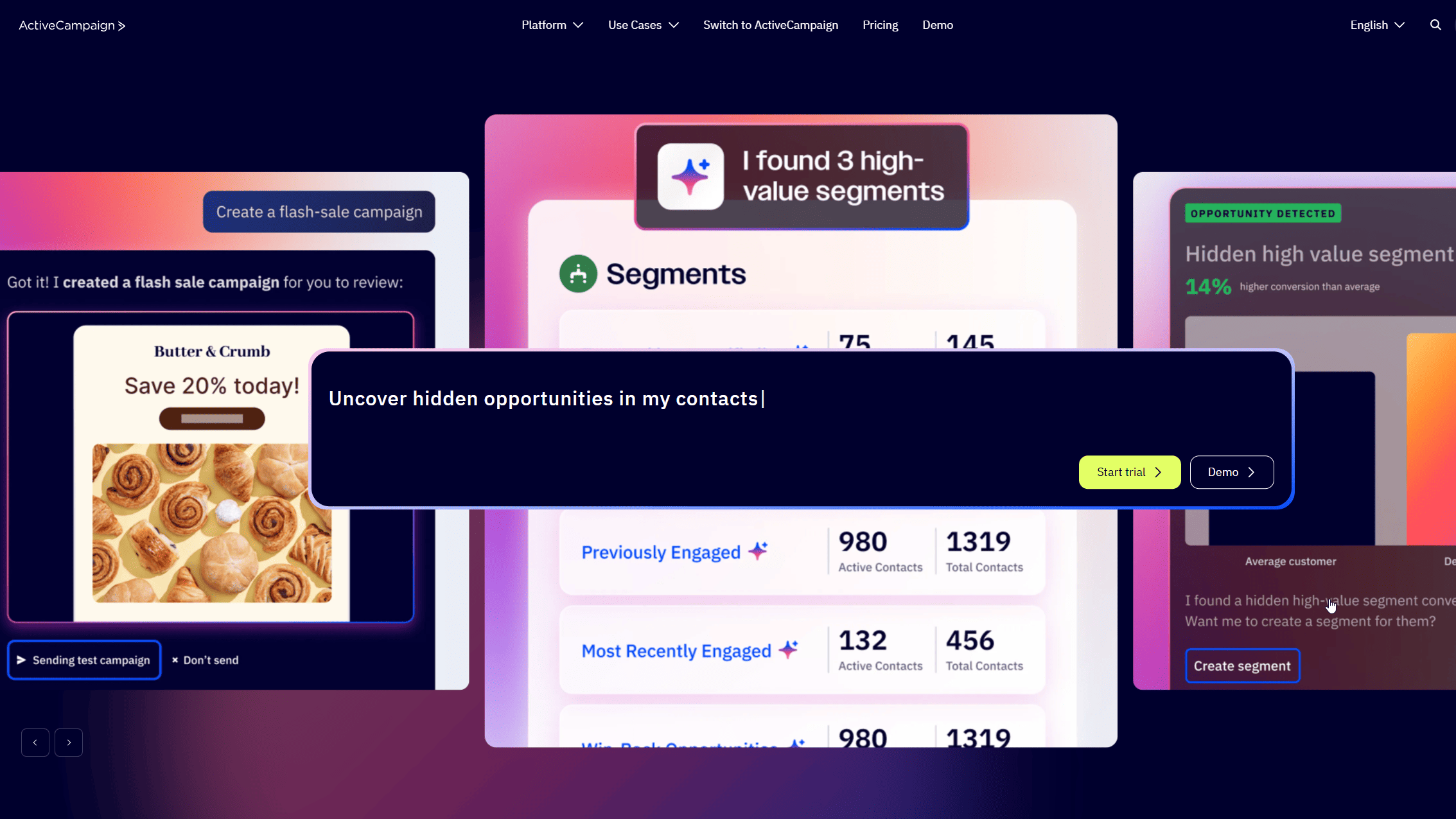
ActiveCampaign lets you trigger Visual Automations based on almost any action a user takes inside your emails and across your entire website.
You can start email sequences based on site tracking data, deal pipeline movement, or granular custom event tracking.
I moved that exact same cart abandonment logic over to ActiveCampaign using one of their automation recipes.
I dropped a “Wait until website visit” condition onto the visual automation builder and split the path immediately.
The canvas actually showed me where my logic was flawed before I even hit publish.
Trigger Comparison
| Feature | Kit | ActiveCampaign |
| Website Tracking Triggers | No. Relies on email clicks. | Yes. Deep site tracking integration. |
| Sales Pipeline Triggers | No native CRM. | Yes. Triggers based on deal movement. |
| Conditional Splits | Basic If/Then rules. | Complex multi-path branching. |
Managing Subscribers and Segmentation
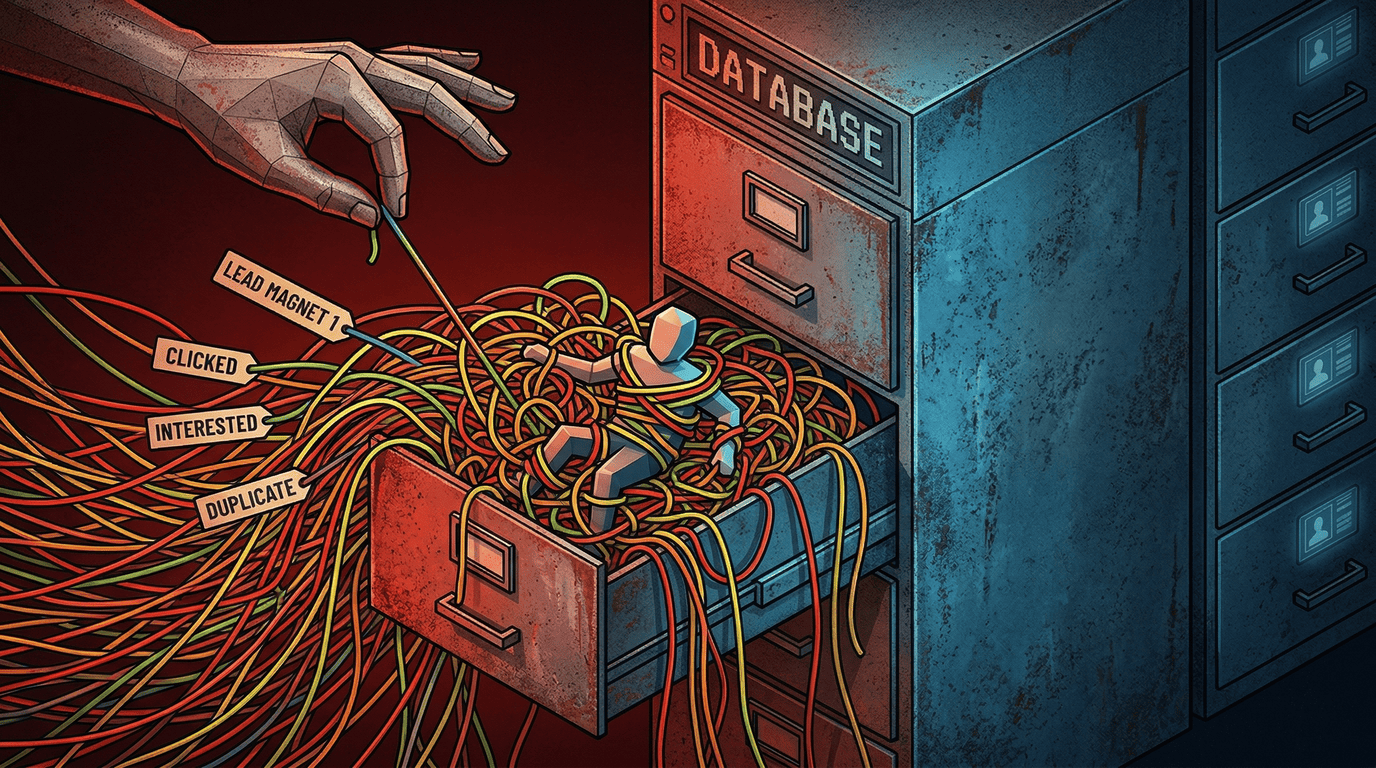
Kit relies entirely on a flat tagging system that quickly becomes unmanageable for deep contact management.
Meanwhile, ActiveCampaign uses a multidimensional approach combining lists, tags, and advanced segmentation to filter users with precision.
The Chaos of Kit’s Tagging System
Kit treats every subscriber as a single entity on one giant list and relies on manual tags to organize your lead magnets.
This works fine for ~500 subscribers, but turns into a nightmare when you hit higher email limits or your list grows larger.
How Lists Get Messy at Scale?
Well, this is embarrassing, but I have to tell you.
Recently, for one of my clients during the testing phase, I imported 25,979 contacts into Kit and created tags for different paid subscriptions and engagement levels.
Within two weeks, I had over 80 different tags floating around my account with terrible subscriber analytics visibility.
I accidentally sent a promotional broadcast to people who had already bought the product because my exclusion rules got too complicated.
With this approach or system, you will spend hours doing database cleanup just to maintain your content-focused newsletters.
Nobody wants that, and you have to be extra careful with this one.
ActiveCampaign’s Multi-Dimensional Filtering
ActiveCampaign allows you to build dynamic segments using dynamic content personalization that automatically updates based on real-time data.
You do not have to rely entirely on manual tags to manage your lead management efforts.
I let Active Intelligence analyze my imported database for deal tracking to see what it will do.
And I was definitely happy with the result I got.
It automatically grouped my contacts by engagement score and highlighted a segment of slipping away users I had completely ignored.
The segment builder lets you stack custom fields, geographic data, and lead scores to sync directly with Facebook Custom Audiences as well, which is very helpful if you run targeted Facebook/Meta Ads.
Creator AI vs Business Intelligence

The AI-powered tools in these platforms serve entirely different purposes for your email marketing.
Kit uses AI strictly to brainstorm subject lines inside the campaign editor, while ActiveCampaign uses AI to build and deploy complex CRM workflows.
One suggests titles, and the other builds infrastructure.
Kit’s Bare-Bones AI Features
I went looking for Kit’s AI generation tools to see if they could actually manage a campaign.
They cannot, because there is no true AI campaign builder on their platform.
Kit’s entire artificial intelligence offering is basically just a subject line generator bolted onto the user interface.
When I set up a promotional broadcast, I still had to write the entire email body manually.
The AI merely spat out five generic subject line variations that sounded exactly like every other newsletter in my inbox.
You still have to manually build the segment, write the copy, schedule the email, check the web analytics, and do the actual heavy lifting yourself.
ActiveCampaign’s Focus on Autonomous Marketing
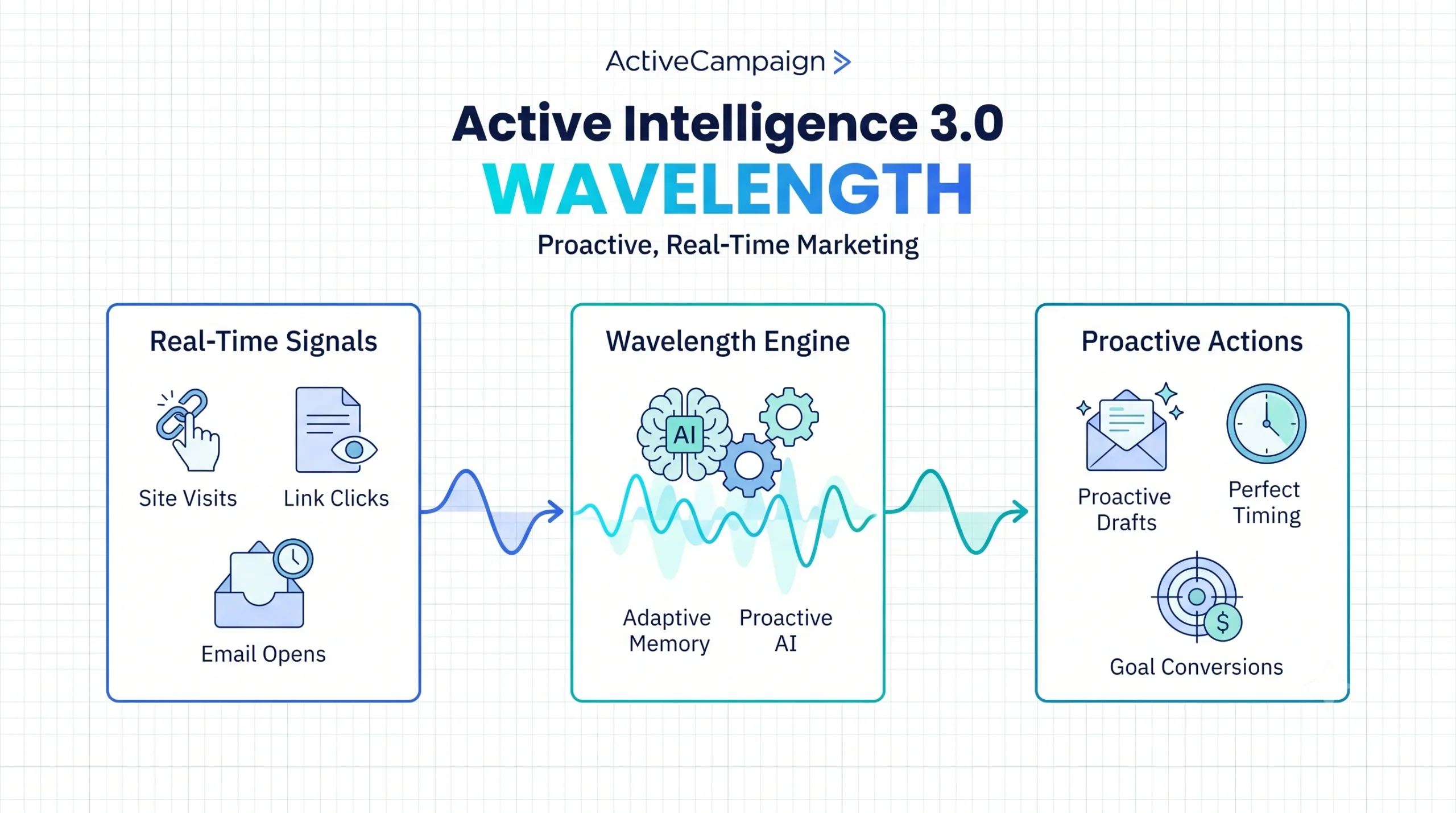
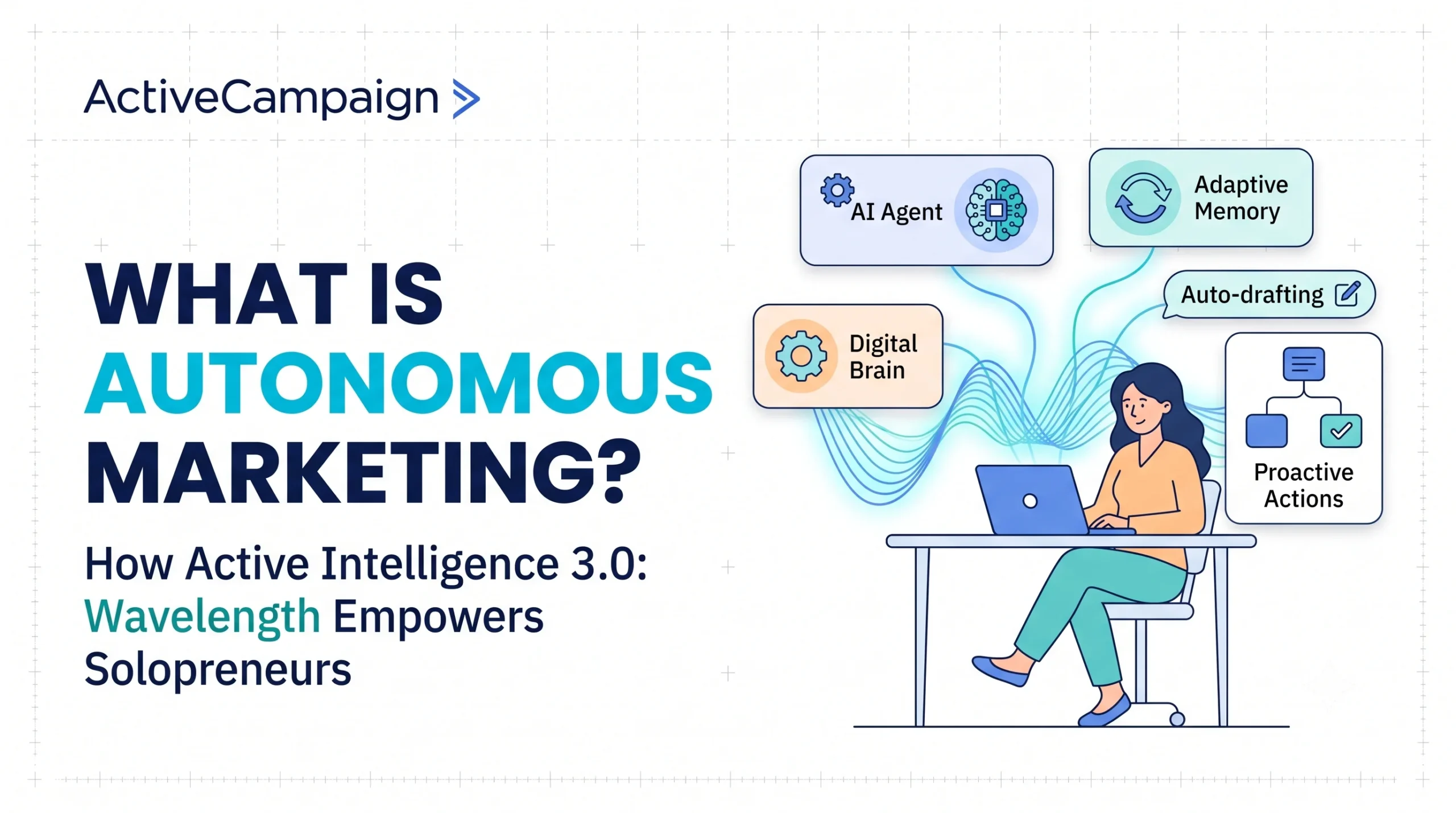
ActiveCampaign has built Active Intelligence to act as your campaign reporting co-pilot and replace manual campaign setup entirely.
You are not just generating text; you are generating the entire automated sequence with built-in A/B testing.
The system actively analyzes your data to find the best course of action.
I used the AI Campaign Builder to set up a win-back sequence for lapsed subscribers.
I typed one prompt, and the system generated the logic branch, applied my AI Brand Kit styling, and set up the split testing rules.
It actually functions as an autonomous email marketing automation platform rather than a glorified spellchecker or garbage copy generator.
AI Capabilities Comparison
| Feature | Kit | ActiveCampaign |
| Primary AI Use Case | Generating subject line ideas only. | Generating full automation workflows and audiences. |
| Brand Consistency | 100% manual formatting required. | AI Brand Kit auto-applies fonts and colors. |
| Send Time Optimization | Basic historical data. | Predictive sending based on individual user habits. |
Pricing Structures for Growing Lists

Both platforms charge based on your total subscriber count, but the value you get at higher tiers is vastly different.
Kit becomes aggressively expensive for basic email sending, while ActiveCampaign justifies its cost through advanced reporting tools and sales pipeline features.
Paying for Kit Subscriptions
Kit offers a free tier for beginners, which is an excellent hook to get you into their subscriber network or platform.
Once you hit the paid Creator plans, you are strictly paying for the privilege of holding more contacts and accessing their referral programs.
I ran the math on a 25,979-subscriber list.
You end up paying hundreds of dollars a month just to send broadcasts and manage simple monetization options.
The lack of native CRM tools means you will likely have to pay for third-party integrations just to track your actual sales.
ActiveCampaign Value at 10k+ Contacts
ActiveCampaign is a direct investment in your business infrastructure backed by strong customer support.
You pay for the CRM, the visual automation builder, and the Active Intelligence tools all in one package.
It replaces three or four separate software subscriptions.
When your list crosses 10,000 contacts, the price difference between Kit and ActiveCampaign shrinks significantly.
At that scale, paying for ActiveCampaign’s predictive sending and the Marketing Revenue Report actually generates a return on investment by recovering lost sales.
You stop paying for storage and start paying for deal management tools or a complete sales suite.
Final Verdict: Who Wins?
Kit wins for solo creators who just want to write a weekly newsletter and sell a single digital product up to a certain point.
However, ActiveCampaign wins for businesses or even individual creators that need to manage a sales pipeline, track website behavior, and deploy autonomous marketing campaigns.
For growing businesses, I would say it’s a non-negotiable to go with a platform or suite of tools like ActiveCampaign.
Stick With Kit If…
You have fewer than 5,000 subscribers and rely heavily on basic landing page templates.
Your primary goal is to run a paid newsletter without needing complex Membership, Learning management systems, or anything advanced.
You refuse to learn how a visual automation canvas works and prefer basic text emails.
Upgrade to ActiveCampaign If…
You are spending hours manually tagging subscribers and fixing broken logic loops in your current setup.
You sell high-ticket products and need a real CRM with Kanban-style boards to track individual deal stages or more advanced tools.
You have a growing business, and you’re focusing on scaling your sales and revenue.
It’s time to automate most of the things that you do and use that time productively elsewhere.
You want Active Intelligence to actively build your segments and campaigns instead of just writing generic copy.
Obviously, these are not the only reasons why you should choose one or the other, but it does give you an idea.
For those who are just getting started with Email Marketing, Kit could be a good starting point, but eventually, you have to upgrade to ActiveCampaign for its advanced capabilities.
If your subscriber list is outgrowing your current setup, stop patching it with third-party tools when you can start a free trial of ActiveCampaign here and use their migration support to map out your next funnel in five minutes.
I’m certain you won’t come back and stick to ActiveCampaign once you get started. Give it a go.