Disclosure: This website uses affiliate links; I may earn commissions at no extra cost to you. Learn more.

It is high time we talk bout the Scalable AI Website Builders because I watch business owners make the exact same catastrophic mistake every single week.
They panic, use a cheap AI website generator to build a landing page in ten minutes, and feel brilliant.
Two years later, their business scales, the site breaks, and they have to rebuild the entire digital infrastructure from scratch.
I tested the WordPress Scalable AI Website Builder to see if I could bypass this specific trap.
I needed to know if artificial intelligence could generate a fast foundation that actually survives a traffic spike in year two.
It turns out, you can get speed today without sacrificing your product stack tomorrow, as it’s built on top of open-source software.
Here is exactly how I use this specific workflow to launch fast and scale later.
The Reality of Disposable AI Website Generation

Disposable AI Tools trap your business in a closed ecosystem with rigid code.
You get a fast launch today, but you hit a hard technological wall the moment you need advanced web development features.
Most platforms in the website builder market rent you a visual facade. You do not own the underlying architecture.
If your business requires a custom web design update, you are completely stuck.
The “Fast but Stuck” Scenario
The fast but stuck scenario happens when your business outgrows your initial AI Tools. You try to add complex payment processing or custom CSS effects, and the platform explicitly blocks your access to the backend code.
I tested several instant AI site generation tools last year.
They look perfectly fine on day one.
By day sixty, you realize you cannot even export your own customer reviews or blog posts. You are held hostage by the platform.
Locked Ecosystems and Rigid Code
A locked ecosystem prevents you from modifying the core structure of your website pages.
If you want to integrate a complex real-time data synchronization tool, you are out of luck.
These theme-based site-building tools force you to color inside their specific lines.
And when considering all of that, you spend weeks rebuilding your digital presence on a real content management system.
Your desire for a fast launch directly caused a massive operational delay.
Testing a Truly Scalable AI Website Builder

A Scalable AI Website Builder generates native blocks on an open-source foundation instead of proprietary code.
This specific Automattic tool gives you the immediate speed of a drag-and-drop editor paired with true long-term flexibility.
You are not building a fake mockup. You are generating a legitimate WordPress Website using an AI model as your onboarding assistant.
Generating Real Infrastructure Upfront
The prompt box translates your plain English instructions into actual WordPress architecture.
If you decide you hate the conversational interface later, your website remains fully functional.
You own the files, the visual identity, and the digital assets.
You are simply using the AI Builder to skip the agonizing blank screen phase.
The output is a real No-Code Design that you control entirely.
Access to the Massive WordPress Ecosystem
Building on WordPress means you have a documented growth path with thousands of available plugins.
You can add complex database queries or an annual license for a specialized tool whenever you want.
This is the definition of a future-proof website.
You are not confined to the basic UI Components the AI Text Creator spat out on day one.
Your architecture scales alongside your revenue.
The “Launch Now, Scale Later” Playbook

You use the AI to generate your immediate baseline, and then you rely on the core WordPress framework to expand features manually over the next five years.
Speed is your priority right now, but flexibility guarantees your survival.
This specific workflow satisfies both requirements perfectly.
Using AI Tools for the Immediate Baseline
I use the prompt box to generate my service pages, layout structure, and color themes. I expect the machine to handle the tedious formatting work, not to write perfect marketing copy.
I type a highly specific description of my business model into the prompt box.
The AI-Powered Website Builder builds the responsive themes, sets the typography, and creates the navigation menu.
I tweak the stock text and hit publish.
Adapting the Site Manually as You Grow
As your traffic increases, your site must adapt to heavier demands.
You can transition from using basic drag-and-drop editing to implementing advanced custom code and APIs.
WordPress.com now supports connecting external AI agents directly to your architecture on paid plans.
You start with basic content automation and scale into autonomous data analysis.
This allows for Pay-As-You-Go AI Usage through connected servers.
The Backend Reality: Scalable Hosting and Security Protocols

WordPress provides fully managed, scalable hosting that handles security features and server maintenance automatically.
You get the power of enterprise-grade cloud storage without acting as a server administrator.
I despise managing servers most of the time.
Listening to mechanical cooling fans spin up while I manually configure databases gives me a headache.
This platform isolates you from that technical misery.
Automated Backups and DDoS Protocols
The managed infrastructure includes daily automated backups and strict DDoS protocols to keep your site online during an attack.
You never have to worry about a botnet taking down your landing page builders.
The server detects malicious traffic and activates firewall protection instantly.
You stay focused on content creation instead of playing digital security guard. Your data is protected by default.
Eco-Friendly Hosting and SSL Certificates
The platform relies on Google Cloud Servers and carbon-reducing infrastructure to minimize environmental impact.
It also automatically provisions an SSL Certificate to force a secure connection for every visitor.
You do not have to configure SSL certification or worry about renewable energy usage manually.
The eco-friendly hosting handles the heavy lifting quietly in the background.
Your custom domain is secured automatically as well.
The Friction Log: Where Scaling Requires Human Effort
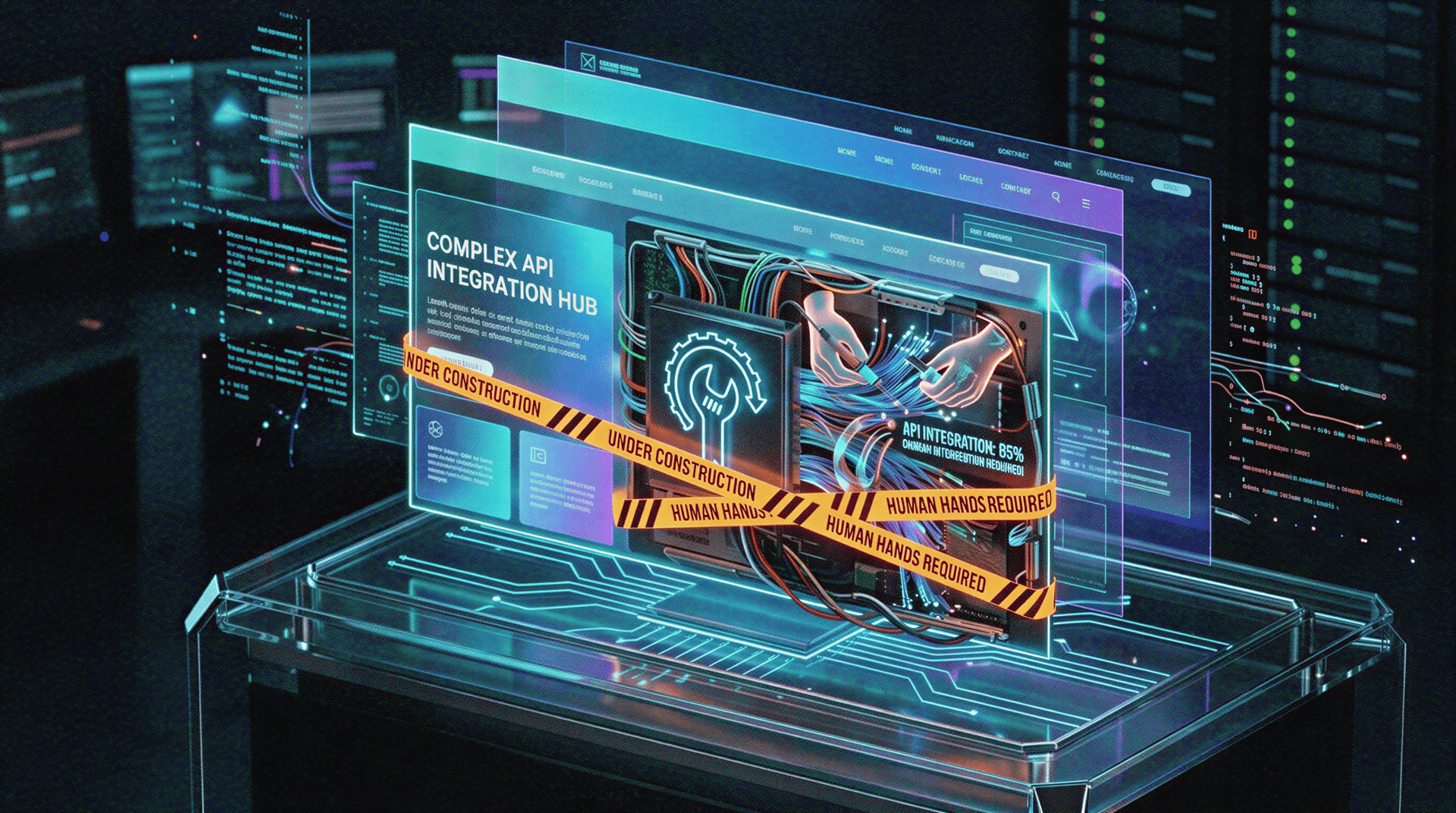
The AI handles the initial website creation, but it cannot run a massive digital enterprise for you.
You must step in to execute complex technical integrations and manage high-level strategy.
I evaluate software based on harsh reality.
If you expect this AI website generator to build a Fortune 500 company while you sleep, you are entirely wrong.
Where Human Intervention is Mandatory:
White Label Needs: You cannot instantly generate a massive white-label agency portal with a single prompt.
Complex Migrations: Moving thousands of posts from an old site requires manual database handling.
Granular Caching: You do not need to install a cache plugin, but you must manually optimize your own uploaded media files.
The Truth About Complex eCommerce Stores
You cannot instantly generate massive eCommerce stores with complex shipping logic using a single text prompt.
The store features are still evolving and require strict manual setup.
If you need a database of two thousand product descriptions and advanced inventory management, you will hit a wall.
You must configure heavy store plugins and payment processing gateways by hand after the initial launch.
Do not expect instant retail magic.
Managing SEO Tools and Meta Data
The AI provides basic metadata suggestions, but you must manually configure your search engine optimization strategy.
Ranking in competitive search results requires a dedicated human effort.
You must actively manage your SEO tools, write compelling site descriptions, and monitor your Google Business Listing.
The machine provides an SEO-friendly responsive design, but you must drive the actual strategy.
You own the content generation or creation process.
Comparing the Growth Potential
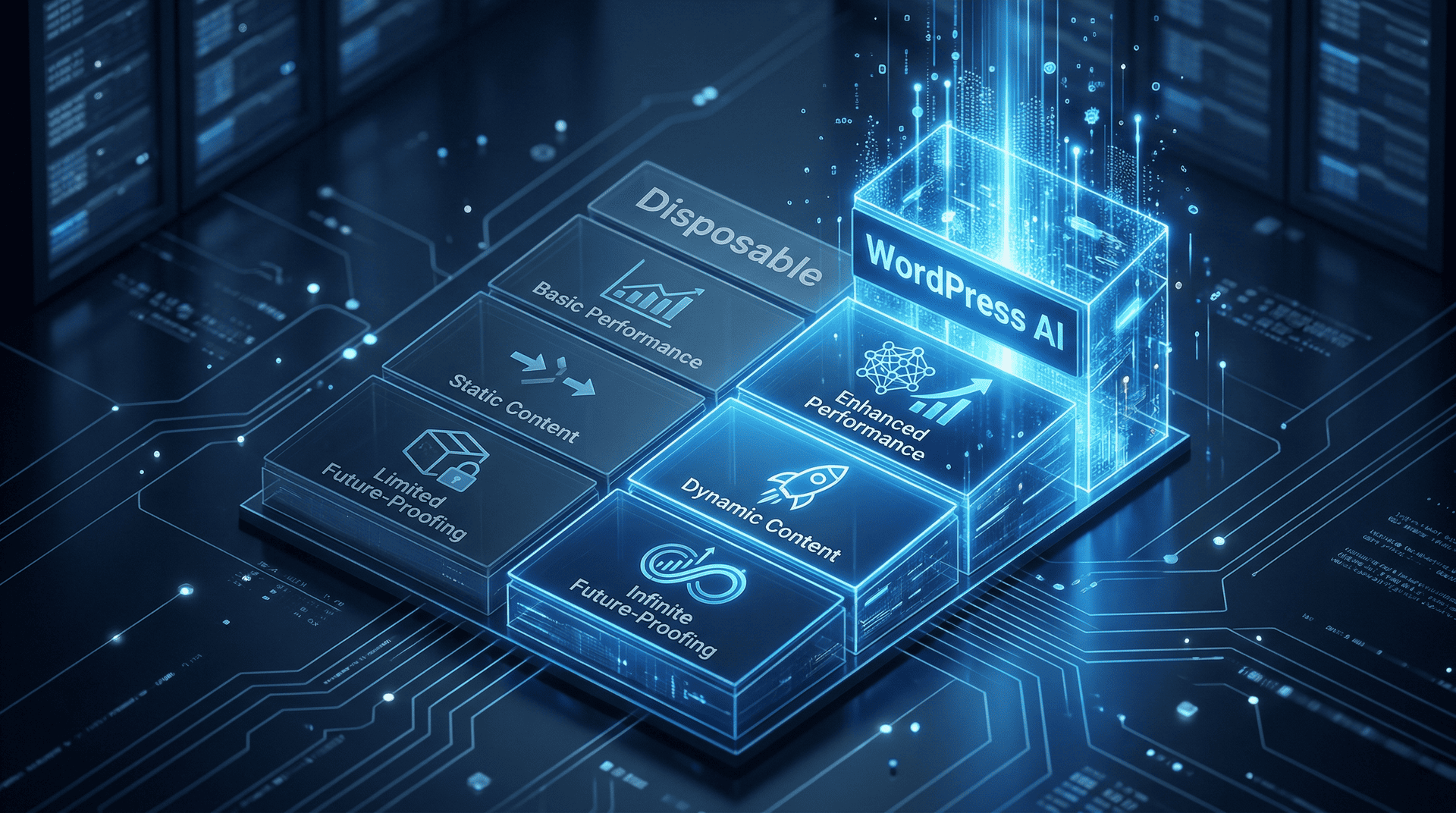
Choosing the right platform dictates how easily you can scale your operations in the future.
Here is exactly how a Scalable AI Website Builder stacks up against a cheap, disposable alternative.
| Feature Requirement | Disposable AI Builder | WordPress AI Builder |
| Initial Launch Speed | Under 10 minutes | Under 10 minutes |
| Code Ownership | Locked proprietary system | Open-source native blocks |
| Plugin Architecture | Zero external plugins | Massive global ecosystem |
| Data Exporting | Blocked or heavily restricted | Full database control |
| Server Security | Varies widely, by provider | Managed enterprise security |
Post-Launch Refining and Vibe Coding

After your site goes live, you use the built-in AI Assistant to refine your content generation and adjust your visual style.
You can essentially execute Vibe coding by asking the assistant to change layouts using natural language.
You do not need to learn complex programming languages to adjust a layout container.
You highlight a block and tell the AI to fix it.
Image Optimization and UI Components
You must manually execute image optimization by uploading highly compressed, real photography.
The AI cannot guess what your actual physical storefront looks like.
The machine provides a great starting component library, but you must swap the generated placeholders with your own high-quality assets to finalize the user experience.
Human taste dictates the final product.
Transactional Emails and Legal Compliance
Running a business requires sending receipts and complying with privacy laws.
You must set up your own transactional emails and configure a proper Cookie Banner manually.
The AI builds the visual interface.
You are responsible for the legal and operational mechanics of your business.
Your Strategy for Launching This Week

Stop agonizing over a massive five-year technical roadmap.
Your business needs a credible online presence right now.
Use the AI to generate your foundation, refine the text, and publish the site.
You can figure out your advanced scaling tactics later.
The infrastructure is already built to handle whatever you throw at it.